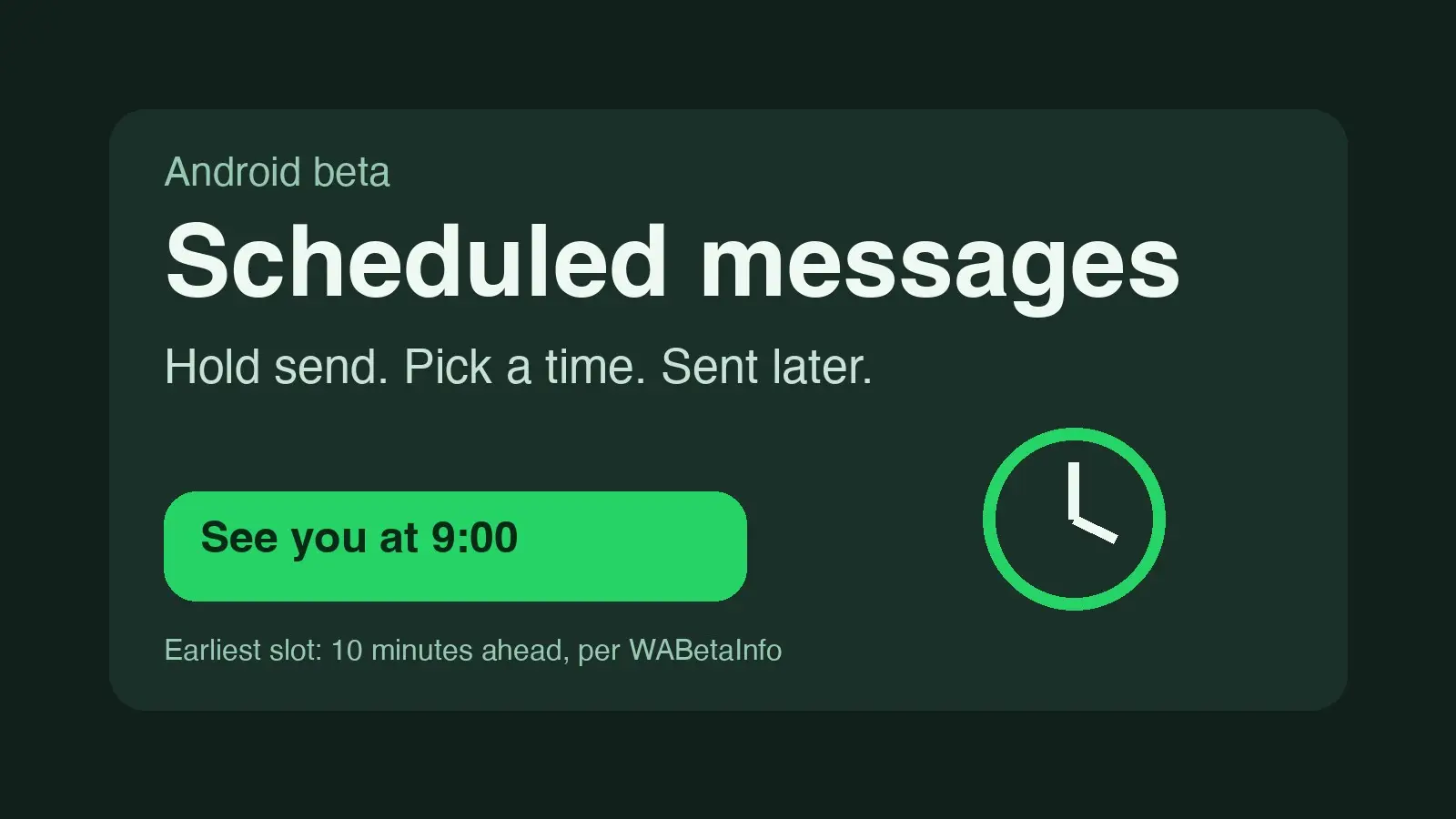
WhatsApp is rolling out scheduled messages to some Android beta testers, according to WABetaInfo, the site that tracks WhatsApp betas. Testers can write a message, then send it later at a time they pick. WABetaInfo says it works in individual and group chats.
WABetaInfo found the feature in WhatsApp beta for Android 2.26.40.7, available on the Google Play Store. It says the rollout is limited and should reach more people over the coming weeks.
How it works, per WABetaInfo
- Scheduling: type a message, then tap and hold the send button. A sheet lets you choose when it goes out. WABetaInfo says WhatsApp then sends it at that time, even if the app is closed or the device is offline.
- What you can schedule: text, links, photos and videos, one photo or video at a time. WABetaInfo says it also works from the drawing editor, and is compatible with end-to-end encryption.
- How far ahead: at least 10 minutes from now and up to two weeks, per WABetaInfo.
- Managing them: scheduled messages appear in the chat info screen, where you can see and delete them before they send. WABetaInfo says the recipient is not notified of a deleted one.
- Groups: only members in the group when you schedule it get the message, WABetaInfo says. Anyone who joins later does not.
- Recipients: WABetaInfo says people can receive scheduled messages even if the feature is not yet available on their own phone.
What we could not confirm
We found no official announcement from WhatsApp or Meta, and no Help Center page for it. Everything above is WABetaInfo's account; we did not test the feature. WABetaInfo's rollout post covers Android beta only. Stuff reported in February that WABetaInfo had spotted a Scheduled Messages feature in development in an iOS beta; we found no iOS rollout and nothing on the stable app.
How to try it
This is a gradual beta rollout, so installing the beta may not turn it on. WABetaInfo says it is for some testers and more over the coming weeks.
- If beta enrollment is open on WhatsApp's Google Play listing, join and update to the latest beta.
- Open a chat, type a message, and tap and hold send.
- If a time picker appears, you have it. Access is not guaranteed; if it is missing, check again after later updates.
Joining a beta means running unfinished software, and beta features can change or be pulled.