Google began rolling out stable Android 17 to Pixel 6 and later in June 2026 (GSMArena reported it on June 17). This guide covers six Android 17 features Google highlights, how to find each one, and who has the update now.
Motion Assist adds subtle, moving bubbles along your screen edges that sync with a vehicle's motion to help reduce motion sickness while you read, browse, or watch as a passenger. Google says it requires Android 17 and updated Google Play Services. The Settings path from Google: open Settings, tap your profile, then All services, then under "Personal & device safety" tap Motion assist. You can set it to start automatically in a moving vehicle, add a Quick Settings tile (small or large), and customize opacity, color theme, shape, and randomization. Google notes results vary, it may not work for all users, and a small percentage may experience worsened symptoms; stop use if you feel discomfort. Do not use while operating a vehicle.
Screen Reactions lets you create screen recordings that capture both your screen and your front-facing camera at the same time, so you can react to videos, articles, or comments in real time. Google's feature page said it was "coming first to Pixel devices this summer"; GSMArena lists Screen Reactions among the features in the stable Android 17 update for Pixel.
How to try it: Google gives no menu path. Once your Pixel is on Android 17, open the screen recorder from Quick Settings and check whether a front-camera option appears. If it does not, the feature has not reached your phone yet.
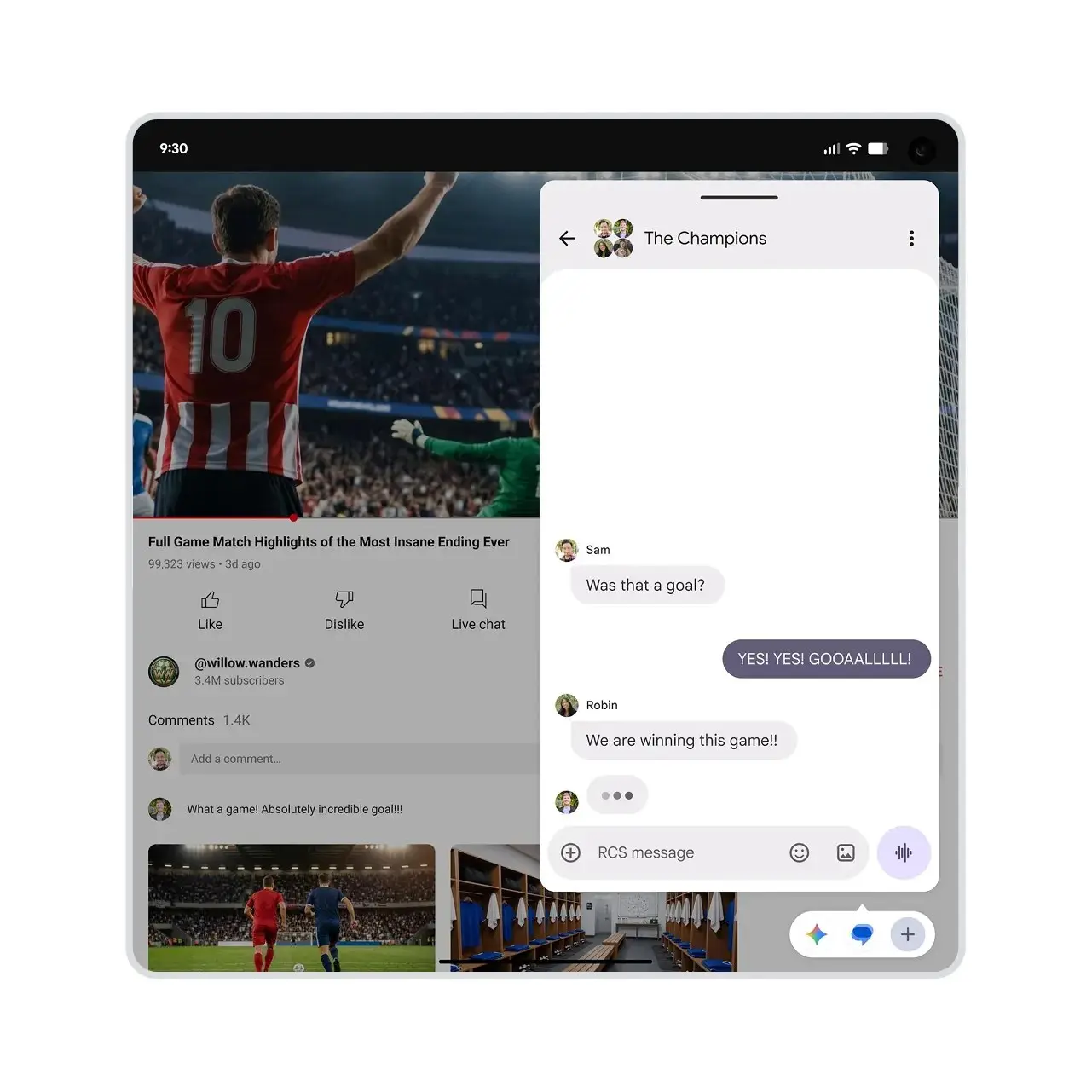
Bubbles expands the notification bubble system beyond chat apps. You can now open and switch between more than two apps in bubbles, and a new bubble bar interface is introduced for foldable devices. Google's page gives no Settings path for this feature.
How to try it: Open an app's notification and look for a bubble option, or open a chat notification you already bubble. If you have a foldable, check for the new bubble bar. Google does not say where the switch lives.
Location Button lets you choose which apps use your location and for how long. Google describes it as a simple press of a button. Google's page gives no Settings path for this feature.
How to try it: The next time an app asks for your location, look for the one-press button in the permission prompt and pick how long to share. To review what you granted, open Settings, search "Location" and check app access.
Mark as Lost in Find Hub locks your device so it cannot be unlocked without your fingerprint or Face Unlock. Google Wallet details are automatically removed, and personal data and settings are disabled. This is an enhanced security feature in Find Hub. Google's page gives no Settings path for this feature.
How to try it: Mark as lost lives in Find Hub, so open the Find Hub app (or Google's Find Hub site) and select your device. Do this before you need it, so you know the option is there. Google does not publish the exact menu wording.
Improved Gaming Controls lets you remap gamepad controls to customize your gaming experience. On foldable devices, dedicated controls can turn the device into a gaming machine. Google's page gives no Settings path for this feature.
How to try it: Connect a gamepad to your phone, then search Settings for "controller" or "gamepad" to look for remapping. Google does not say where remapping lives.
Also in the update, per 9to5Google and Droid Life: Android 17 QPR1 adds a Keyboard Quick Settings tile to switch keyboards quickly; a "Do not ask me again" checkbox for the mobile data prompt; screen recording now defaults to the last-used app instead of the entire screen; a stashed media player in Quick Settings for multiple media apps; predictive back, or a close approximation, in Quick Settings; and screen saver enhancements that let you select multiple screen savers (such as Home Controls and Photos) and swipe between them. Droid Life notes the screen saver change is in QPR1.
Why it matters
Several of these features are Pixel-first or require Android 17 specifically. The practical question is whether your phone is in the current wave of the rollout.
Who has Android 17 now
As of October 12, 2026:
- Pixel phones: Stable Android 17 began rolling out to Pixel 6 and later in June 2026 (GSMArena, June 17). 9to5Google reports the September 2026 QPR1 release followed with the September patch, and the October 2026 patch is now rolling out to Pixel 6 through Pixel 11 series (9to5Google).
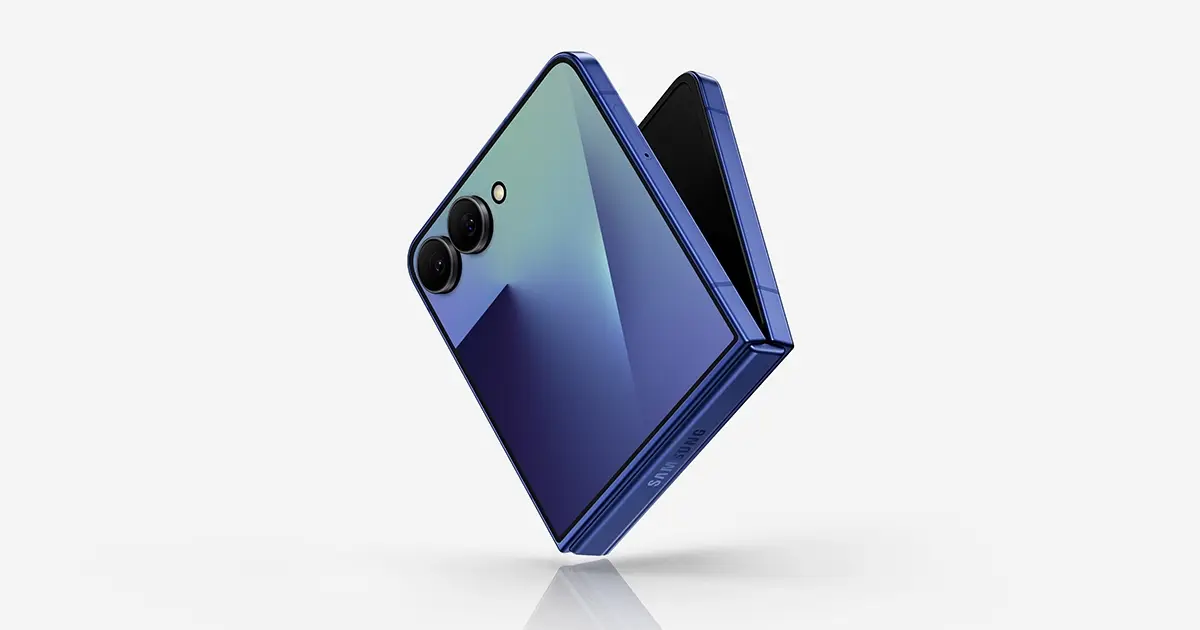
- Samsung Galaxy: One UI 9 (based on Android 17) is rolling out. Droid Life reports the S26 series rollout has begun, with US carrier-locked T-Mobile units among the first. AT&T, Verizon, T-Mobile, Google Fi, and unlocked models are also receiving it. For the full Samsung rollout picture, see our guide: One UI 9 features worth turning on.
- Other OEMs: 9to5Google reports Motorola is rolling out Android 17 to more devices including the Razr Ultra (2026), Honor has detailed its MagicOS 11 device list, and Sony says only five Xperia phones will get it. 9to5Google says the Motorola update appears to be starting in the US, with the Razr Ultra (2026), Edge 60 Fusion, Edge 60 Pro and Motorola Signature updating in recent days. The Honor and Sony reports do not say whether those rollouts have reached the US.
Check manually for updates in Settings (path varies by device and carrier).
What we could not confirm
We did not test any of these features ourselves. Only Motion Assist has a Google-published Settings path. For the other five, our "How to try it" lines are where to look, not Google-confirmed menu names, and we could not confirm they are live on every Android 17 device. Treat the list above as a starting point, not a guarantee.