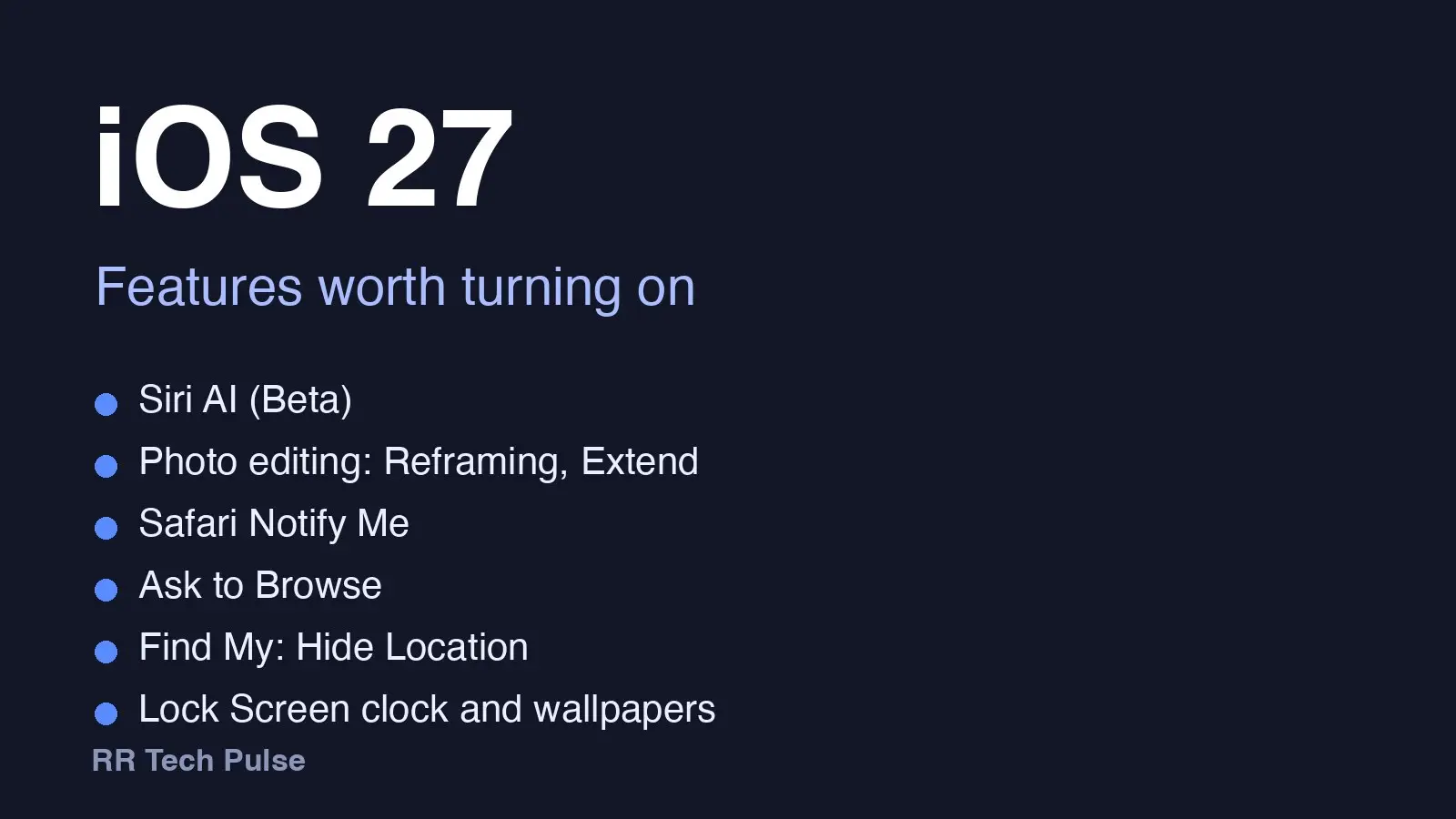
Apple released iOS 27 on September 14, 2026. A bug-fix update, iOS 27.0.1, followed on September 28 (9to5Mac). Here are six features worth turning on, and which iPhones get them. We did not test them ourselves, so every step comes from Apple's pages or from 9to5Mac's coverage.
Siri AI (Beta) is a rebuilt, conversational Siri powered by Apple Intelligence. Apple says it understands personal context across messages, emails and photos, answers questions about what's on your screen, and takes actions in apps. A dedicated Siri app syncs your conversations through iCloud.
How to try Siri AI: after updating, go to Settings > Siri > Try Siri AI (Beta); if Siri is off, tap Turn On Siri first (Apple Support). Follow the onscreen steps to pick a voice, complete voice enrollment and review your privacy settings. That puts you on a waitlist, and wait times vary.
Siri AI needs an iPhone 15 Pro or 15 Pro Max, any iPhone 16 model or later, or iPhone Air. The standard iPhone 15 and 15 Plus are not on Apple's list. Device and Siri language must be set to the same supported language. Siri AI is not available on iPhone in the EU, and it does not currently work with an Apple Account region in mainland China (Apple).
Photo editing with Spatial Reframing, Extend and Clean Up lets you reframe a photo after it's taken, expand the shot, and remove larger objects. Apple lists these as Apple Intelligence tools and says usage limits may apply.
Apple does not publish a menu path, so open a photo in Photos and look in the edit tools. 9to5Mac adds that Extend also shows up when you set a photo as a Lock Screen wallpaper that doesn't fit your screen.
Safari Notify Me watches a page for changes, such as a price change or a restock, and alerts you when it's time to act. Safari can also group tabs into topics automatically (Apple). Apple does not publish steps for either, so look for them in Safari itself.
Ask to Browse makes children request permission before opening a new website, and parents can review the request in Messages (Apple).
It arrives with the redesigned Screen Time, which also adds Time Allowances for categories like Social Media, Entertainment and Games, and Communication Safety that now covers gore and violence as well as nudity.
Every device in the Family Sharing group must run iOS 27, iPadOS 27, macOS 27, watchOS 27 and visionOS 27 for the Screen Time update to work. Apple does not publish a Settings path. Apple says parental controls in Settings have an all-new design, so look there.
Find My Hide Location is the one for people who share their location. 9to5Mac says each person's card gets a "Hide Location" toggle, so you can pause sharing with one person without a notification and without hiding from everyone else.
Apple also describes sharing for a custom duration or until a set date and time. Open Find My and look at the person's card.
Lock Screen changes (9to5Mac) include moving the clock up to the top row of widgets, swiping away the Now Playing widget without stopping playback, and generating a wallpaper with Image Playground from the wallpaper picker. Extend, mentioned above, can fix a photo that doesn't fit.
Why it matters
Most of the headline features need Apple Intelligence, which Apple says runs on iPhone 15 Pro and Pro Max and all iPhone 16 models and later. The child safety tools need every family device updated. Check your model before expecting everything.
Who can get iOS 27
Apple lists iOS 27 as compatible with these iPhones: iPhone Duo; iPhone 18 Pro Max and 18 Pro; iPhone 17 Pro Max, 17 Pro, 17 and 17e; iPhone Air.
Also compatible: the iPhone 16, 16 Plus, 16 Pro, 16 Pro Max and 16e; the iPhone 15 family; the iPhone 14 family; the iPhone 13 family; the iPhone 12 family; the iPhone 11, 11 Pro and 11 Pro Max; and iPhone SE (2nd generation and later).
To update, go to Settings > General > Software Update (9to5Mac).
iOS 27.0.1 fixes an iPhone 18 Pro Face ID restart issue and a Notification Center and Control Center touch problem that affects all models, per Apple's release notes quoted by 9to5Mac.
What we could not confirm
We did not test these features. Apple publishes a Settings path only for Siri AI. For the others, we point you to the app, not to confirmed menu names. Siri AI is rolling out in English and by region, so it may not be available to you yet. Some features may differ by region, language or model.