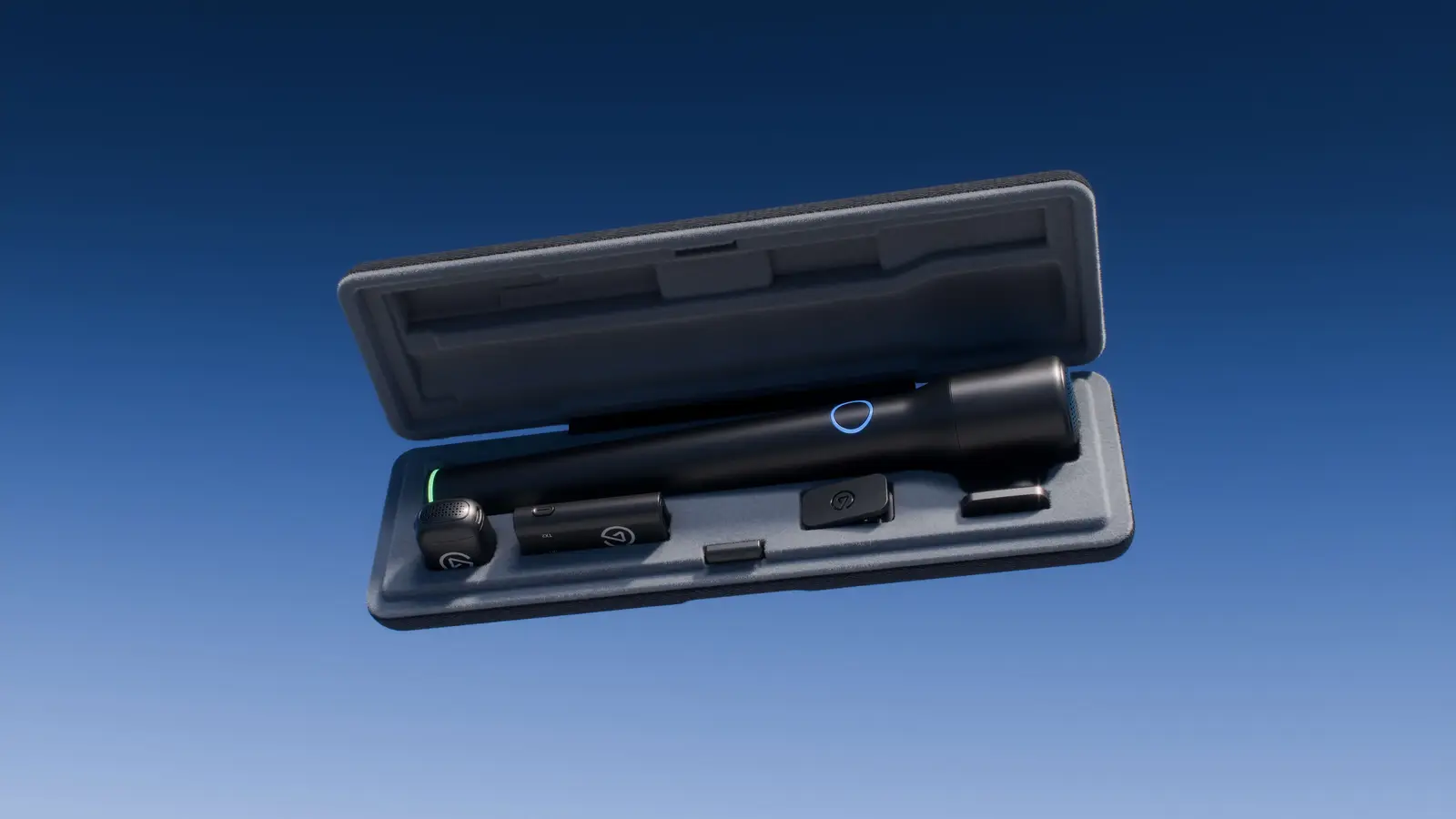
Elgato built its name on desk and streaming gear: the Wave desk microphones, Stream Deck, capture cards. The Wave Go, $99.99, is its first wireless microphone, and a direct shot at DJI's Mic Mini. It is a clip-on transmitter that also becomes a handheld, aimed at people who film with a USB-C phone.
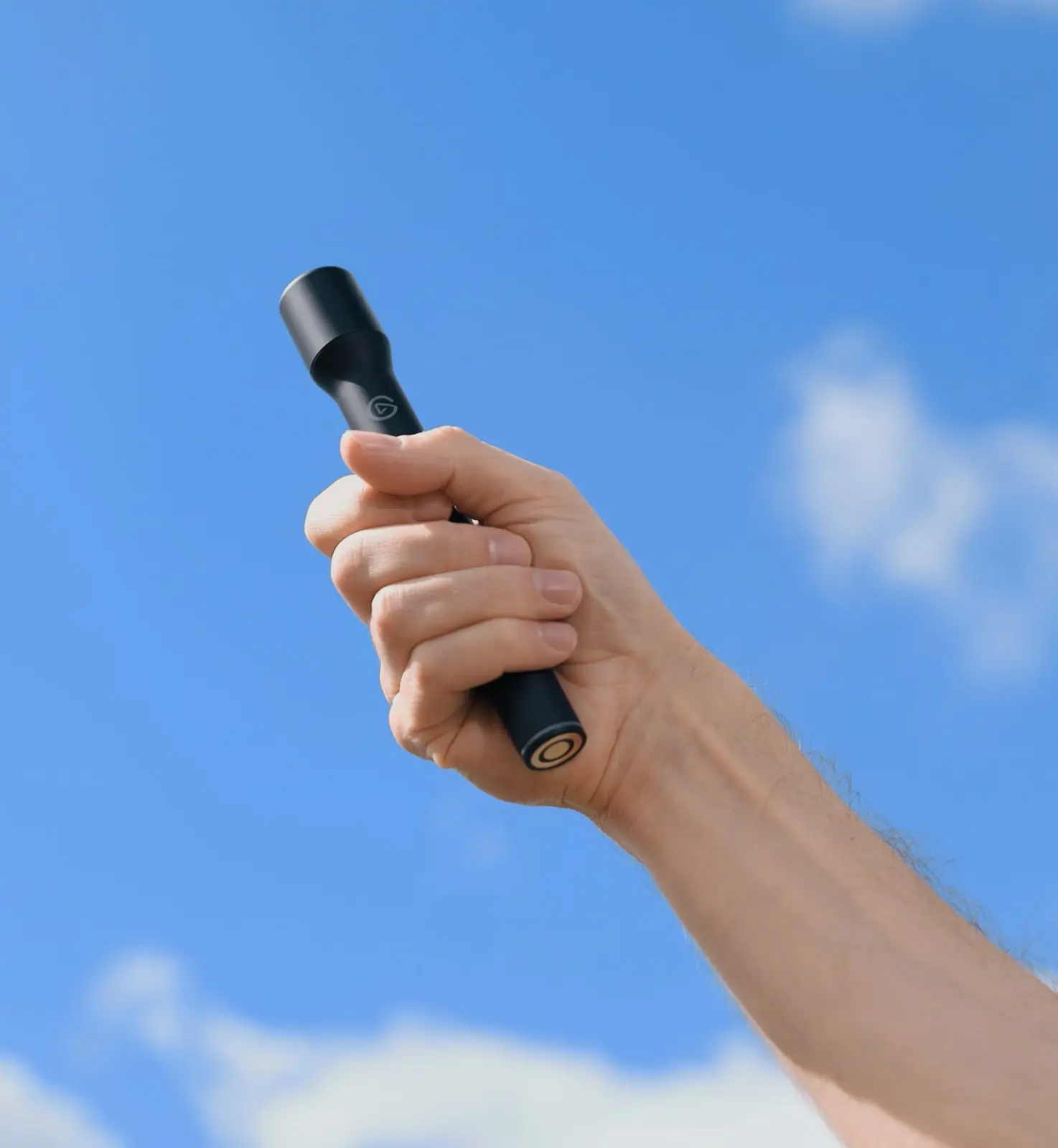
The pitch is one mic with two jobs. It clips to a collar for walking shots, then slots into the Smart Handle in the box and is held out for an interview.
One transmitter, worn or held
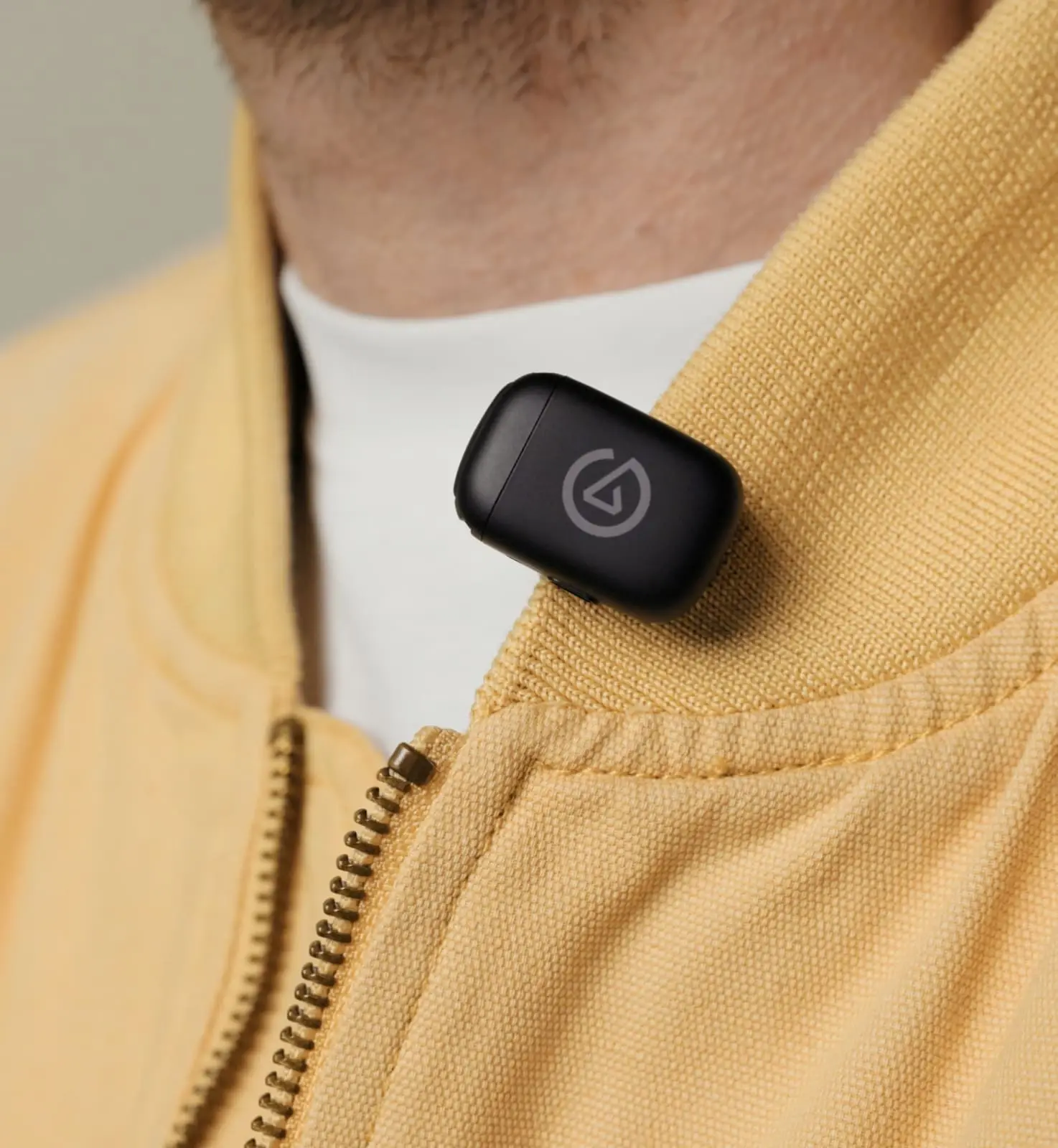
The transmitter is 20 x 29 x 12 mm and weighs 7 g, about the footprint of a postage stamp and a little over a centimetre thick. Clip it to clothing and it mostly disappears.
For interviews it docks into the Smart Handle, which is 180 mm long and 62 g, and becomes a stick mic. The dock also charges it.
It talks to the receiver over a dedicated 2.4 GHz link, not Bluetooth, which is used only for the companion app. Elgato quotes about 30 m of range and 24 ms of latency or less, the delay between your voice and the receiver.
It plugs into USB-C, and nothing else
The receiver plugs into a USB-C phone or computer and passes through up to 5 W of charging; on a computer it works with Elgato's Wave Link software on Windows 11 or newer and macOS 15 or newer. It is not for Lightning iPhones, and Elgato's FAQ says it is not made for direct use with DSLR or professional cameras.
Per Elgato's FAQ, the receiver's button toggles noise cancellation, with three levels set in the app; double-pressing the handle's button starts recording on a connected phone. Auto Gain is built in. Battery is about 8 hours on the transmitter, a 10-minute quick charge gives about 1 hour, and the handle stretches that to about 48 hours in total (Elgato's summary line says 40).
What the box leaves out
The Wave Go has no onboard recording, so the mic sends audio live and keeps no backup. If the link drops, that audio is gone.
The box holds one transmitter. A second is a separate add-on shown as "Shipping soon", and Elgato's page lists both $29.99 and $14.99 for it.
On iPhone, the app was "In review with Apple" on Elgato's page, so gain and noise-level controls may not be there yet. An Android 8.0 or newer app exists.
DJI's Mic Mini costs less, when it is in stock
DJI's own US store lists the Mic Mini at $59 for one transmitter and one receiver, and $99 for two transmitters, one receiver and a charging case. Elgato's $99.99 buys one transmitter, the handle, the case and two windscreens.
So DJI is cheaper for one mic and gives you two at about the same money as Elgato's kit. DJI also quotes up to 400 m of range and about 11.5 hours on a transmitter, against Elgato's 30 m and 8 hours, though both are maker figures from the best conditions. Elgato's answer is the handle and the case. DJI also sells a Lightning adapter at $19 and Lightning bundles from $78; Elgato offers neither.
Buy it, or buy DJI's
We have not tested the Wave Go, so this is a judgment from the specs, and sound quality is unheard.
Buy it if you shoot on a USB-C phone, want clip-on for walking shots and a handle for interviews in one kit, and already use Elgato software.
Skip it if you shoot on cameras or want two mics for $99. DJI's Mic Mini is the practical alternative there, and its $59 kit is the cheap way to find out whether a wireless mic suits you once it is back in stock. If you shoot on a Lightning iPhone, only DJI offers a way in, through its $19 Lightning adapter.
Prices and stock come from Elgato's and DJI's US stores, checked at 11:09 and 11:10 a.m. ET on Oct. 13. Elgato showed the Wave Go in stock with delivery by Oct. 19; every DJI configuration was marked "Out of stock".