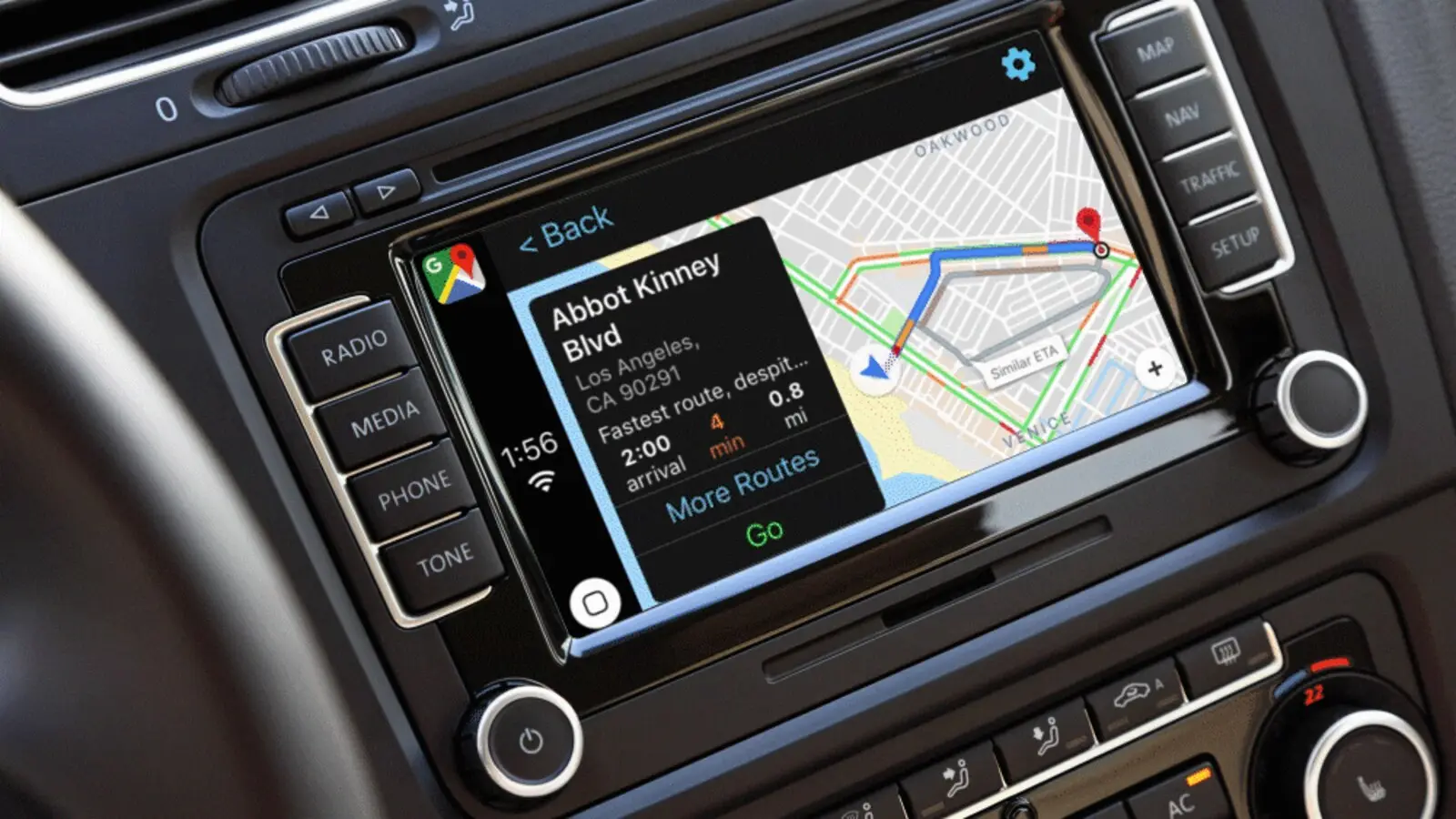
Gemini began rolling out in navigation in Google Maps on Apple CarPlay on Oct. 21. A Gemini icon appears on the car display, and you tap it to talk hands-free.
Where it is and what it does
The Gemini icon sits on the right edge of the Maps screen. Google describes the feature, in wording quoted by Engadget, as "a conversational way to find stops on-the-go" that also covers traffic reports and place information.
How to use it
Tap the Gemini icon and speak. Examples from the launch coverage show you can:
- Ask multi-step questions and follow-ups.
- Give commands, such as starting navigation that avoids tolls.
- Report traffic disruptions by voice, for example "I see an accident" or "Watch out for that slowdown."
- Ask about places, such as "What park is famous for gorgeous views overlooking the city?"
Who gets it
The feature is available now in the US, with a global rollout underway, according to 9to5Google. Google's materials do not list the iOS version needed or the supported languages.
A first for CarPlay
The same report calls it a first: "This is the first time Google Maps is offering voice assistant functionality in CarPlay." Until now, Google Assistant worked only when you used Maps navigation on the iPhone itself.
Google announced Gemini in navigation for Android and iOS in a November 2025 post. That post said Android Auto was "on the way" and did not mention CarPlay.
Why it matters
CarPlay drivers who prefer Google Maps no longer have to pick up the phone to ask about a stop or flag a hazard. The trade-off is that the assistant is limited to Maps navigation. It is not a replacement for Siri across the rest of CarPlay.
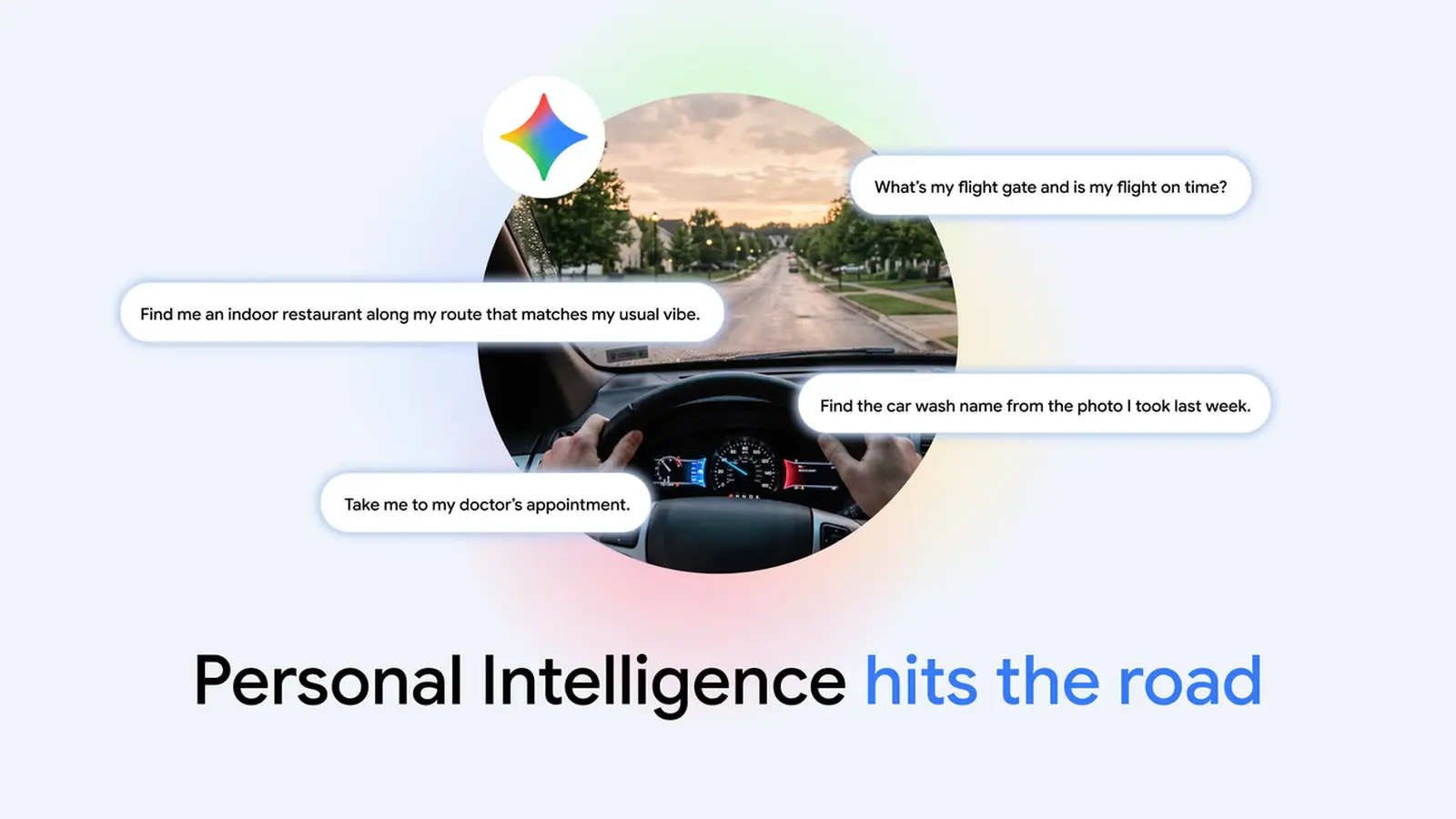
It also does not carry everything Google offers in cars. Personal Intelligence, which lets Gemini draw on Gmail, Calendar and other Google apps, began reaching Android Auto on Oct. 20, with cars that have Google built-in due in the coming months. It is not part of the CarPlay rollout.
Not sure which car system you have? Our guide to Android Auto versus Android Automotive and Google built-in explains the differences.
What is not known
- Which iOS version and which languages the CarPlay feature supports.
- Exactly when the rollout reaches every region.