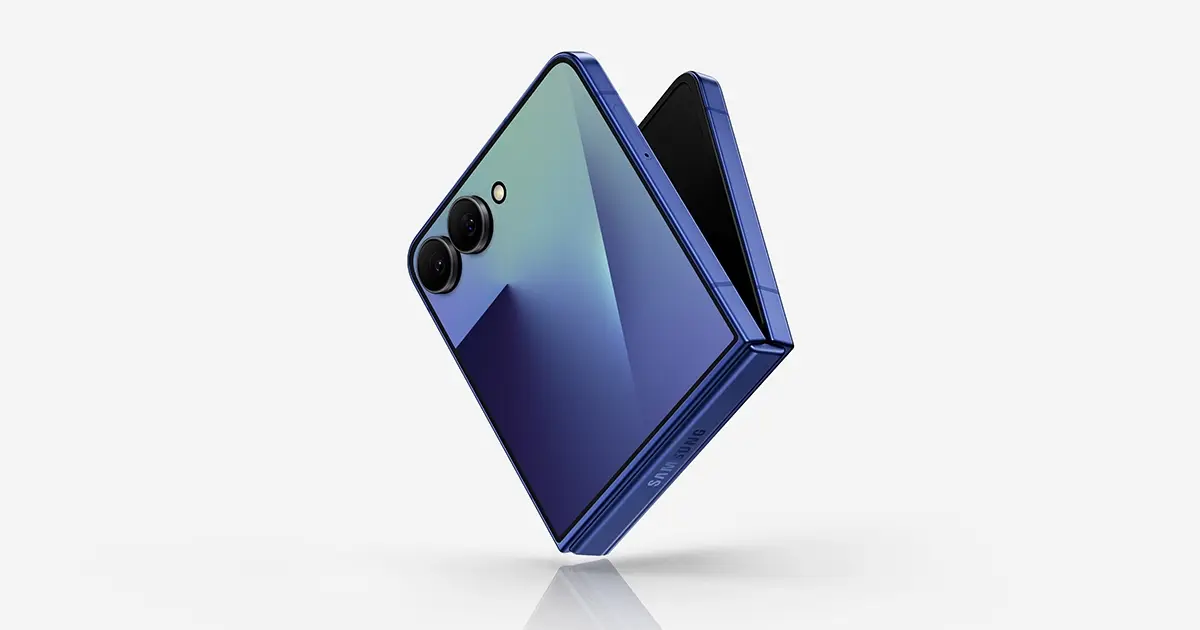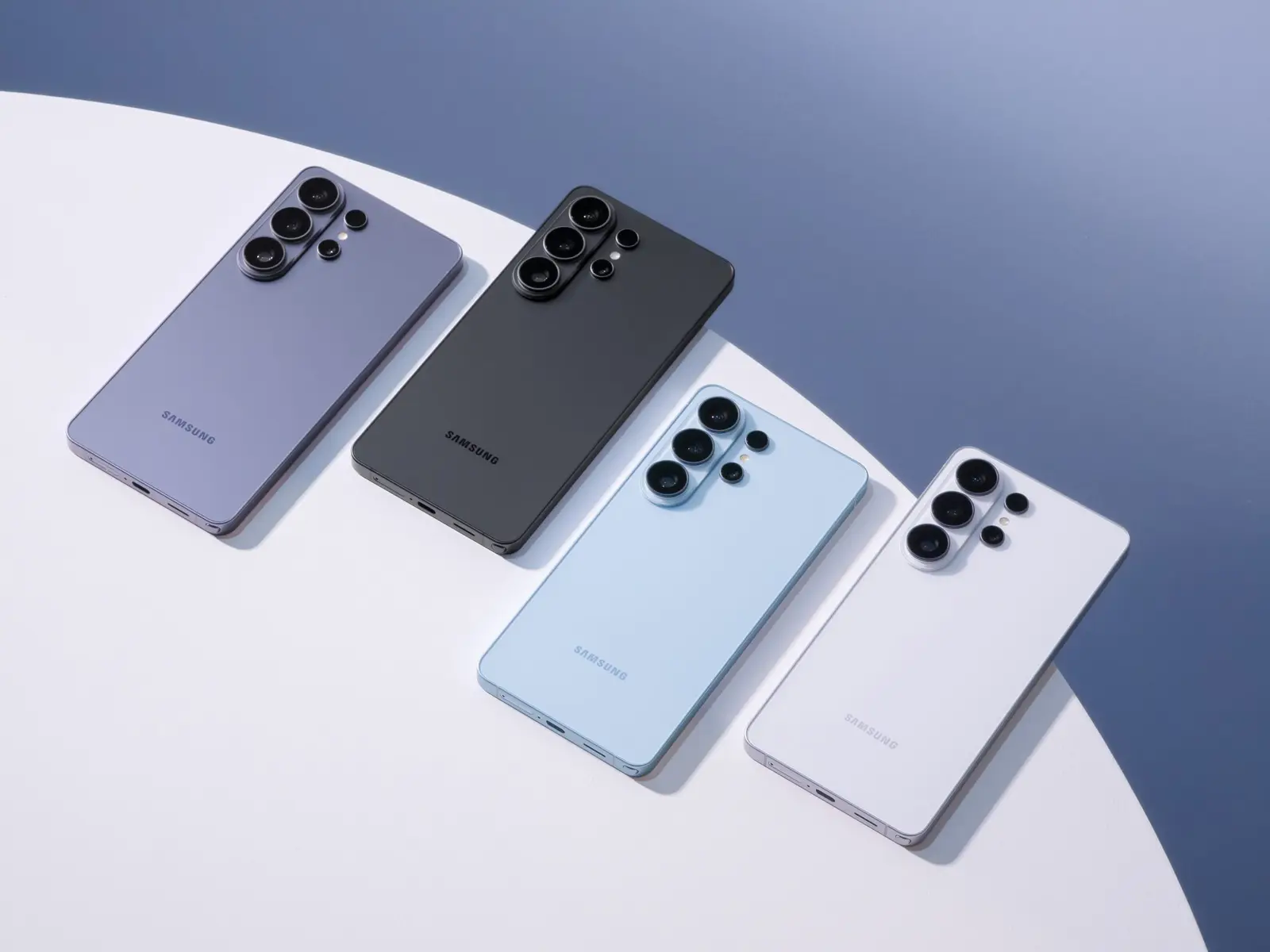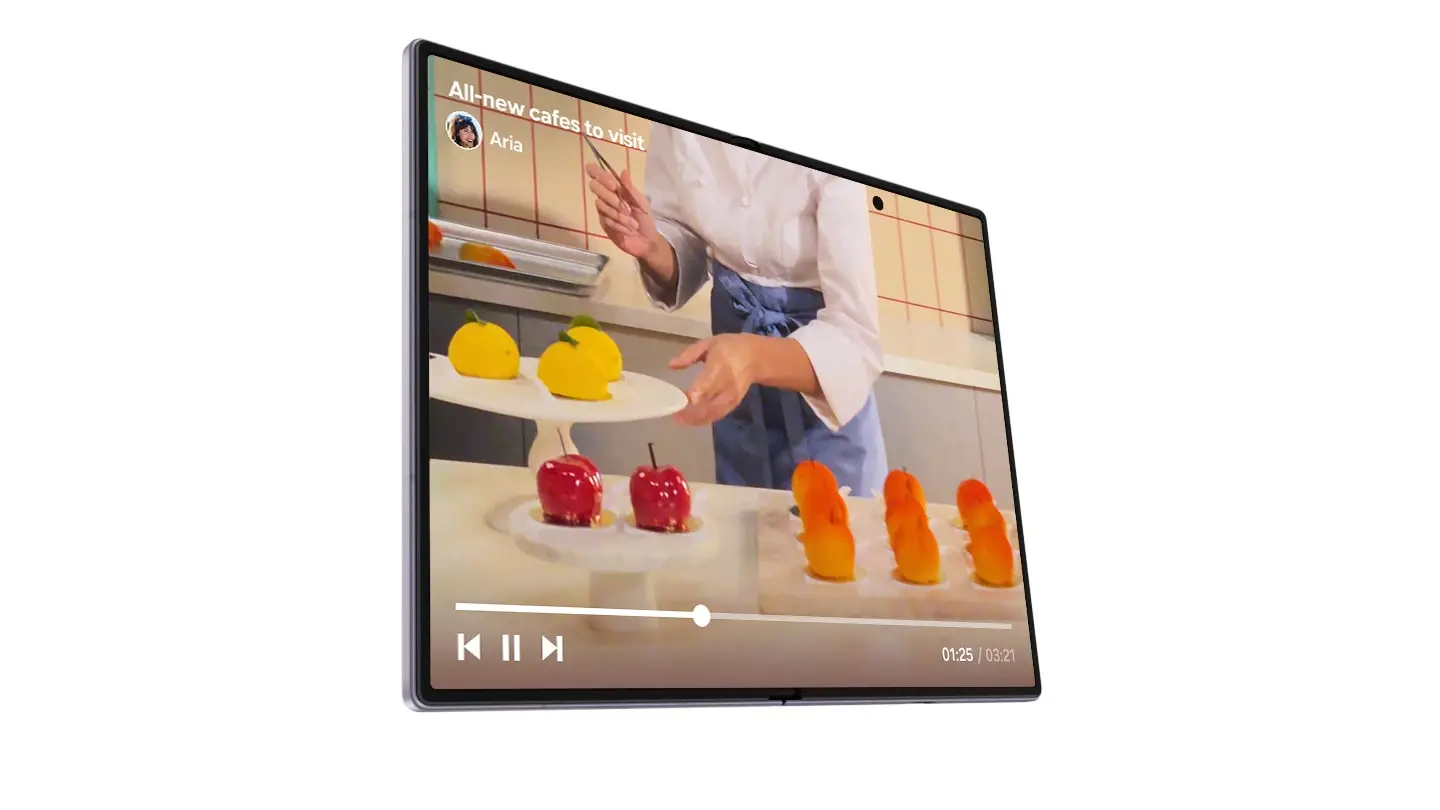
Samsung's One UI 9 is rolling out to Galaxy phones in the US. This guide covers six features worth turning on once the update reaches your phone.
My FanCam is a Galaxy AI feature that turns a wide recorded video into a subject-tracking crop. Open Gallery, select a video, tap the Galaxy AI icon, then select the person. It needs a Samsung Account login and does not work when there is no subject to track. Engadget says S24 is the oldest series that has it, tested it on the Galaxy S26 Ultra and S25 Ultra, and said it worked in airplane mode.
Now Brief custom cards are editable generative cards for health, weather and video. They power personalized, customizable daily briefings, but a Samsung Account login is required. There are daily limits on generating and editing cards, and Samsung says availability varies by device model. Samsung's page does not give a Settings path.
Security Brief flags apps with suspicious permission use and feeds alerts into Now Brief. Samsung says AI Privacy Alerts flag apps that overuse location or request background permissions, but they do not catch every risk.
Engadget says to turn on the "Security and privacy" toggle in Now Brief settings, and that it may false-flag apps installed outside the Play Store. Engadget says Samsung lists support back to the Galaxy S23 series.
Document scanning straightens curved book pages, fixes folded corners and improves the finger eraser. Engadget adds that there is a new home screen shortcut, and that a full two-page book spread stumped it. Neither source gives a Settings path.
Quick Panel customization, per Engadget, lets you resize the brightness and volume sliders and the media player, and separate the sound button from the slider. Engadget gives no Settings path.
Now Nudge is optional. It adds contextual prompts in Samsung Messages, Google Messages and Google Chat. It needs a Samsung Account login, and Samsung says it may vary by country, region and language. Engadget found it had not shown anything useful in testing.
Also in the update, per Droid Life: an expanded rollout of scam call detection; structured Voice Recorder summaries, with headings and tables instead of a wall of text; and Warranty & Care in Settings, where you can view warranties across linked Galaxy devices, run diagnostics, get repair estimates and schedule service.
Why it matters
Several of these need a Samsung Account login, and some need a setting turned on first. The practical question is whether your phone is in the first wave of the US rollout.
Who has One UI 9 in the US now
As of October 10, 2026:
- The Galaxy Z Fold8 Ultra, Z Fold8 and Z Flip8 ship with One UI 9 (Samsung), as does the Galaxy S26 FE (How-To Geek).
- Galaxy S26, S26+ and S26 Ultra: Droid Life says the rollout began September 16, and Samsung usually starts in Korea a few days before the US. Carrier-locked T-Mobile units were first in the US, per reports on September 23-24. On September 28, Droid Life said owners on AT&T, Verizon, T-Mobile, Google Fi and unlocked models report receiving it; the unlocked builds are S948U1UEU4BZID and S948U1OYM4BZID, about 4GB. The rollout is phased: rolling out, check your carrier.
- Galaxy S25 series, Z Fold7 and Z Flip7: a How-To Geek update note (October 6) says they are receiving it in the US; Engadget tested on an S25 Ultra.
- Galaxy S24 series, Z Fold6 and Z Flip6: How-To Geek says home market only for now, with US expansion expected within days (an expectation, not a confirmation); Android Police lists S24 and S23 as undated toward the end of 2026.
- Galaxy S22 series and S21 FE: not getting One UI 9 (Android Police).
- Check manually: Settings > Software update > Download and install (Droid Life, Android Police and How-To Geek give this path).
What we could not confirm
We did not check any carrier page ourselves, and we did not test these features. Availability varies by model, country, language and carrier, so treat the list above as a starting point, not a guarantee.