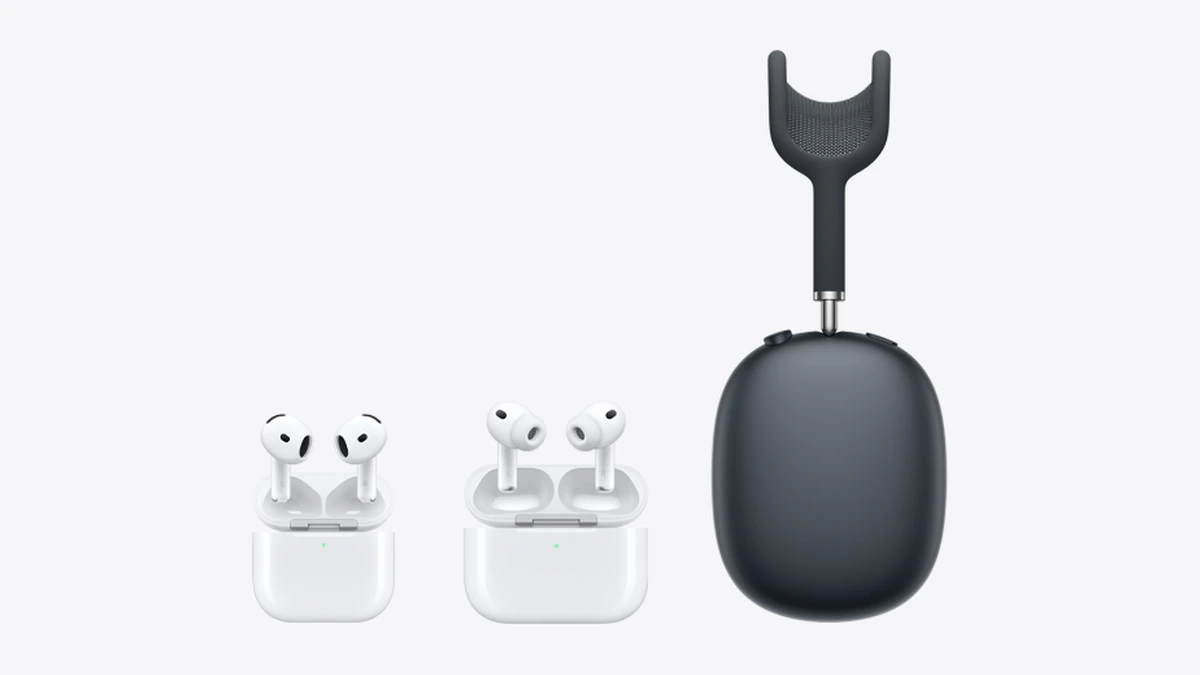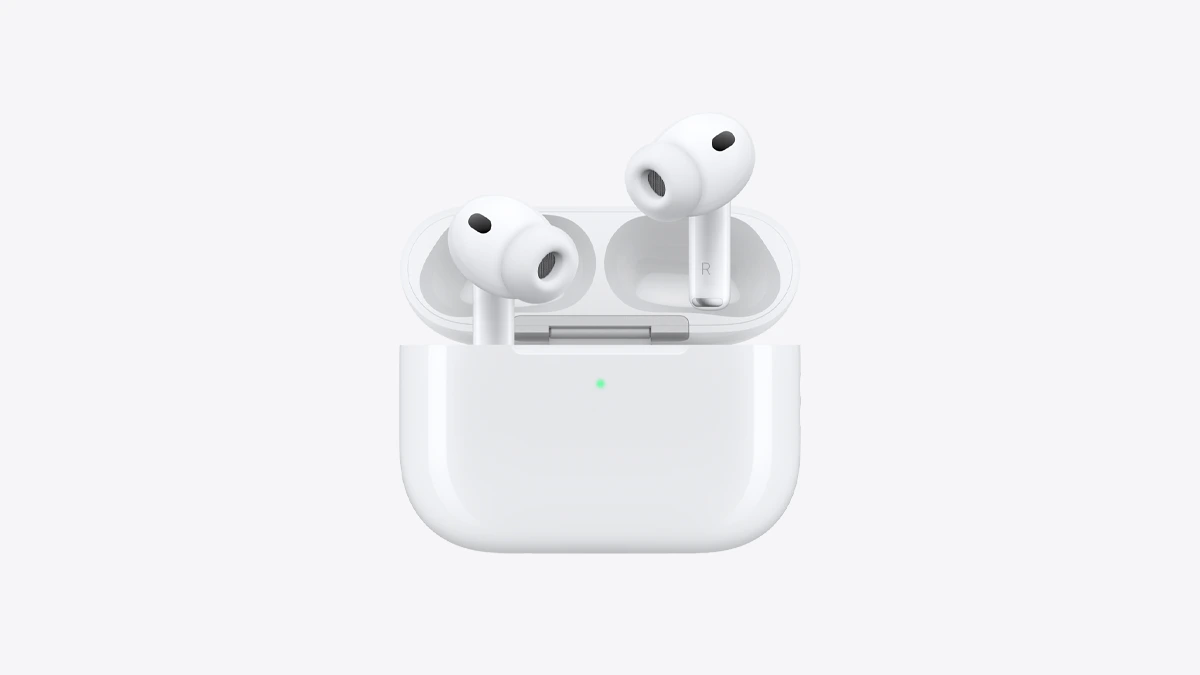
Reviewers say a full earbud charge takes 20 minutes to about an hour, and the case an estimated one to two hours over a cable: SoundGuys and iPhone Life put the earbuds at about an hour, while Anker's table says 20 to 30 minutes. Apple's own figure is the quick charge: on most current models, 5 minutes in the case gives around 1 hour of listening or battery life. The table below has that number for each model, with battery life per charge for context.
How long to a full charge
Apple publishes only the quick-charge figures, not a time to full. Reviewers and accessory makers have put numbers on it:
- Earbuds: SoundGuys says 3rd-generation AirPods and AirPods Pro take an hour to charge fully, and iPhone Life says AirPods 3 and AirPods Pro 2 take up to an hour. Anker puts it at 20 to 30 minutes.
- Case over a cable: Anker says about one to two hours. SoundGuys says about an hour from empty with a charging cable.
- Case on a 5W wireless pad: Anker says around 2.5 to 3 hours. SoundGuys says wireless takes about 30 minutes longer than a cable.
- AirPods Max: SoundGuys estimates about 2 hours, and iPhone Life says up to 2 hours.
These are third-party estimates, not Apple specifications.
AirPods charge times by model
All figures are Apple's, from its compare page and spec pages. The AirPods 4 and AirPods 3 rows come from the compare page alone. Apple says battery life depends on device settings, environment, usage and other factors.
| Model | Earbuds, one charge | With case | 5 minutes in the case | Case charging |
|---|---|---|---|---|
| AirPods Pro 3 | Up to 8 hours with ANC (7.5 with Spatial Audio and Head Tracking) | Up to 24 hours | Around 1 hour | MagSafe, Apple Watch charger, Qi, USB-C |
| AirPods 5 (USB-C case) | Up to 4 hours with ANC, 6 with noise control off | Up to 20 hours with ANC | Around 1 hour | USB-C |
| AirPods 5 with Wireless Charging Case | Up to 5 hours with ANC, 7 with noise control off | Up to 22 hours with ANC | Around 1 hour | USB-C, Apple Watch charger, Qi |
| AirPods 4 | Up to 5 hours, noise control off | Up to 30 hours | Around 1 hour | USB-C |
| AirPods 4 with ANC | Up to 4 hours with ANC | Up to 20 hours | Around 1 hour | USB-C, Apple Watch charger, Qi |
| AirPods Pro 2 (USB-C case) | Up to 6 hours with ANC | Up to 30 hours | Around 1 hour | MagSafe, Apple Watch charger, Qi, USB-C |
| AirPods 3 (Lightning or MagSafe case) | Up to 6 hours | Up to 30 hours | Around 1 hour | Lightning or MagSafe |
| AirPods Max 2 | Up to 20 hours with ANC | n/a | Around 1.5 hours | USB-C |
The AirPods Max 2 row is a pair of headphones, so "5 minutes" means 5 minutes of charging, not 5 minutes in a case. Apple says storing them in the Smart Case, which is for storage only and does not charge them, puts them in an ultra-low-power state to preserve charge. AirPods Max 2 have no charging case.
What the numbers mean
The quick-charge figure is the practical answer to "how long do I need?" Apple tested it with drained earbuds charged for 5 minutes, then played audio until the first earbud stopped. If you are late and your earbuds are flat, five minutes in the case buys roughly an hour on AirPods Pro 3, AirPods 5 and the others above.
The "with case" column is the total across the earbuds plus the case's stored charge, measured by Apple through repeated discharge and recharge cycles. It is how long a case and earbuds last before you need a cable or pad, not how long a recharge takes.
Which AirPods charge wirelessly
Per Apple, the case of the AirPods 5 with Wireless Charging Case works with a USB-C cable, an Apple Watch charger or a Qi-certified charger. Apple lists the same wireless options for AirPods Pro 3 and AirPods 4 with ANC, while the standard AirPods 4 and the USB-C AirPods 5 case charge over USB-C. AirPods Pro 3 and AirPods Pro 2 cases also work with a MagSafe charger.
For a wireless case, Apple says to place it on the charger with the lid closed and the status light facing up. The light then shows the charge level for 8 seconds. For cable charging, Apple says a charger meant for iPhone or iPad, or a Mac, is the fastest source, and you can charge the case with or without the AirPods inside.
How to check the charge
- Status light: green means fully charged, amber means less than a full charge. With the lid open and AirPods inside, the light shows the AirPods; with them out, it shows the case. No light means the AirPods need charging before use.
- Pulse under 95%: on newer models with the latest firmware, the light briefly pulses amber when the AirPods or case are below 95%.
- iPhone or iPad: open the case or take the AirPods out near the device, then go to Settings, Bluetooth, tap the info button beside the AirPods. On a Mac, use Control Center, Sound.
- Alerts: you get notifications at 20%, 10% and 5%, and the AirPods chime at 10%.
Why AirPods Pro 3 may not reach 100%
Apple says AirPods Pro 3 have Optimized Charge Limit, on by default with iOS or iPadOS 26 or later, which sets a charge limit that adapts to your usage. Optimized Battery Charging, for AirPods Pro and AirPods 3 or later, delays full charging until just before you need them. Both are under Settings, your AirPods, Battery, and can be turned off. If you want a full charge on AirPods Pro 3, Apple says to turn Optimized Charge Limit off.
If your AirPods won't charge
Apple's steps, in its order:
- Put the AirPods in the case, close the lid and connect a cable. Charge for at least 15 minutes. For AirPods Max, charge for at least 5 minutes with the included cable.
- Check the cable is firmly seated at the case and the adapter, and that the adapter is in a working outlet. For a wireless case on a Qi charger, reposition the case if the light stays off, and plug the charger's power source straight into a wall outlet.
- Check the charge level on your iPhone, iPad, Mac or the case.
- Clean debris out of the charging case's port.
- Reset the AirPods. This erases custom settings, which you will need to set up again.
- If it still fails, use Apple's "Get suggestions" tool.
Apple says not to charge AirPods when wet, as covered in our guide on whether AirPods are waterproof.
Which AirPods last longest per charge
On Apple's figures, AirPods Pro 3 last longest per charge among the earbuds, at up to 8 hours with ANC, and AirPods Pro 2, AirPods 4 and AirPods 3 have the largest case totals at up to 30 hours. The AirPods Pro 3 listing write-up covers that model's other features, and AirPods Max 2 has the longest single-charge figure, at up to 20 hours.