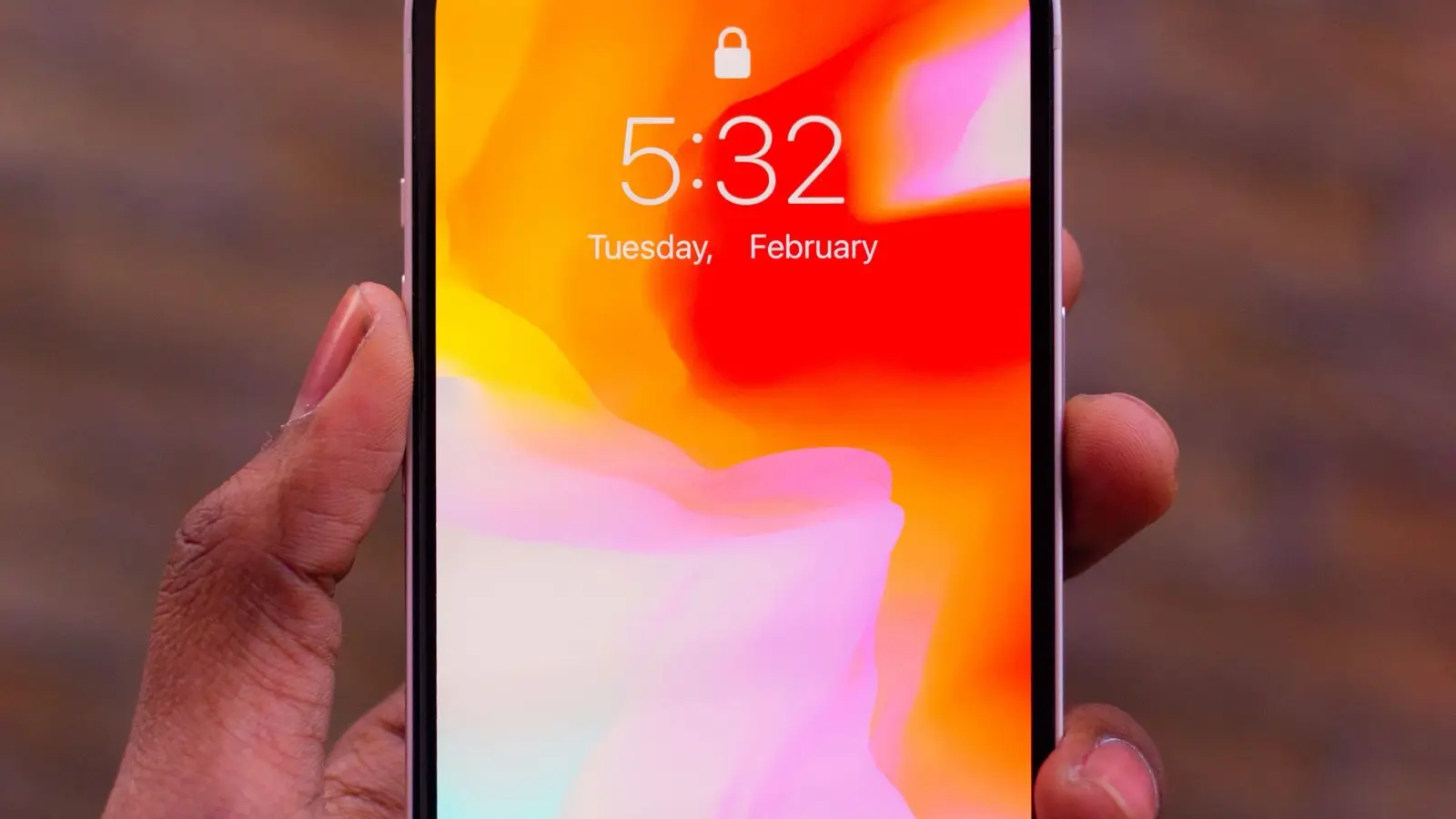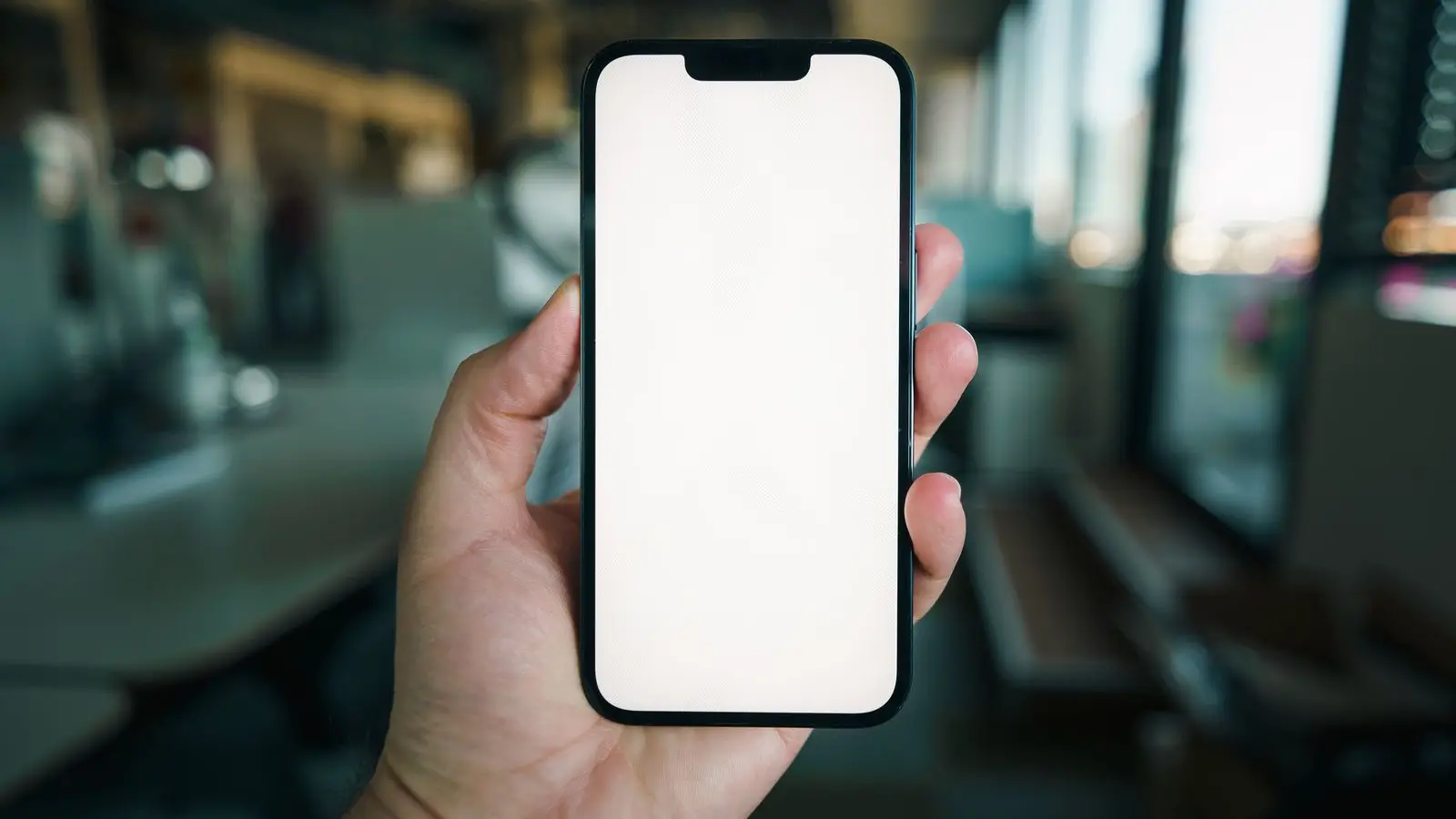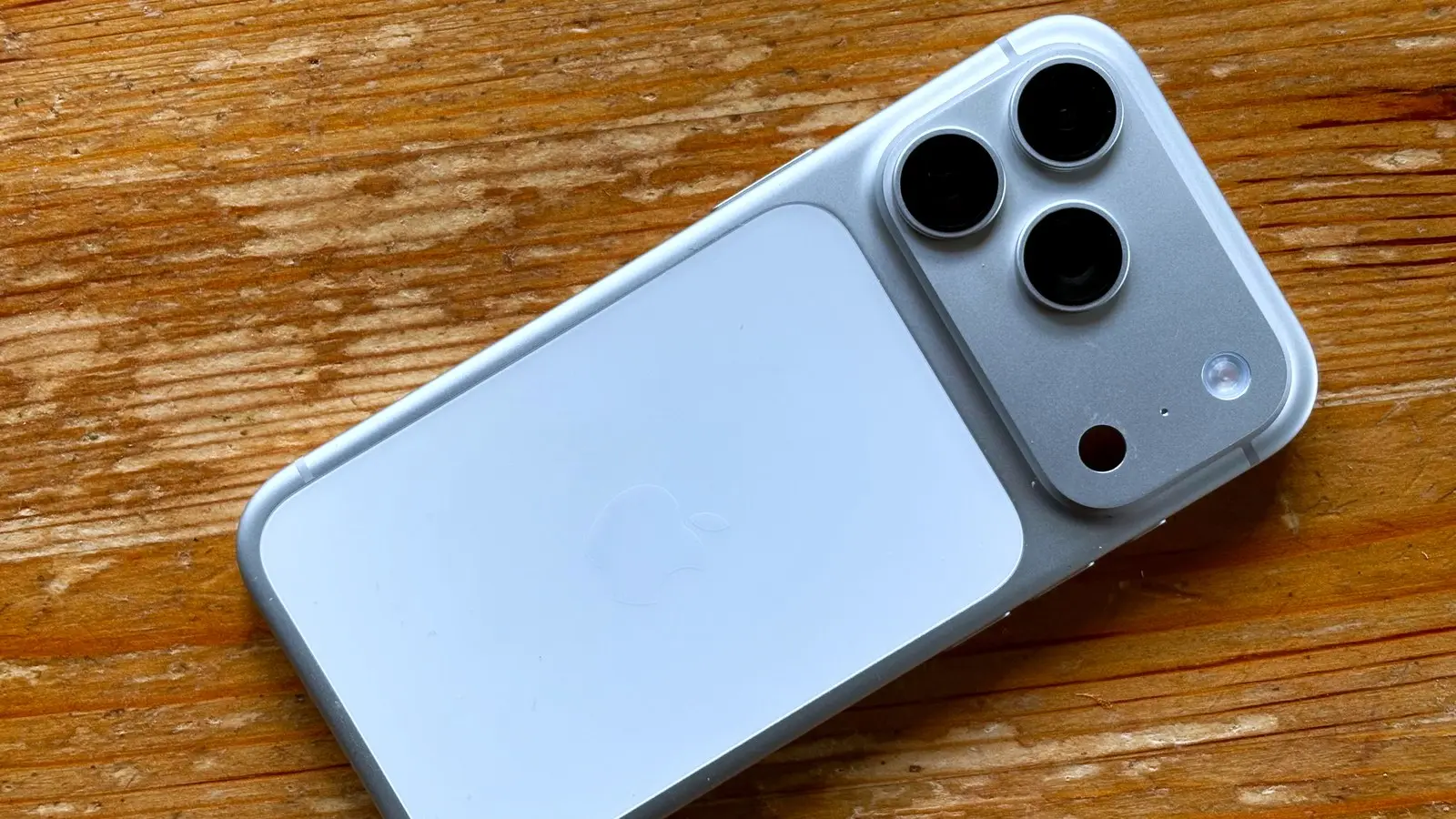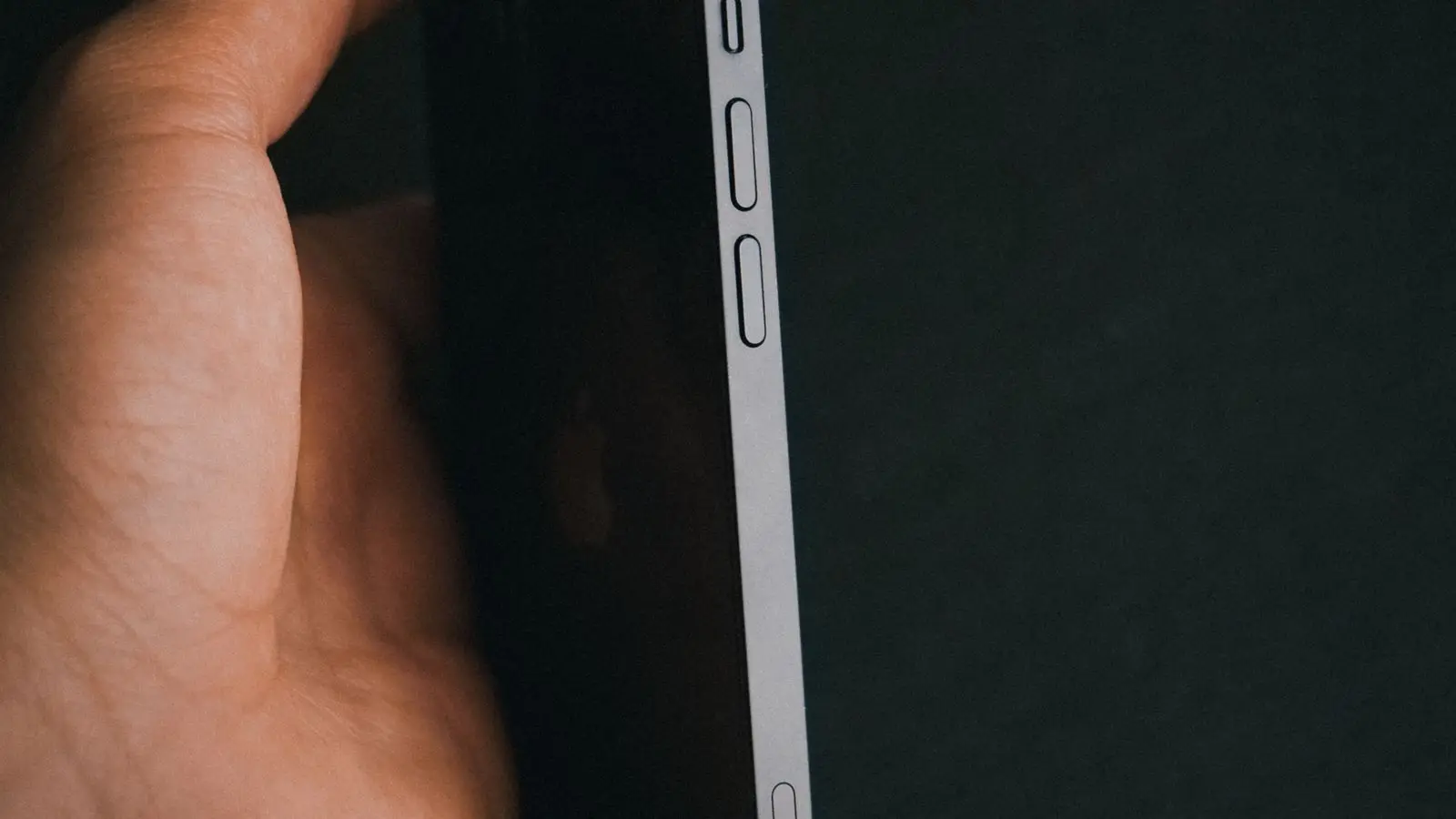
Apple's Turn iPhone on or off page describes three ways to turn off an iPhone: hold buttons until a slider appears, use Settings, or use Control Center. Which buttons you hold depends on the model.
Turn off with the buttons
Find your model below. These groupings come from Apple's Restart your iPhone page, which says to drag the slider, then wait 30 seconds for the device to turn off.
- iPhone X, 11, 12, 13 or later, and iPhone Duo: press and hold either volume button and the side button until the power-off slider appears, then drag it. Apple's page lists iPhone Duo as its own model and does not explain it further.
- iPhone 6, 7, 8, or SE (2nd or 3rd generation): press and hold the side button until the slider appears, then drag it.
- iPhone SE (1st generation), 5 or earlier: press and hold the top button until the slider appears, then drag it.
Turn off without the buttons
Apple's Turn iPhone on or off page gives two routes that need no button presses, and the page we read does not say they are limited to certain models:
- Settings: go to Settings > General, scroll to the bottom and tap Shut Down, then drag the slider.
- Control Center: touch and hold the Power button in the top-right corner, then drag the slider.
Turn it back on
Press and hold the side button until the Apple logo appears. On iPhone SE (1st generation) and iPhone 5 or earlier, it is the top button. For iPhone Duo, Apple's Restart your iPhone page describes the side button as "the top button on the right side of your iPhone".
If it won't respond
If the screen is frozen and the slider never appears, a force restart is the step Apple's Force restart iPhone page gives. It is a restart, not a shutdown. Apple's steps for it, including the volume-button sequence, are in our restart guide, so we don't repeat them here.
Before you turn it off for a repair or reset
If you are shutting the phone down ahead of a repair or a wipe, back up the iPhone first. A full wipe is covered in how to factory reset an iPhone.
What we checked
We read three Apple Support pages on Nov. 20, 2026: Turn iPhone on or off, Restart your iPhone and Force restart iPhone. We did not test the steps on a device. None of the three pages we read documents turning off an iPhone with Siri, so we left it out.
Why it matters
The buttons that work differ by model, so match your model in the list above before you hold anything.
Related: how to restart an iPhone.