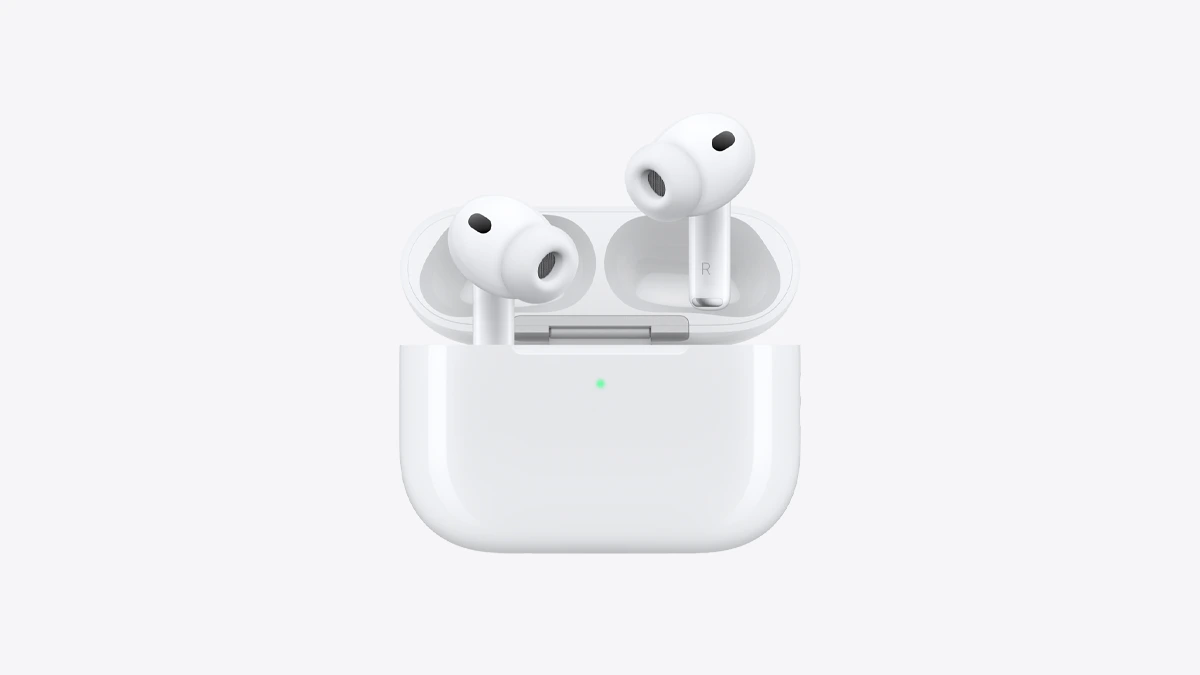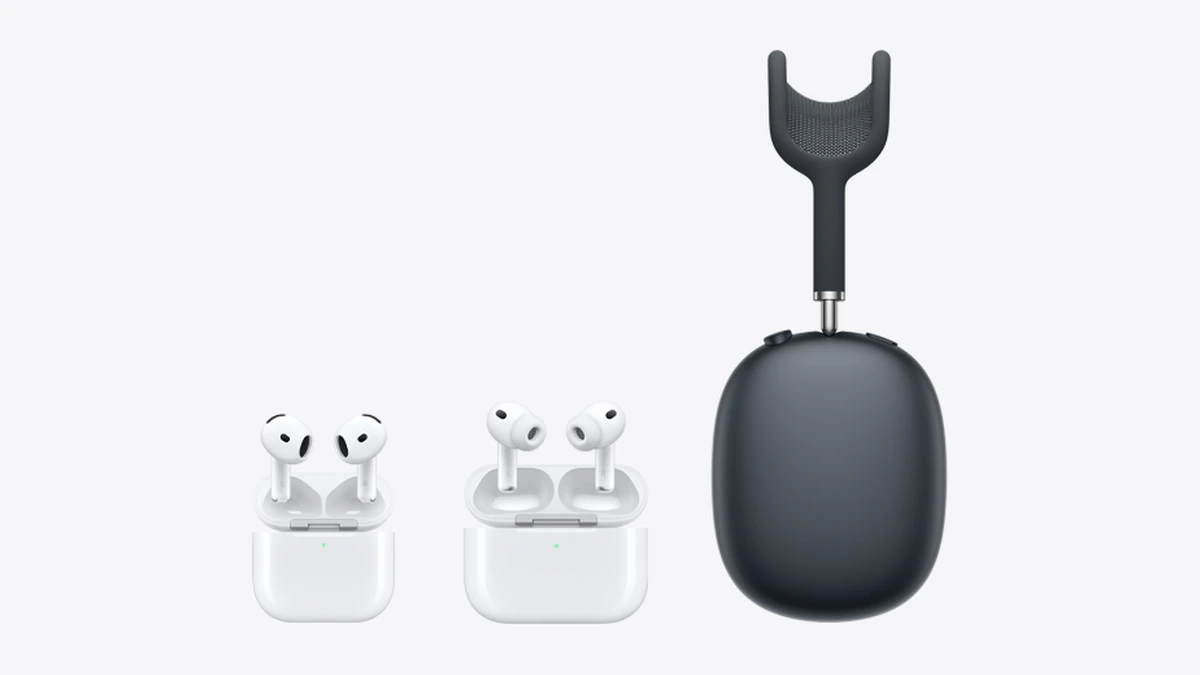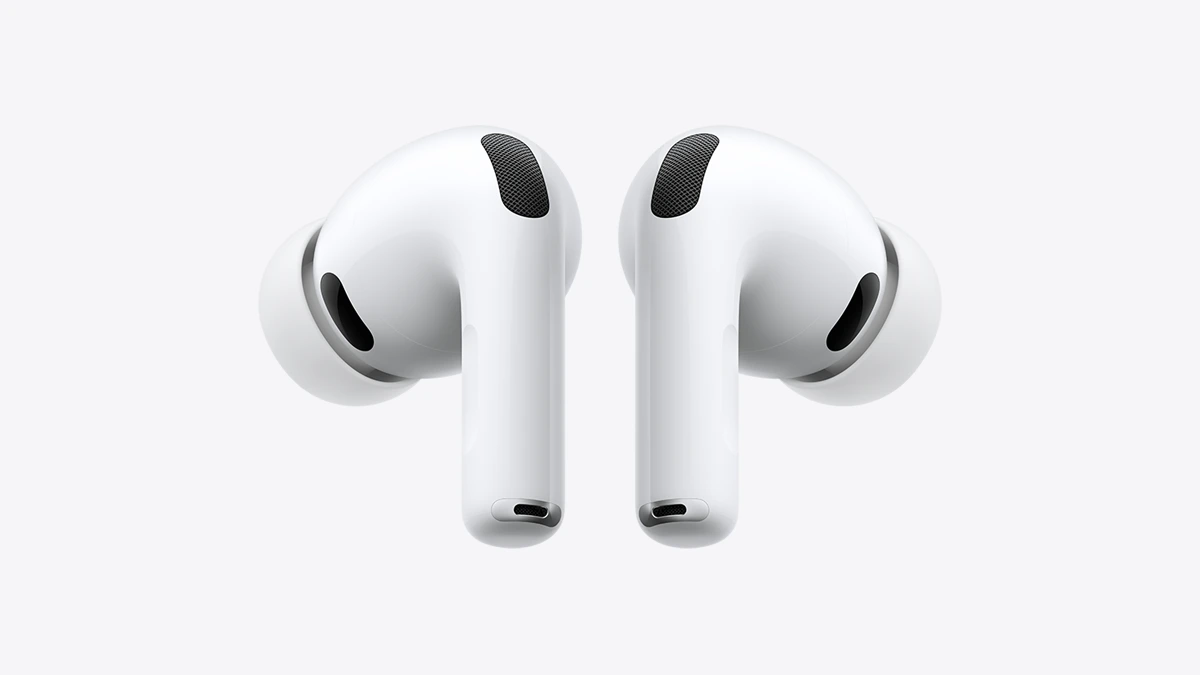
To turn on noise cancelling on AirPods Pro, AirPods 4 with Active Noise Cancellation or AirPods 5, put the earbuds in and press and hold the force sensor on the stem until you hear a chime. On AirPods Max, press the listening mode button on the right ear cup. You can also switch from Control Center on iPhone or iPad, from Settings, from the Mac menu bar or from Apple Watch. Each method by model is below.
Which AirPods have noise cancelling
Apple's noise cancellation support page lists AirPods 4 with Active Noise Cancellation, both AirPods 5 models, AirPods Pro 1, AirPods Pro 2, AirPods Pro 3, AirPods Max 1 and AirPods Max 2. Apple names noise cancellation only on AirPods 4 with Active Noise Cancellation, so check which AirPods 4 you have. The standard AirPods 4 and AirPods 3 are not on that list.
Apple says noise cancellation and Transparency work best when the earbuds fit well. On Apple devices the mode appears as "Noise Cancellation" rather than "Active Noise Cancellation".
The four listening modes
- Noise Cancellation: blocks outside sound.
- Transparency: lets your surroundings in.
- Adaptive Audio: combines the two and adjusts to your environment. Apple lists it for AirPods 4 with ANC, AirPods 5, AirPods Pro 2, AirPods Pro 3 and AirPods Max 2.
- Off: turns every listening mode off. On AirPods Pro 2 and Pro 3 it appears only after you enable "Off Listening Mode" in your AirPods settings, and Apple warns your hearing is not protected in that mode.
Turn it on from the earbuds
This applies to AirPods 4 with ANC, AirPods 5 and AirPods Pro.
- Put the AirPods in and make sure they are connected to your device.
- Press and hold the force sensor on the stem of either AirPod until a chime plays.
- Repeat to move to the next mode. With both earbuds in, the press cycles through Noise Cancellation and Transparency, and Off joins the cycle where Apple lists it. On AirPods Pro 2 and Pro 3, Off is there only after you enable "Off Listening Mode". Models with Adaptive Audio can cycle to it too.
A chime plays on every switch.
Turn it on with AirPods Max
On AirPods Max 1 and AirPods Max 2, press the listening mode button on top of the right ear cup to cycle modes. A chime confirms each change. AirPods Max 2 can also cycle to Adaptive Audio.
Turn it on from your iPhone, iPad, Mac or Watch
- Control Center (iPhone or iPad): with the AirPods in, open Control Center, touch and hold the volume slider, tap the Listening Mode button at the bottom left and choose a mode.
- Settings (iPhone or iPad): with the AirPods connected, open Settings, tap the name of your AirPods and tap a listening mode.
- Mac: click the AirPods icon in the menu bar, click the AirPods name and choose a mode. System Settings also works: click the AirPods name in the sidebar and pick a mode.
- Apple Watch: with AirPods Pro or AirPods Max connected, press the side button for Control Center, tap the AirPods icon while audio plays and choose a mode.
For Adaptive Audio, Apple's settings page says you can drag a slider toward Transparency or Noise Cancellation to set how much outside sound comes through.
Choose which modes the press cycles through
On an iPhone or iPad, open Settings, tap your AirPods and pick two or three modes under "Button Cycles Between" for the stem or the Max button. On a Mac, open System Settings, click the AirPods name and choose an option under "Press and Hold to Cycle Between". If it is missing, click "Controls & Gestures" first.
Noise cancelling with one earbud
AirPods 4 with ANC, AirPods 5 and AirPods Pro can run noise cancellation in one ear. On iPhone or iPad, go to Settings, Accessibility, AirPods, select your AirPods and turn on "Noise Cancellation with One AirPod". Then press and hold the force sensor to switch.
Conversation Awareness
Apple documents Conversation Awareness for AirPods 4 with ANC, AirPods 5, AirPods Pro 2, AirPods Pro 3 and AirPods Max 2. When you start speaking, your media volume drops, and spoken audio such as a podcast pauses after a few seconds. Your media volume returns to its previous level when the conversation ends. You turn it on in your AirPods settings, or from the volume control in Control Center, and press and hold the stem to end the conversation early.
If noise cancellation won't turn on
Apple's troubleshooting steps for AirPods 4 with ANC, AirPods 5 and AirPods Pro, in its order:
- Update your iPhone, iPad or Mac and your AirPods' firmware.
- Keep the external microphones clear. Covered mics can cause squeals or feedback.
- With the AirPods in your ears and connected, turn on Noise Cancellation and turn off Adaptive Audio.
- Play audio, take one AirPod out and check that it pauses. If it does not, reset the AirPods.
- If you cannot turn on noise cancellation from Settings or Control Center, reset the AirPods.
- In Bluetooth settings, tap the info button beside your AirPods and run the Ear Tip Fit Test (AirPods Pro 1 and 2) or the Acoustic Seal Test (AirPods Pro 3). Use the ear tip size that gives a good seal.
- If bass fades or background noise rises with noise cancellation on, clean the AirPods.
- If it still falls short, reset them. If it persists after a reset, contact Apple for service.
If the earbuds are also running flat, our guide on how long AirPods take to charge covers charging fixes.
What else to know
If you wear AirPods for workouts, see our guide on whether AirPods are waterproof.