A phone gets hot on CarPlay or Android Auto when several heat sources stack: sun on the dashboard, navigation running for an hour, radios talking to the car, and a charger on top. Each source below names a different one, and removing any of them leaves the phone less to cope with.
What heats the phone
Apple says iPhone is designed for ambient temperatures of 32 to 95 degrees Fahrenheit, and that it feels warmer during wireless charging and with graphics-intensive or processor-intensive apps. It names navigation in a car, in hot conditions or direct sun, as a feature to avoid for long stretches.
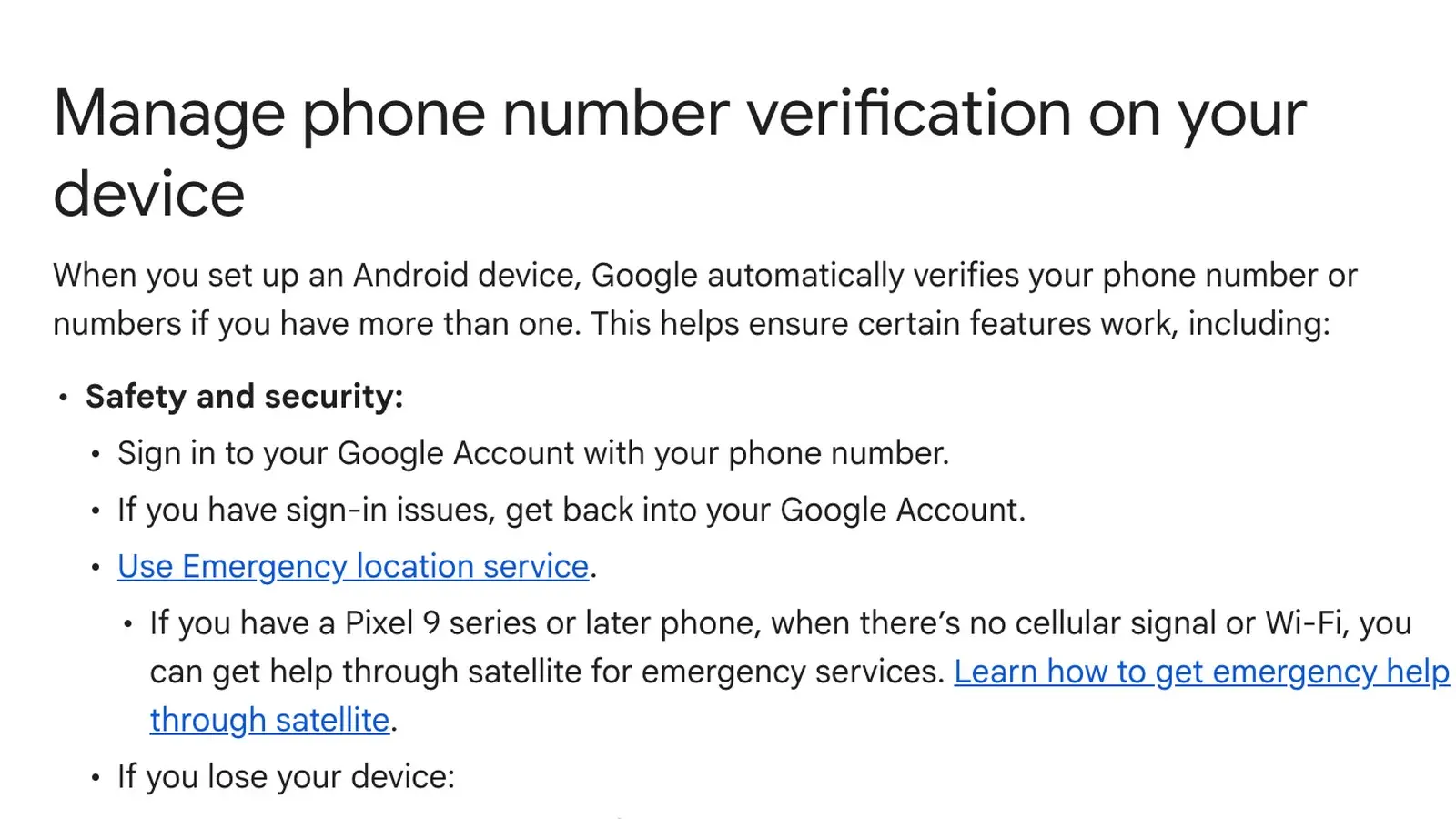
Google lists extended use of navigation apps and heavy features while charging as causes of a hot Pixel. Samsung adds a parked car on a hot day, continual direct sunlight, GPS tracking, and a non-Samsung or defective charger or USB cable.
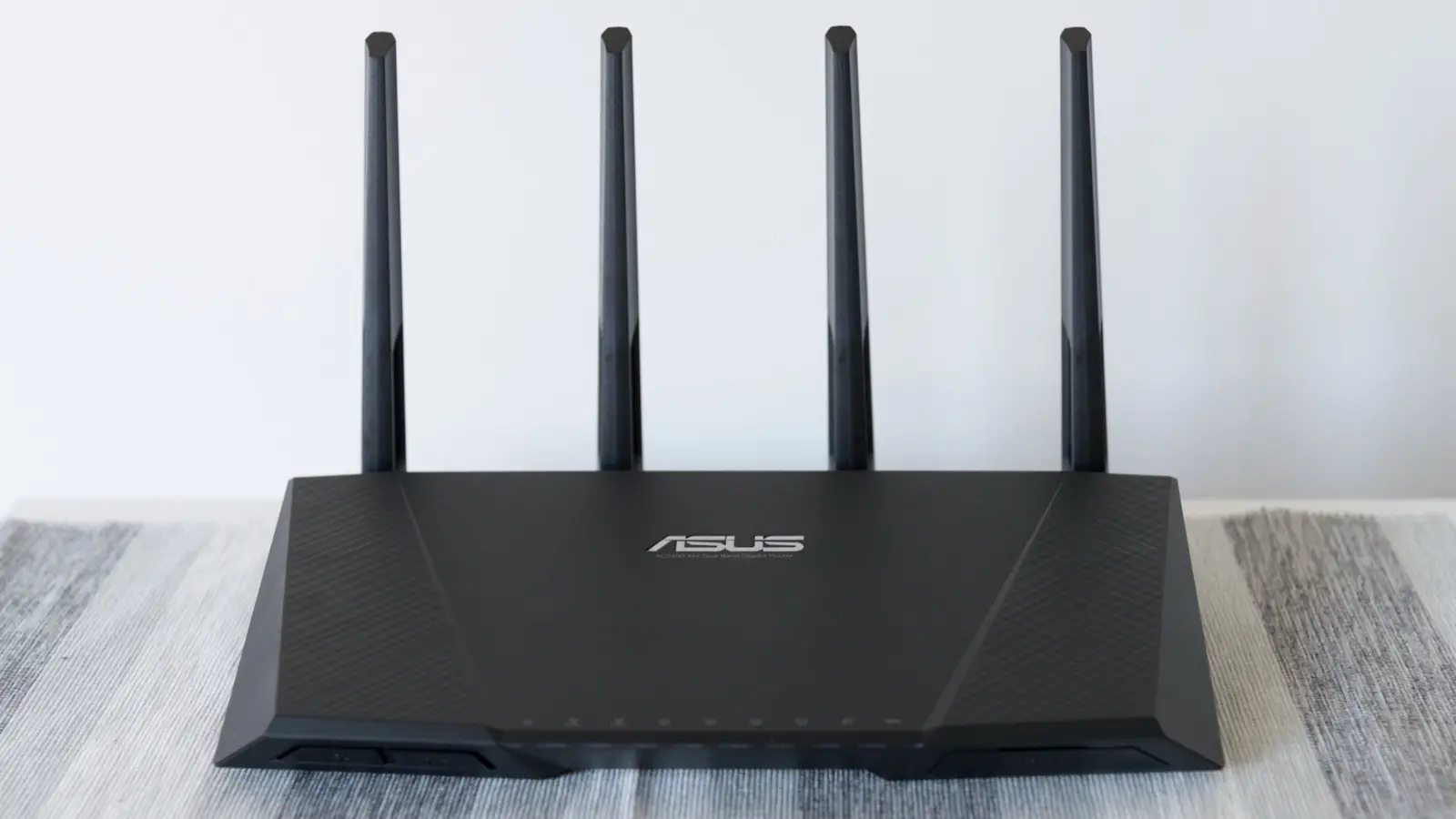
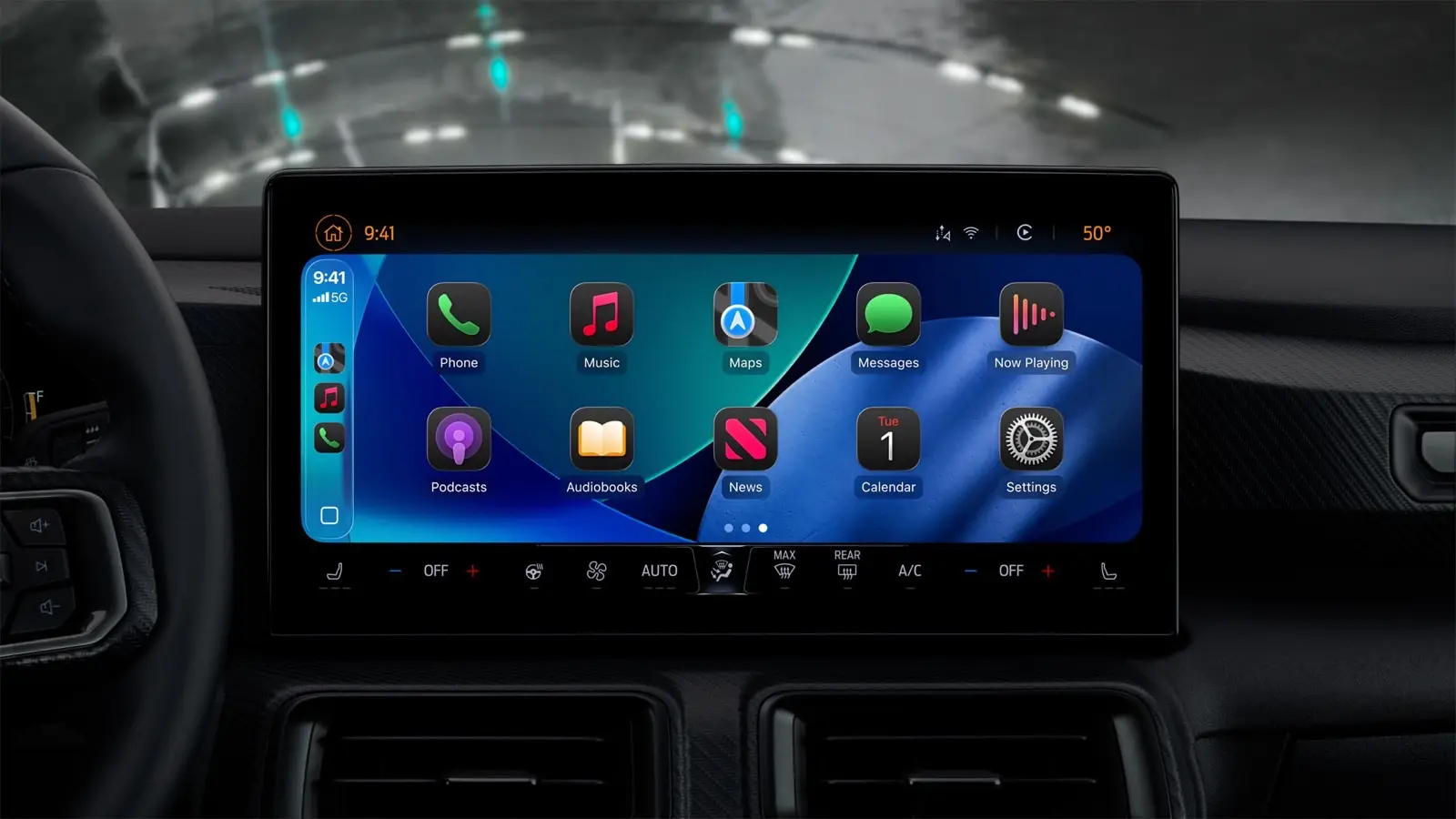
The wireless versions add radios. Engadget says wireless CarPlay and Android Auto use Bluetooth, Wi-Fi and cellular at the same time, and that a wireless charger produces more waste heat than USB. Apple's CarPlay help requires Bluetooth and Wi-Fi on for a wireless connection.
Fixes you can do in the parking lot
Charge the phone with a cable and stop wireless charging. Apple says the iPhone might get slightly warmer while charging wirelessly, and its software might limit charging above 80 percent if the battery gets too warm. Samsung says to remove metal or magnetic material between the phone and a wireless charger.
Use a cable for the projection too, if your car allows it. Engadget ties wireless projection to three radios working at once. Engadget also says even wired charging raises temperatures somewhat if it runs non-stop, so on short trips Engadget says to skip mid-drive charging unless the battery is low.
Get the phone out of the sun. Both Apple and Google say to keep the phone out of direct sunlight and out of a hot car. Engadget suggests aiming the vents at the phone or using a vent mount when the air conditioning is running.
Drop the case. XDA's writer takes the Pixel out of its case on hot days and says the phone feels far cooler, though he did not formally test it. Google says to use only cases made for your specific phone.
Lower the brightness. Google's path on a Pixel is Settings, then Display & touch, then Brightness level. Samsung also says to turn the brightness down.
Android Auto: turn the phone screen off. XDA's writer says some drivers leave the phone display on while Android Auto runs when they do not need to, and says turning it off means the device does not work harder for no reason.
Check the cable. Google says not all USB cables work with all cars, advises a cable under 3 feet (1 meter) with no hubs or extensions, and suggests the one that came with your phone. Samsung lists a defective charger or USB cable as a heat cause.
Check how hot your Pixel is
Google says on Pixel 6a and later you can open Settings, then Battery, then Battery diagnostics, then Phone is very warm. The screen shows an estimated temperature and one of four states: Cold, Normal, Warm or Elevated.
What the phone does on its own
Apple says that past its normal range, charging (including wireless) slows or stops, the display dims or goes black, cellular signal can weaken, and camera features can switch off.
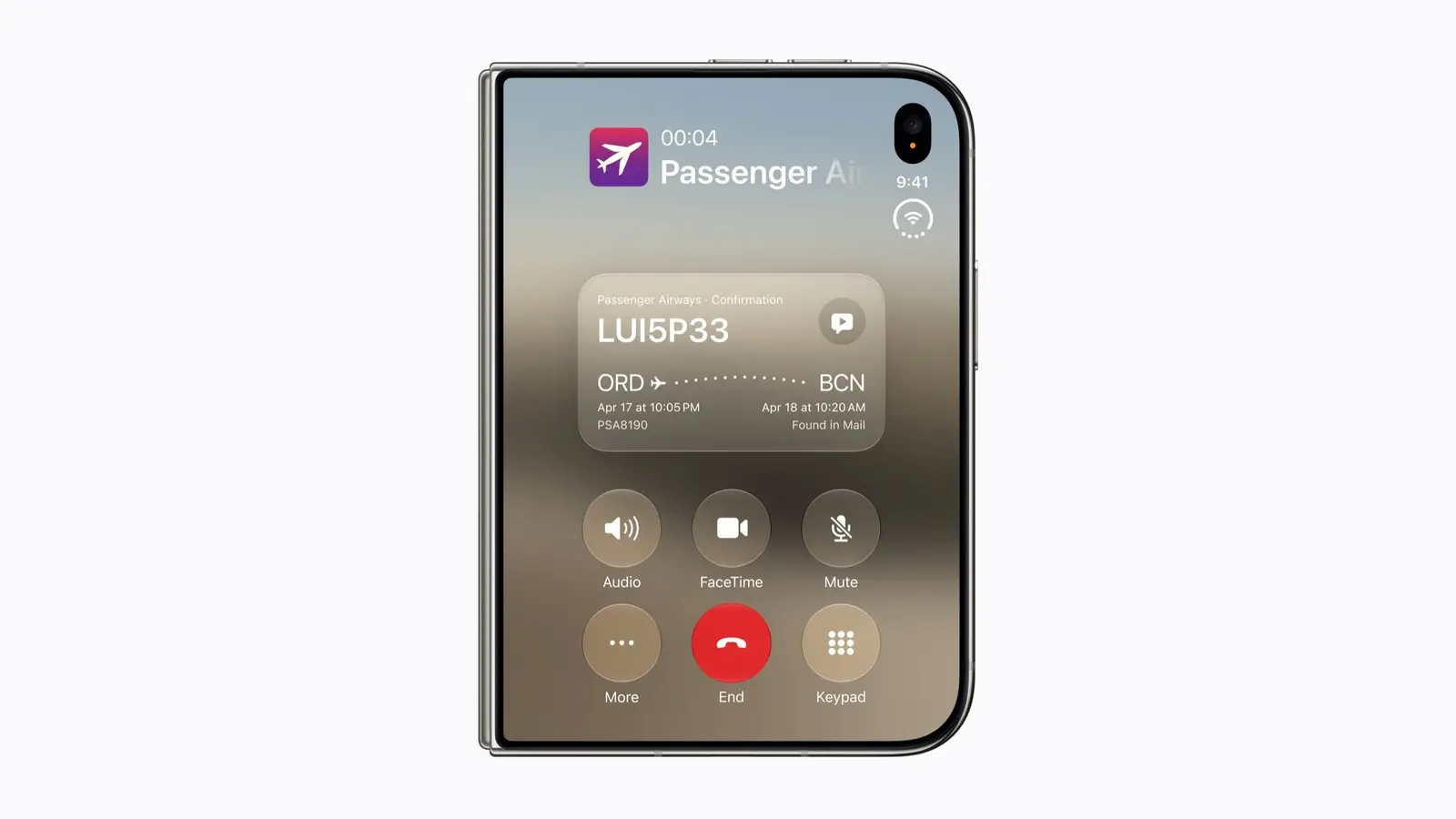
While navigating, the iPhone might show "Temperature: iPhone needs to cool down" and turn the display off. Apple says audible turn-by-turn directions continue, and the display lights up when a turn is near.
Past a certain threshold, Apple says the iPhone shows a temperature warning screen. Its advice is to turn the phone off, move it somewhere cooler away from direct sunlight and let it cool.
Apple adds that very hot conditions can permanently shorten battery life, and that a "Charging On Hold" message means the phone is too hot or too cold to charge.
Google says a Pixel may reduce CPU performance, slow charging, turn off the camera, partly or fully turn off mobile data or Wi-Fi, and enter low power mode. If the temperature keeps rising, it can show a warning and turn off. Samsung says a Galaxy may power off, close apps, stop charging and dim the display.
When to contact support
Google says to contact Pixel support if a Pixel keeps turning off from heat. Samsung says to contact Samsung support if the phone is still too warm to touch after you unplug the charger, close apps and let it cool.
Why it matters
Our assessment: sun, wireless charging and wireless projection are heat sources the sources above name, and each can be changed from the driver's seat. If your phone keeps showing a heat warning, changing as many as you can is the simplest place to start.
What we could not confirm
As of Oct. 16, 2026, the Apple, Google and Samsung support pages cited above do not say that a wired connection runs cooler than wireless projection, and none ranks these causes or fixes.
The cable-versus-wireless point comes from Engadget. The screen-off and no-case tips come from one XDA writer, who says he did not formally test the temperature.
Related: how to turn on Live Activities in CarPlay and Android Auto vs Android Automotive vs Google built-in.