OpenAI has updated its ChatGPT extension for Chrome, Engadget reports. The Chrome Web Store listing shows version 1.26.1005.11759, updated Oct. 15, 2026, with OpenAI as the publisher and 7,000,000 users.
What Engadget says changed
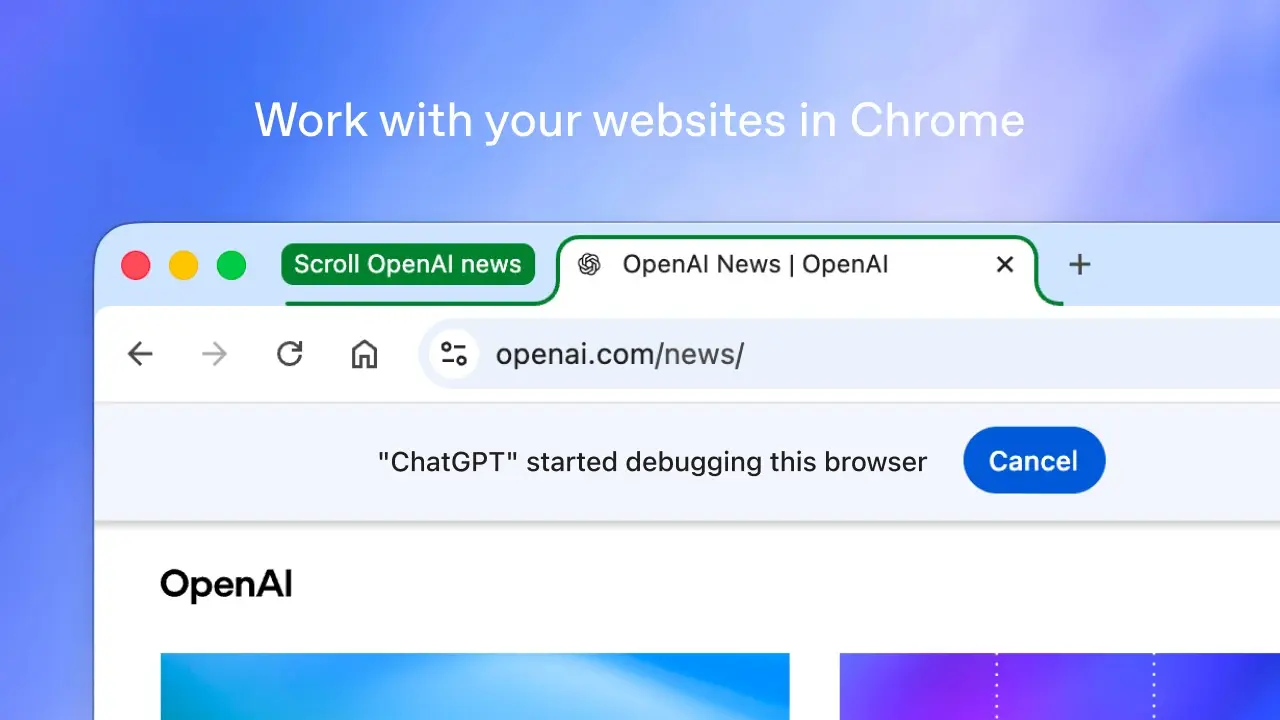
Engadget says that in Chat you can ask ChatGPT to compare open tabs, such as three couches by dimensions, price, delivery time and return policy. In Work, which it describes as OpenAI's agent for complex multi-step tasks, Engadget says ChatGPT can send messages, fill out forms and organize tabs.
Engadget adds that the sidebar "now has access to your whole history," and that OpenAI retired its own browser on Aug. 9. A post embedded in the article says "Your entire ChatGPT history is right there."
OpenAI's documentation says chats started in side chat are available in the ChatGPT app, and recent chats can be opened in side chat. As of Oct. 16, the page does not describe the Oct. 15 update itself, so the Chat and Work details above rest on Engadget.
Setup and browsers
OpenAI's documentation says the extension works in Chrome, Edge, Opera, Brave and Vivaldi from the ChatGPT desktop app. Side chat works in all but Opera, and availability can depend on rollout and workspace settings.
The documentation says setup starts in Settings > Computer Use, where you install the extension. You then start a ChatGPT Work or Codex chat and @-mention the browser. It says ChatGPT can read or act on sites where you are already signed in.
Permissions and limits
By default, OpenAI says, ChatGPT asks before using each new website: Allow once, Allow for this site, Allow for all sites or Decline. Settings hold an allowlist and a blocklist of domains. Browser history is requested per request and has no always-allow option, the documentation says.
The installation prompt can list permissions to read and change all data on all websites, access the page debugger and manage downloads. OpenAI says it stores browser activity only when it becomes part of the chat context, such as page text, screenshots or tool calls.
Why it matters
OpenAI's documentation says choosing Allow for all sites means ChatGPT no longer asks for confirmation before using websites, and to pick it only if you trust ChatGPT on any open site. It also tells users to treat page content as untrusted.
Our assessment: the ChatGPT extension in Chrome can read tabs and, in Work, act on signed-in sites, so choosing Allow for all sites removes the per-site confirmation the documentation describes. Per-site approval keeps that check.