A fake "Google Chrome" app from a developer called Hizbartech reached 100,000+ downloads on Google Play before it was removed, Android Authority and PiunikaWeb report. A user on r/browsers spotted it above the real browser, per PiunikaWeb. It copied Chrome's icon and description.
What reportedly happened
- The app: Android Authority says it was uploaded Aug. 22 as a game called "Ball Bounce" and renamed "Google Chrome" on Sept. 30. PiunikaWeb says August and late September, and that the app was 42 MB.
- What testers reported: PiunikaWeb quotes a Reddit tester describing "a ton of AI avatars" in a contact app. Android Authority, citing a Reddit commenter, says it was a chat app with canned responses.
- The ad, two accounts: Android Authority says it paid its way to the top of results for "Chrome." PiunikaWeb says typing "Google Chrome" in the search bar did not show it as a sponsored suggestion, but searching the developer name, Hizbartech, surfaced the listing.
- Status: PiunikaWeb's update (5:40 p.m. IST) says Google removed the app shortly after its story ran. Google did not comment in Android Authority's or PiunikaWeb's reports.
Google's Impersonation policy says: "We don't allow apps that mislead users by impersonating someone else (for example, another developer, company, entity) or another app."
Our checklist: checking a Chrome listing
These checks are ours, drawn from the listings and reports above. The Play Protect, uninstall and permissions steps further down follow Google's help pages.
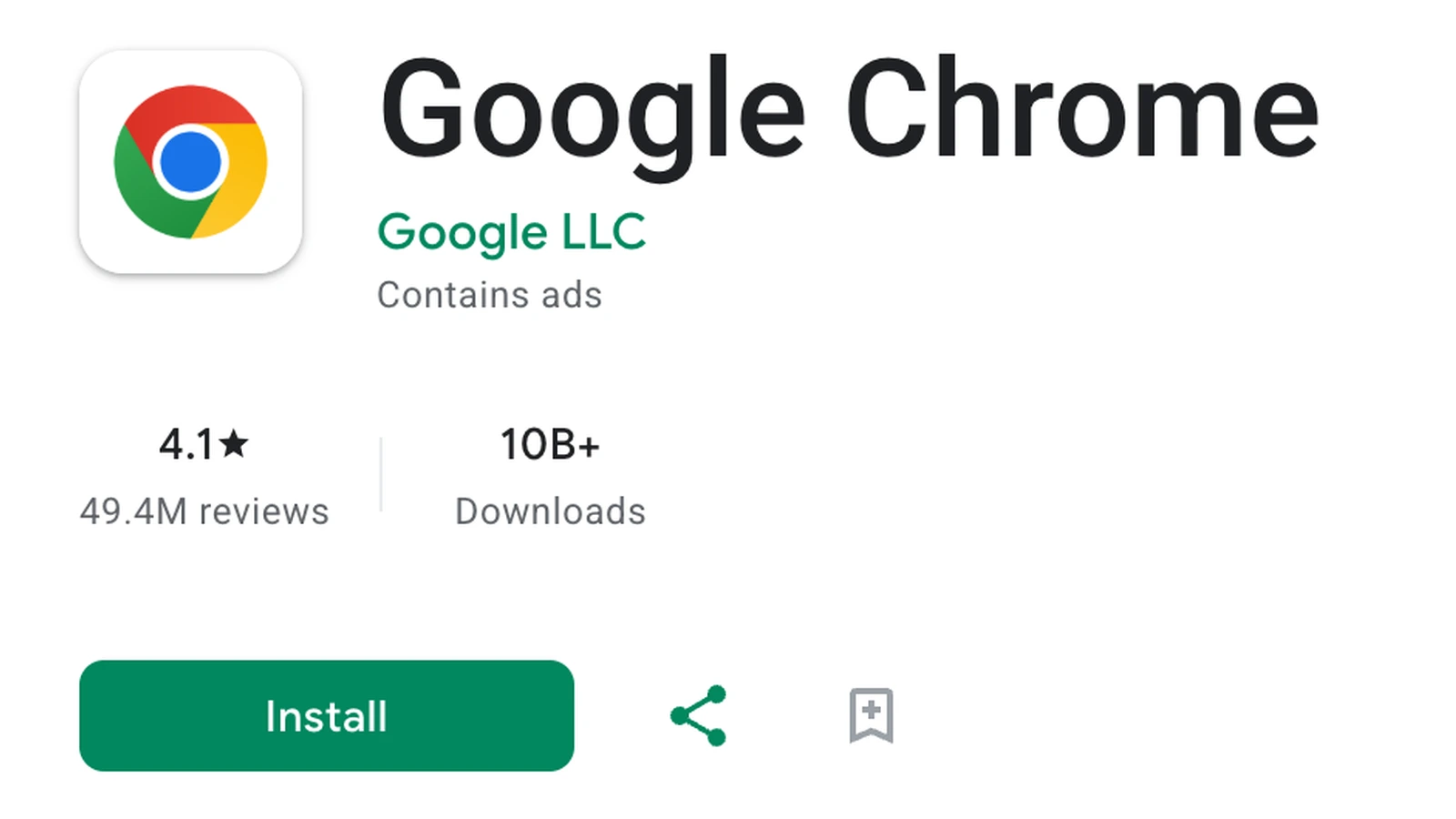
- Developer name. Chrome's Google Play listing names Google LLC. The fake read Hizbartech under Chrome's icon, per PiunikaWeb. A name that is close but not identical is also a miss.
- Package name. The real Chrome's package name is com.android.chrome, the
id=value in its Play web address. The fake's page used com.ballbounce.Hizbartech, per PiunikaWeb's links. - Promoted results. Both outlets describe the fake as a paid placement above Chrome. Check developer and package name on a promoted result as closely as on any other.
- Install count and reviews. As of 3:17 p.m. ET Oct. 14, Chrome's listing shows 10B+ downloads and 4.1 stars from 49.4M reviews. A "Chrome" with only 100,000+ downloads is a mismatch. That is the count the fake reached.
- Play Protect setting. Google says Play Protect is on by default and checks apps when you install them. The setting: Play Store, profile icon, Play Protect, Settings, "Scan apps with Play Protect."
If you installed it
- Uninstall. Per Google's steps: open Play Store, tap your profile icon, tap Manage apps & devices, then Manage, choose the app and tap Uninstall. PiunikaWeb also suggests removing any old Ball Bounce copy.
- Know what Play Protect may do. Google says that if it finds a potentially harmful app, it may notify you, disable the app until you uninstall it or remove it automatically.
- Review permissions on your remaining apps. Per Google: Settings, then Security & Privacy, Privacy, Permission manager, then pick a permission type and check which apps hold it. For one app you have not removed: Settings, Apps, the app, Permissions.
Why it matters
Our advice: verify the developer and package name even on promoted listings, since both outlets say a paid placement carried the fake above Chrome. These checks do not guarantee safety, and a listing that passes them is not proof an app is genuine.
For other scam defenses on Android, see our checklist of Android's new protections.