Germany's Federal Office for Information Security (BSI) says several members of the German Bundestag and other public figures have received Apple threat notifications since Oct. 29. A notice on the BSI's home page says people affected should assume their device may have been compromised even if they did nothing, the kind of attack known as zero-click. This is an iPhone spyware warning aimed at a small group, not a general alert for iPhone owners.
What the BSI said
The notice is titled "Bedrohungsbenachrichtigungen von Apple zu Mercenary Spyware" (Apple threat notifications about mercenary spyware). It says the notifications began on Oct. 29, that several Bundestag members and other public figures received them, and that recipients should assume their devices may be compromised without any action on their part.
The notice points to a longer BSI page of classification and recommendations. We could not open that page, so we have not read it and do not report what it advises.
What other outlets reported
These points come from secondary reports we have not confirmed ourselves:
- AppleWorld.Today, citing Euronews, says a BSI letter was cited by Germany's digital minister, Karsten Wildberger, and that members of the federal government were also warned.
- Clash Report says the Financial Times reported that Germany warned politicians their iPhones may have been hacked (Clash Report says it could not open the FT piece), and says the Interior Ministry described the software as commercial spyware.
What is not known
We found no CVE number, no named spyware vendor and no Apple statement about the German notifications. No source we read gives a count for Germany, so we are not giving one. Nothing we read says a particular iPhone model or iOS version is affected.
What an Apple threat notification is
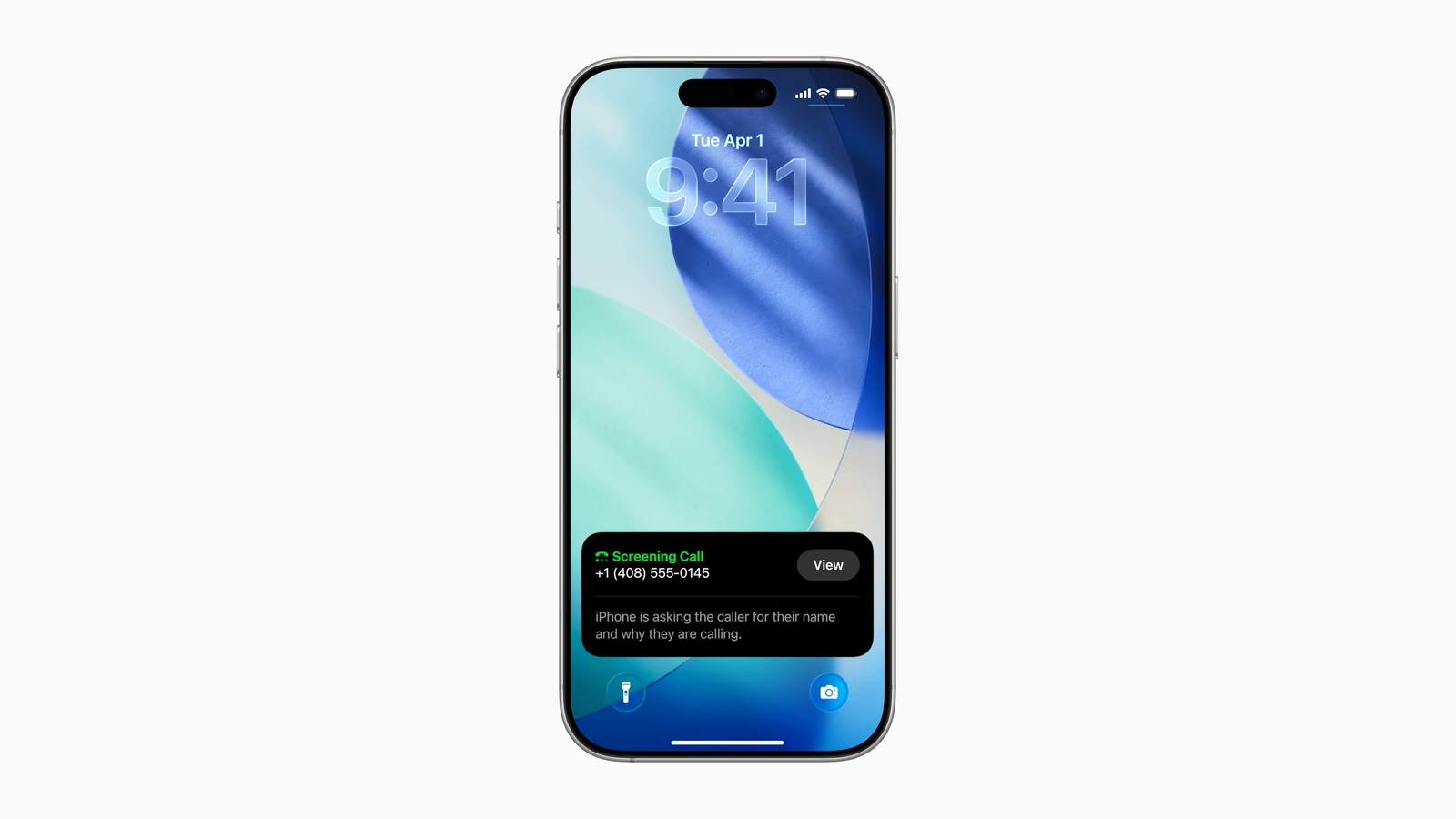
Per Apple's support page, threat notifications are meant to inform users who may have been individually targeted by mercenary spyware, likely because of who they are or what they do. Apple calls them high-confidence alerts that should be taken very seriously, and says it cannot explain what triggers them. A notification shows on the Lock Screen and in Settings, arrives by email, and appears as a banner after signing in at account.apple.com.
Most people will never see one. Apple also says a genuine notification never asks you to click a link, open a file, install an app or give a password or code. To check one, sign in at account.apple.com instead of following a link. Apple strongly suggests notified users get expert help, such as the Digital Security Helpline at the nonprofit Access Now.
Lockdown Mode
Apple's Lockdown Mode page describes it as optional, extreme protection for the very few people who might be personally targeted by sophisticated threats. It limits certain apps, websites and features to reduce the attack surface that highly targeted mercenary spyware could exploit, so the phone does not work as it normally does. Apple's examples: most message attachment types are blocked and links and link previews are unavailable in Messages, and some complex web technologies are blocked, so some sites load slowly or break. Phone calls, plain text messages and emergency calls keep working.
To turn it on: Settings > Privacy & Security > Lockdown Mode > Turn On Lockdown Mode, then Turn On & Restart. Apple advises updating to the latest software first, for a complete set of protections.
What to do
- Update iOS. Go to Settings > General > Software Update. Our report on Apple's Oct. 26 security fixes covers the latest patches, and iOS 27.2 is the current release. We have no source tying either to the German case.
- If you are at high risk (politicians, journalists, activists), consider Lockdown Mode, knowing the trade-offs above.
- If you get an Apple threat notification, take it seriously, verify it at account.apple.com and seek expert help.
- Everyone else: nothing here says ordinary iPhone owners are being targeted. Keeping your phone updated is enough for most people.
Apple's page on threat notifications does not list signs of an infection, and spyware like this is built to be hard to see. We did not find an Apple support page we could verify that does.
What we checked
We read the BSI home-page notice, Apple's Lockdown Mode support page (published Sept. 14, 2026) and Apple's threat-notification support page, all on Nov. 2 at 11:10 a.m. ET. We could not open the full BSI guidance page, and the Financial Times report is paywalled, so FT and Euronews points come only through the two secondary sites linked above. We have not tested any iPhone.