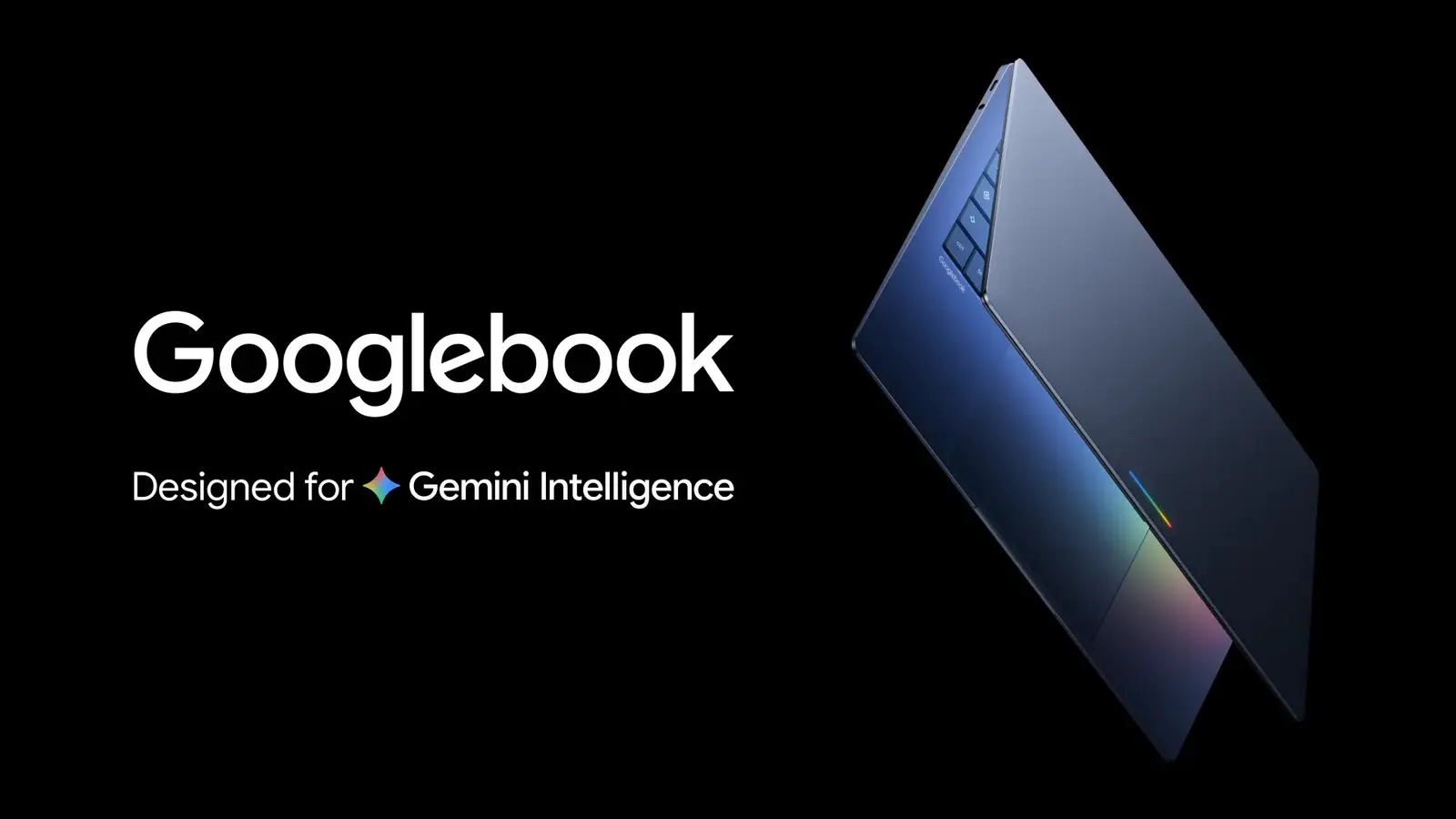
A developer who goes by skylartaylor on GitHub has published gbos-vm, an open-source project that runs Googlebook OS in a virtual machine on Apple Silicon Macs. The project's GitHub page says it uses a real Googlebook OS image with GPU acceleration, and that Chrome works. It is not affiliated with Google or Dell, and the developer writes that they would not daily drive it.
What it is
According to the project's README, the install script downloads Google's own recovery image for the Dell Googlebook (ARM64, Android 17), replaces the hardware-specific parts with virtual-device components from Google's Cuttlefish project, and boots the result under QEMU. Graphics are passed through to Apple's Metal. The Google image is fetched on your Mac and checked against a pinned checksum; the project says it does not redistribute it.
What you need
The README lists an Apple Silicon Mac (Intel Macs will not work), 16 GB of RAM "realistically", and about 60 GB of free space for a download of about 9 GB. It also needs Xcode command line tools, Homebrew, the Android SDK with an NDK, and a JDK; the install script checks for these and offers to install what is missing. The README says the VM gets 4 GB of memory.
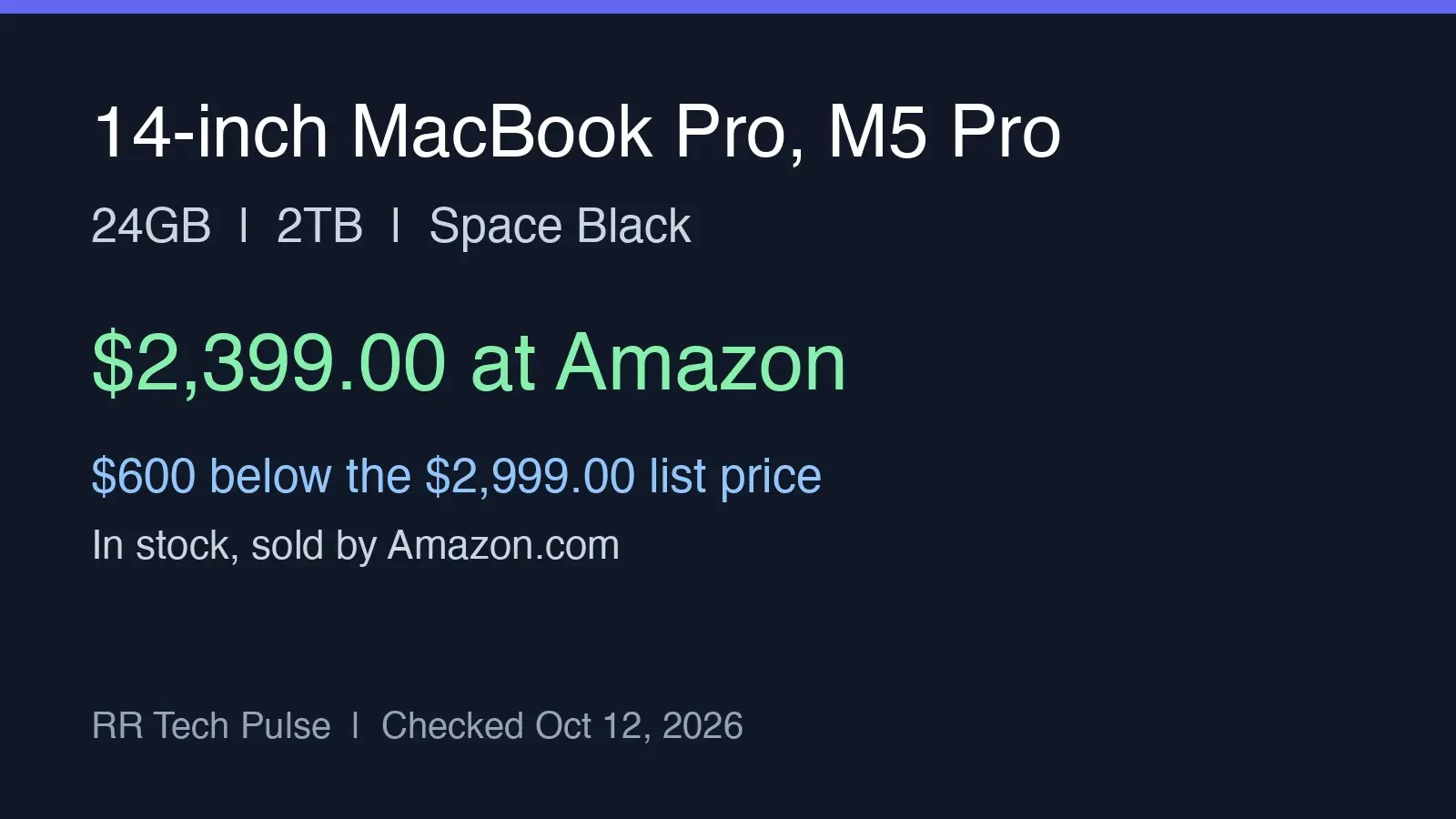
The developer tested on one machine, an M5 MacBook with 16 GB on macOS 27, where first boot takes about 45 seconds. The README says a couple of people reported it working on M4 Macs. We have not run it.
What does not work yet
The README lists these gaps:
- Bluetooth is virtual only. There is nothing real to pair with, and without the Android Emulator package installed the VM has no Bluetooth at all.
- The display is capped at 60 fps.
- Some WebGL content can render wrongly. Flat-shaded graphics may pick the wrong vertex.
- Copying out of the guest, right-click and long sessions are untested.
- Audio was silent on one boot, then worked, for reasons the developer does not know.
On the pointer, the README says captured-mouse mode, the default, is the most reliable; the two modes that let the cursor move freely in and out of the window are labelled experimental.
Security trade-offs
To boot at all, the project rebuilds the vendor partition with virtual replacements. The README says that means software-based key storage instead of a hardware secure element, and no verified boot on that partition. It adds that this is not a verified Googlebook and tells you to read the system-structure section before signing into anything. The README also notes that the virtual Bluetooth radio listens on 127.0.0.1 with no password, so another program on the Mac could join it and appear as a nearby Bluetooth device; it suggests turning Bluetooth off in Settings if that bothers you. Its summary: treat it like a dev VM; the developer says they would not daily drive it.
Who should try it
This looks aimed at developers and the curious. Given the security trade-offs above, we would not sign into a main Google account on it; that is our judgment, not the developer's advice. For the real laptops, see our earlier coverage of Googlebook's launch problems and the Samsung phone gap. The code is on GitHub under the MIT license, with the developer's patches to some Apache-2.0 code kept under that license.
What we could not confirm
Other outlets report additional Mac models and crash reports. We could not verify those against the project page, so we have left them out.