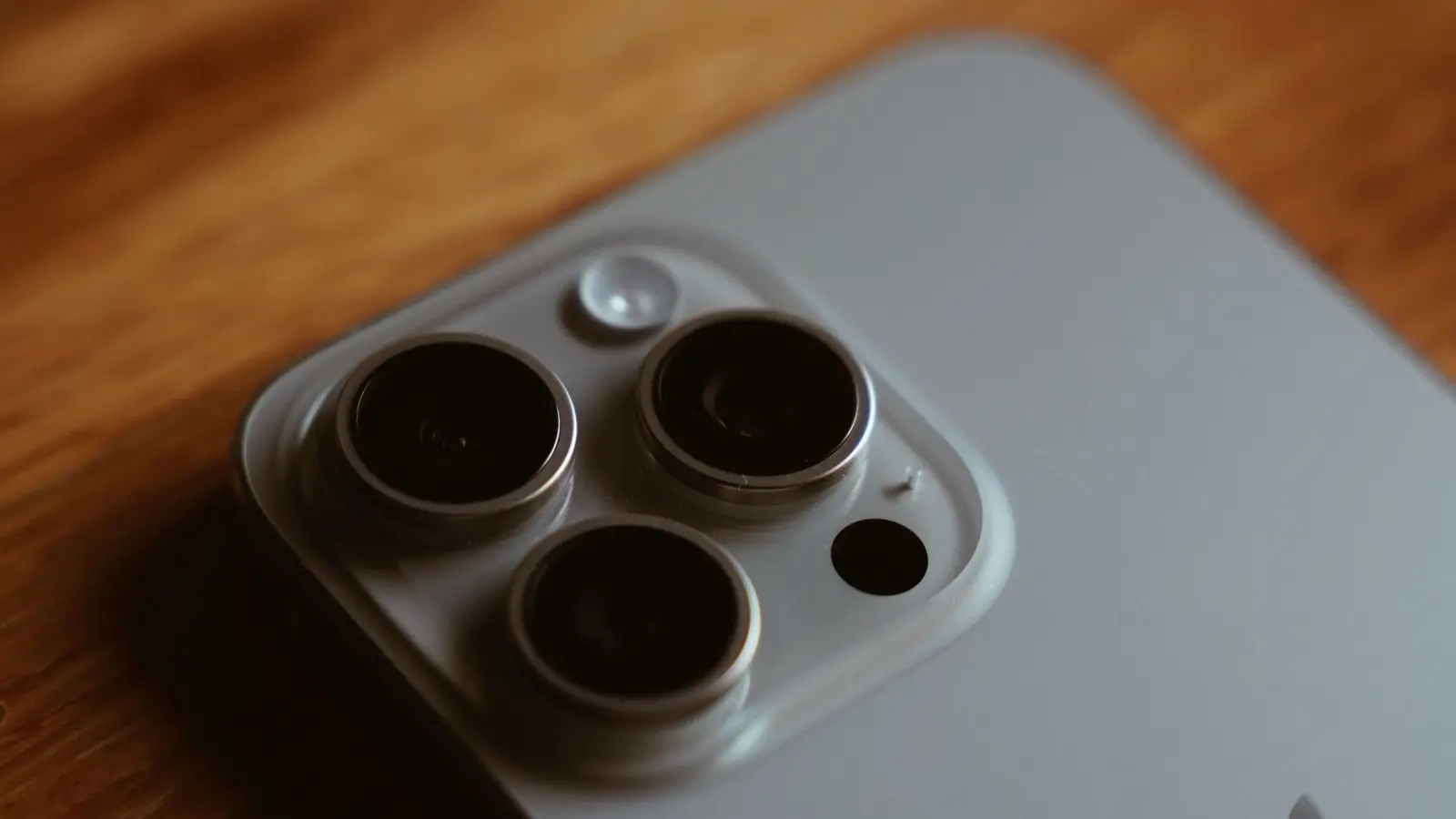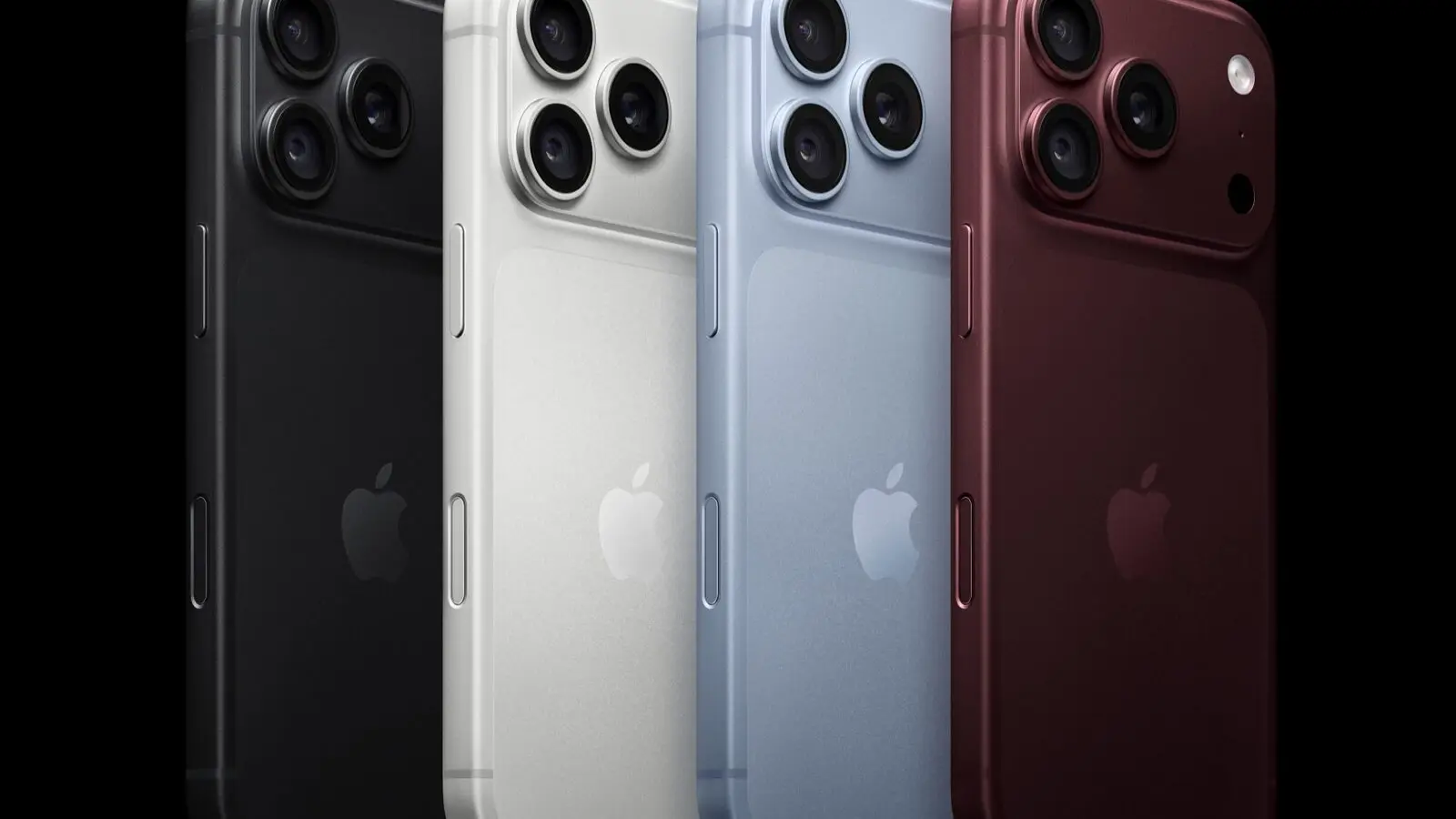
Apple released iOS 27.2.1 and iPadOS 27.2.1 on Nov. 9, and its security notes list nine entries. Two of them cover flaws that could let someone in Bluetooth range pair with your device without your input. Apple does not say any entry was exploited.
What Apple fixed
Bluetooth pairing gets the most attention. In Apple's list, a CoreUtils entry says a malicious Bluetooth device may be able to establish a pairing without user interaction. A second says an attacker in Bluetooth range may bypass the rate limit on pairing code attempts and pair without user interaction.
Two more entries cover pairing rate limits: AirPlay (an attacker in Bluetooth range) and rapportd (an attacker on the same network), and a Bluetooth entry covers memory corruption by a nearby attacker.
Two Messages entries cover iMessage groups. Apple says one a remote attacker may be able to join a group chat and receive its messages. The other says a user added to a group may be able to read messages sent before they joined.
The rest: an App Intents entry says an app may access sensitive user data, and a brotli entry says crafted input may lead to memory corruption.
Which devices and platforms
The iOS, watchOS and visionOS pages list the same nine entries; the macOS page lists eight, without the App Intents one. The updates, all dated Nov. 9, are:
- iOS 27.2.1 and iPadOS 27.2.1: iPhone 11 and later, iPad Pro 12.9-inch 4th generation and later, iPad Pro 11-inch 2nd generation and later, iPad Air 4th generation and later, iPad 9th generation and later, and iPad mini 6th generation and later.
- macOS Golden Gate 27.2.1.
- watchOS 27.2.1: Apple Watch Series 9 and later.
- visionOS 27.2.1: Apple Vision Pro, all models.
Apple's releases list also shows iOS 26.7.3 and macOS Tahoe 26.7.3 on Nov. 9. MacRumors reports macOS 27.2.1 also fixes an eMudhra certificate vulnerability in command-line tools. Apple's security page does not list it.
What to do: how to update
On iPhone or iPad, open Settings > General > Software Update. On a Mac, use System Settings > General > Software Update. For Apple Watch, open the Watch app on the paired iPhone and go to General > Software Update. On Vision Pro, use Settings > General > Software Update. Menu wording can vary slightly by version.
Why it matters
Apple's pages report no exploitation, so this is a prompt update, not an alarm. The pairing entries matter because they describe an attacker who has to be within Bluetooth range, which narrows who could try. The catch is that Apple's pages say nothing about how likely any entry is to be abused, so there is little reason to wait.
Apple's October security update was a different case, with an entry Apple said may have been exploited. For what 27.2 itself added, see what iOS 27.2 adds.