If your Galaxy lands on an error screen that says "Access Denied" with an XML message right after a One UI 9 install, Android Authority reports affected phones still boot, and users report recovering through Safe Mode. These are user reports relayed by Android Authority and SamMobile. Samsung has not confirmed the problem, the cause or a fix.
What the error looks like
Android Authority (Hillary Keverenge, October 12) says some Galaxy phones stop on an XML "Access Denied" error in Samsung's post-update setup and cannot reach the home screen. SamMobile says the error screen appears where the changelog (the list of new features) should be. It reports that Reddit users say they cannot get past it and that restarting several times does not help.
SammyGuru and SamMobile described the same screen for Galaxy A57 owners. We have no confirmed list of affected models, GalaxyClub says not every phone is hit; SamMobile says some users.
The reported workaround
Users report this sequence. It is a user fix, not a Samsung procedure, and we did not test it.
- Force restart. Hold Volume Down + Power.
- Boot into Safe Mode. As the Samsung logo appears, press and hold Volume Down until the phone starts in Safe Mode.
- Go offline. SamMobile describes turning on Airplane Mode in Safe Mode. Android Authority describes turning off Wi-Fi and mobile data.
- Restart normally. The phone should come up in its normal state, per the users.
Other users say a different route worked: SammyGuru describes opening the power menu and holding Power off to choose Safe mode. SamMobile's A57 article says it only needs doing once, then restart normally. Android Authority also mentions owners who switched off their router or pulled the SIM, and some for whom a later restart worked on its own. Whether a fix holds across later reboots is unconfirmed. Avoid a factory reset unless you have no other option, because it erases the phone.
Before you update
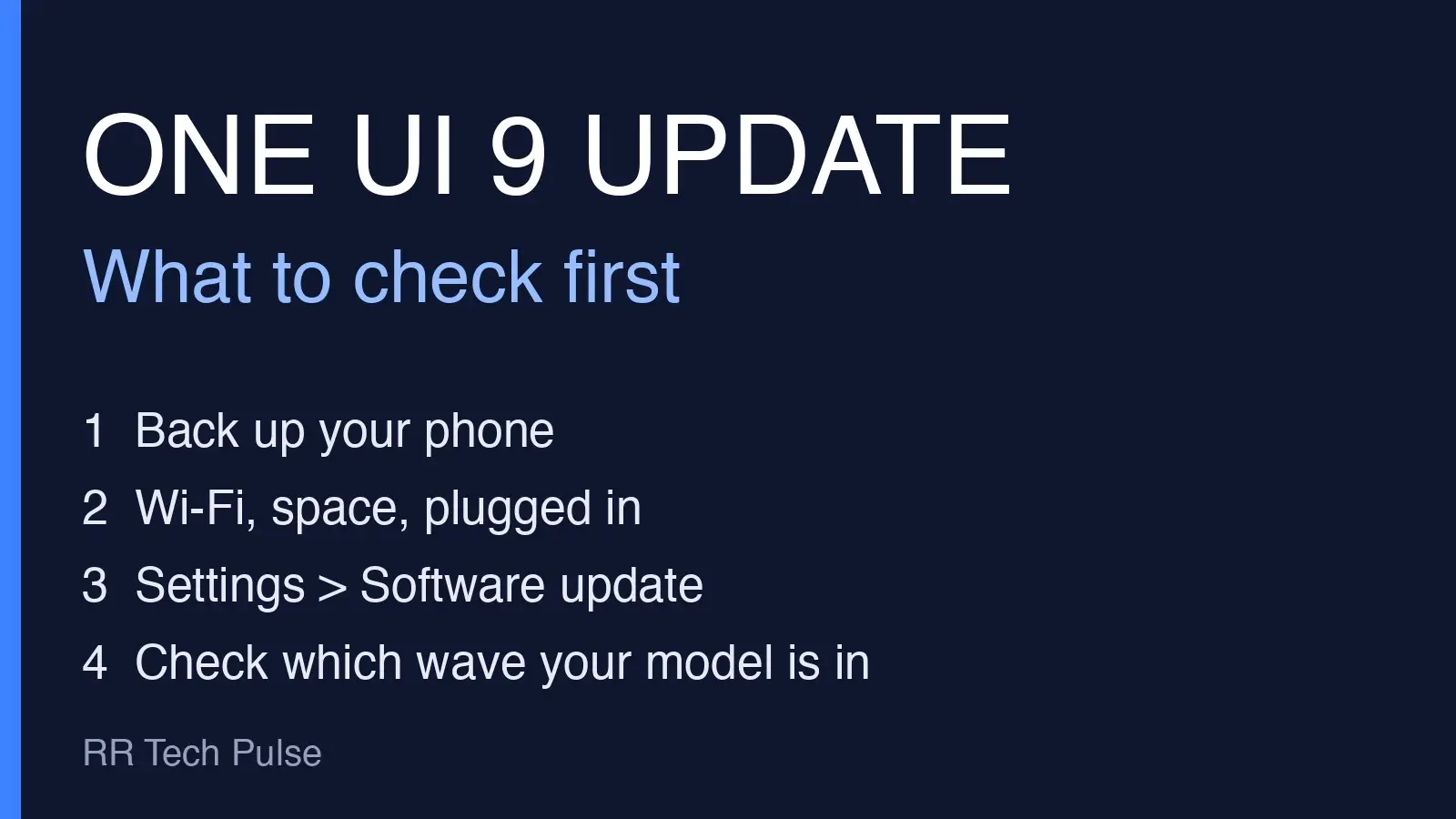
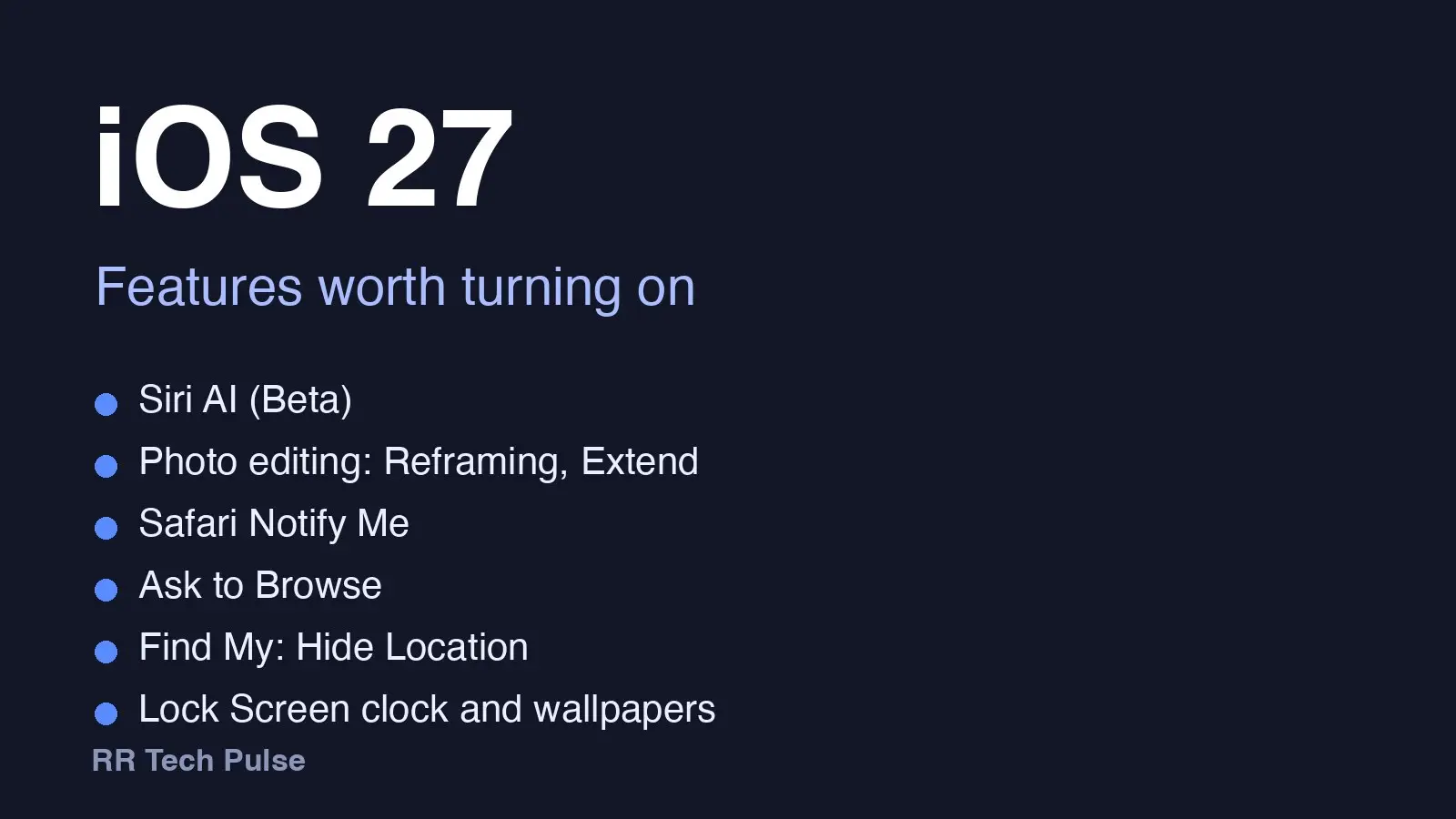
SamMobile's advice is to enable Airplane Mode before updating. Android Authority's is to disconnect from the internet before completing One UI 9's post-update setup. Both are precautions based on an unconfirmed theory, not guarantees. Back up first, and see our checklist in Update your Galaxy to One UI 9: what to check first. Our guide to the update's new features is One UI 9 features worth turning on.
Why it matters
The workaround is temporary user guidance. That it works for some owners does not show Samsung has fixed the underlying problem, so the error could still hit phones that update later.
What caused it, and what Samsung says
Nobody has confirmed a cause. Android Authority and SamMobile cite X user Fahad Ali Javed (@fahadalijaved), who says it may come from a server-side change Samsung made to stop firmware leaks. That is one tipster's claim. Samsung has not confirmed it. SammyGuru says some users report their phones working again, but our readable sources contain no Samsung confirmation of a fix.
We checked Samsung's own channels. The Samsung US Newsroom feed, read again at 6:15 p.m. ET on October 12, had no post about this error. Samsung Community (Samsung Members) pages for the error showed up in search, but returned a bot-check page to us, so we could not read them. We also could not open the Reddit threads ourselves (Reddit blocks automated reads), so we rely on how SamMobile and SammyGuru describe them. Samsung had not published a statement or fix in anything we could read.
What we don't know
- Which models and regions are affected. We found no Samsung-confirmed list in the channels we could read.
- The cause. The server-side explanation is unproven.
- Whether Samsung will fix it. No timeline has been given.
- Whether the workaround always works. It comes from user reports.