One UI 9, Samsung's Android 17 update, is rolling out to Galaxy phones in the US in waves. Here is what to do before you tap Download and install, how to check whether your phone has it, and which models have it now. We did not install it ourselves. Reported facts are attributed to Samsung and the outlets named; the rest is labelled as our advice.
Before you update
Back up first. This is our advice, and the Samsung page we read gives no backup procedure: a major version update is the moment to make sure photos, messages and app data are saved somewhere else. Samsung's pages we read do not give a backup procedure, so use whichever backup you already trust.
Use Wi-Fi, free up space and stay plugged in. Android Police warns the update is a big download, about 4 GB on the Galaxy S26 Ultra. It recommends Wi-Fi rather than cellular, enough free space, and keeping the phone plugged in so the battery does not run out mid-update.
Galaxy A57 owners: hold off for now. SamMobile reported on October 12 that some A57 owners who installed One UI 9.0 hit a boot problem, and advised holding back until Samsung fixes it. We could not confirm how widespread this is.
Expect the size to vary. Droid Life puts the unlocked Galaxy S26 update at close to 4 GB (3,982 MB) for phones that were not in the One UI 9 beta, and possibly upwards of 600 MB for beta testers.
How to check for the update
Samsung and the outlets we read give this path:
- Open Settings.
- Tap Software update.
- Tap Download and install. Samsung adds that you then tap Check for updates.
If nothing shows, our reading is that your wave has not started yet. The rollout is phased, so it can take time to reach your model. Reports say the software downloads and installs, then offers Restart or Schedule for later.
Samsung also points to its Samsung Members app to see which devices are compatible and the release date for your model. We did not open it.
After the update
Our recommended post-update checklist (not a Samsung procedure; we did not test the update):
- Check for another update. Run Software update again in case a follow-up is waiting.
- Open the apps you depend on. Banking, work and sign-in apps are worth a quick test.
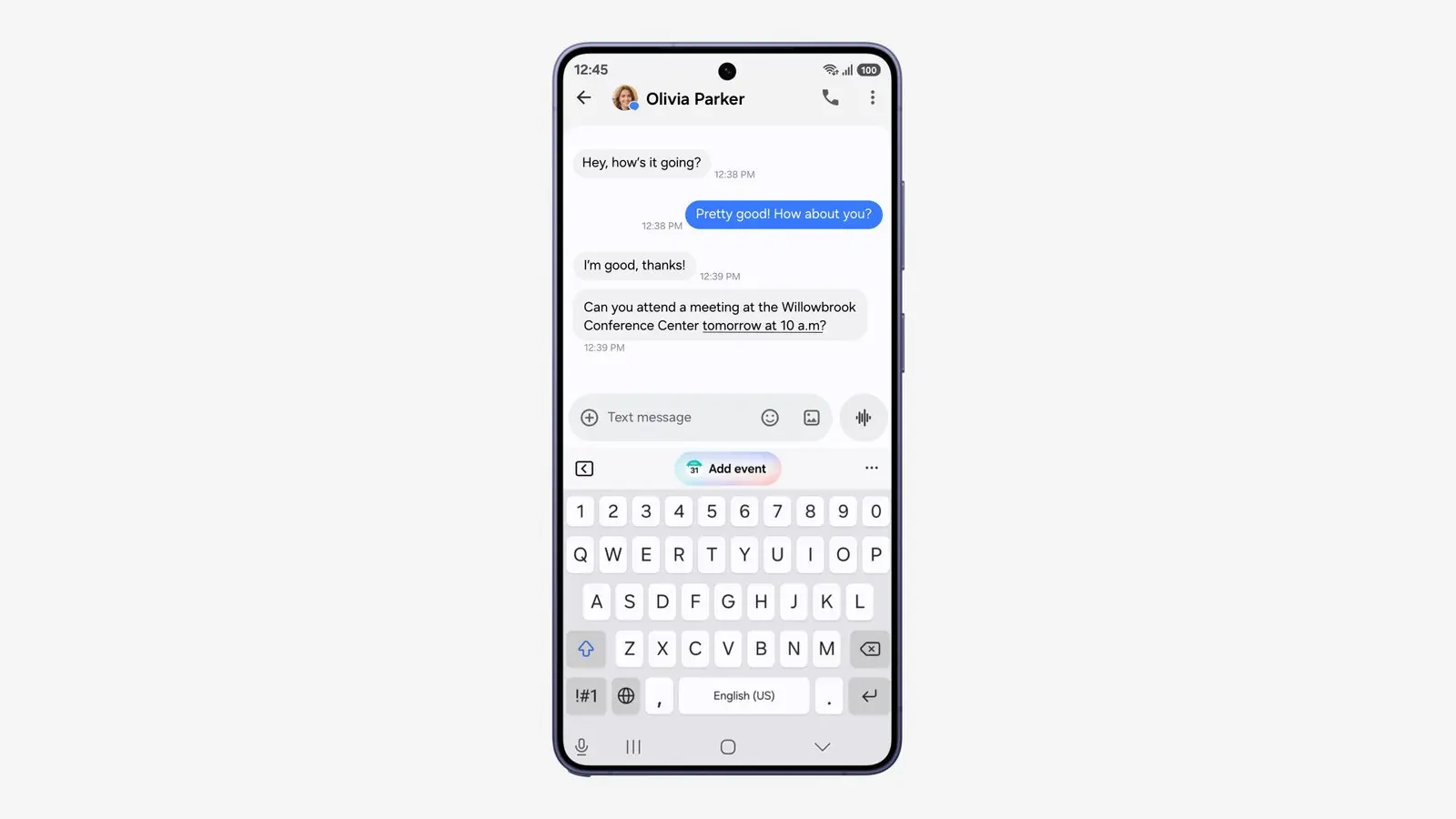
- Look at the new AI settings. Samsung says One UI 9 brings an enhanced Galaxy AI, including Now Brief with richer personalization and a smarter Now Nudge. Samsung notes that additional AI features exist beyond those it lists, and does not say which are on by default.
- See what else is new. 9to5Google's copy of Samsung's changelog for the S26 series lists Now Nudge suggestions in conversation notifications, My FanCam, and a more customizable Quick Panel. Features may vary by device.
- Set up the side button. Our Samsung side button settings guide lists what each press does and how to change it, from Samsung's own pages.
- Find warranty and support. Samsung's announcement says Settings now adds warranty checks, self-diagnostics, repair estimates and service booking.
Who has One UI 9 in the US now
Latest rollout reports in our sources, dated in each line. We did not check carrier pages.
- Galaxy Z Fold8 Ultra, Z Fold8 and Z Flip8: Samsung says One UI 9 debuted on these first.
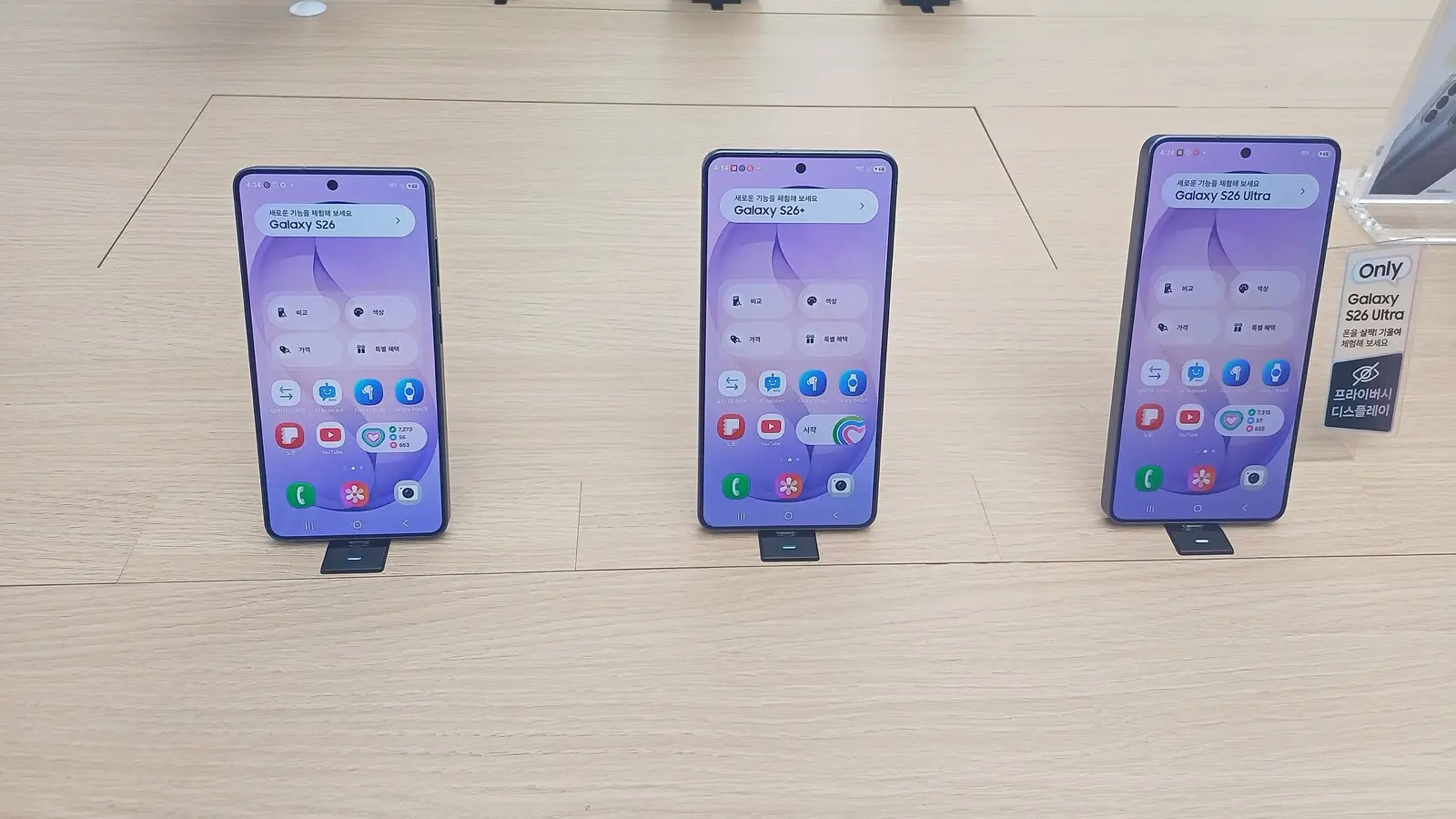
- Galaxy S26 series: Samsung says the stable update began on September 16. Outlets reported Korea first, the US from September 23, and unlocked models getting it by September 28.
- Galaxy S25 series, Z Fold7 and Z Flip7: They were reported on October 6 to be receiving it in the US.
- Galaxy S24 series: On October 12 it was reported that the stable update has begun on carrier-locked S24 models in the US. Sammy Guru's tracker (last updated October 26) lists US Cellular models from October 20 and unlocked models from October 21, the latter from Samsung's update server rather than owner reports. It does not confirm Verizon.
- Galaxy Z Fold6 and Z Flip6: Also on October 12, the update has begun outside South Korea, including the US.
- Galaxy S23 series: One outlet reports this will be its last major update. Sammy Guru's tracker lists the US from October 20 for T-Mobile, AT&T and US Cellular models and from October 26 for unlocked models, with Verizon not confirmed. It reports South Korea beta users first on October 14.
- Galaxy A57: The October 12 report above says the stable update is live outside South Korea. It also reports a boot problem for some A57 owners (see Before you update). We found no US-specific A57 report.
- Galaxy A56 and A36: Sammy Guru's tracker lists the US from October 20: unlocked A56 units, and A36 carrier models on T-Mobile, AT&T and US Cellular, with unlocked A36 phones still waiting when it checked.
- Other A-series models (A35 down to A06), Tab S11, S10 and S9, Tab A11 and A9+, XCover 7, 7 Pro and 6 Pro: Expected, but not dated; one outlet puts it toward the end of the year. Sammy Guru's tracker lists no stable release for the Tab S10 or Tab S11 series yet.
- Galaxy S22 and S21 FE: One outlet reports they stay on One UI 8, having used up their four major Android updates. Separately, Korea's regulator has fined Samsung over Galaxy S22 GOS ads.
What we could not confirm
- Carrier-by-carrier timing beyond what owners report for the S26 series.
- Verizon timing for the S24 and S23, and dates for the remaining A-series and tablet waves in the US. Samsung's own page says only that the update is expected to gradually roll out to other Galaxy devices and names no dates. The S23, A56 and A36 lines above come from one tracker, not from Samsung.
- One outlet's October 12 report on the S24, Z Fold6 and Z Flip6 US rollout: its page was blocked for us, so we did not use it.
- How the update behaves on your phone. We did not test it, and we did not check the Samsung Members app.
Update, October 12 (6 p.m. ET)
Some Galaxy owners report an XML "Access Denied" error screen after installing One UI 9. Android Authority reports affected phones still boot; users report recovering through Safe Mode. Samsung has not confirmed the problem or a cause. See Galaxy stuck on an XML "Access Denied" error after One UI 9? for the reported steps and a precaution before you update.
Correction note, October 28
We rechecked this guide against Samsung's pages on October 28. The update path (Settings, Software update, Download and install, Check for updates) and the feature list match Samsung's own pages, so those are unchanged. What had gone out of date was the rollout list: it still said the S24 was limited to carrier models, gave no US date for the S23, and treated the A56 and A36 as undated. We updated those lines and added the Sammy Guru tracker as a source. Samsung does not publish a per-device US schedule, so those dates are tracker reports and can change.