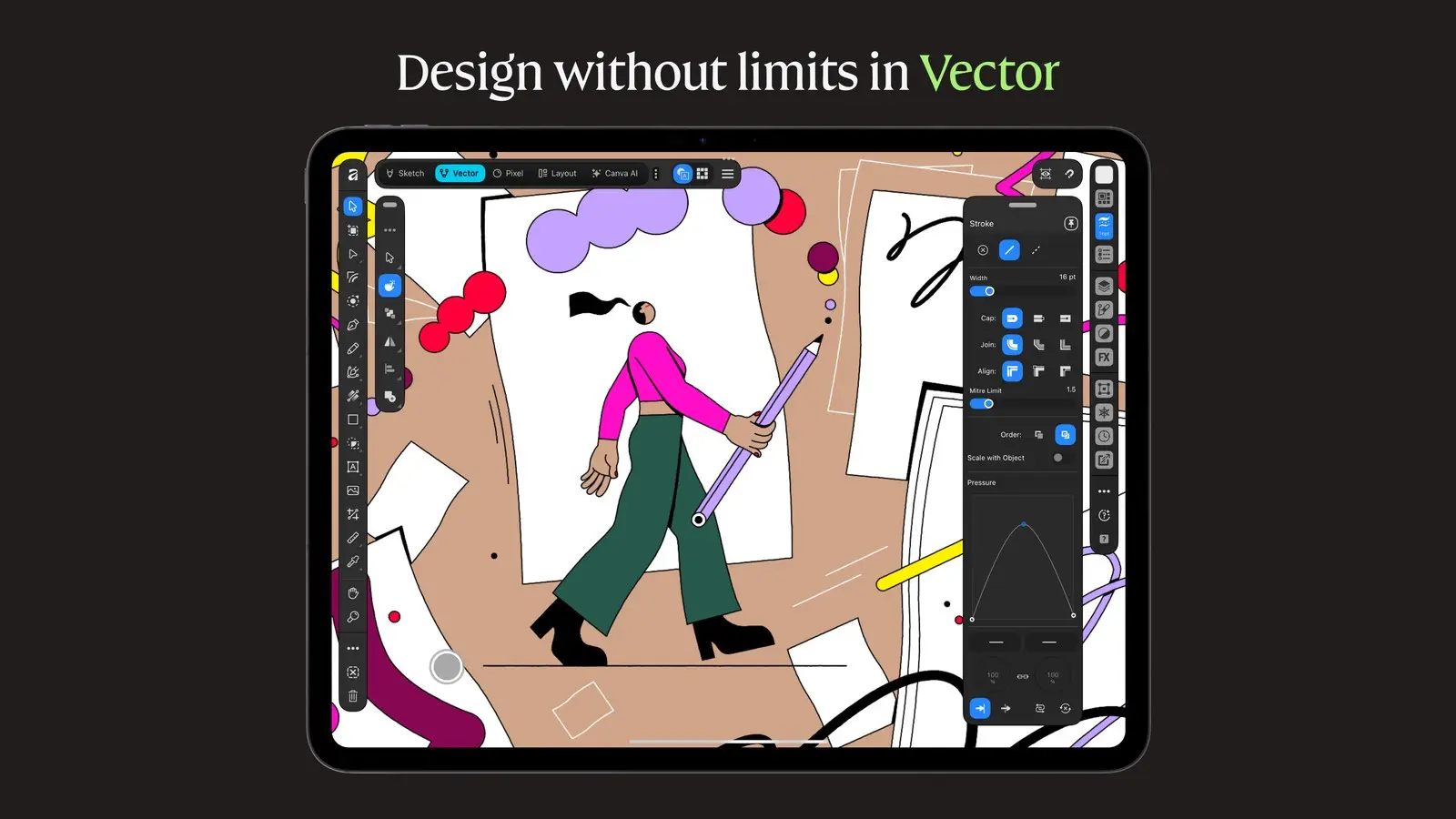
Canva's Affinity for iPad is free for individuals. It puts sketching, vector drawing, photo editing and page layout in one app built for touch and Apple Pencil, and it is on the US App Store as of our Nov. 2 check.
What changed
The App Store lists the app as free, with in-app purchases. Affinity says individuals get the core tools without restrictions and without a subscription.
Earlier Affinity iPad releases were three separate apps, Designer 2, Photo 2 and Publisher 2. The new app has Sketch, Vector, Pixel and Layout modes in one file. The App Store lists it as "Affinity by Canva," from Canva Pty Ltd, at 1.9 GB.
Is Affinity free? What costs money
The core photo, vector, layout and sketching tools are free. Affinity's iPad page says you sign in with a Canva account and that a free account is enough for them.
Canva AI Studio is the paid part. The App Store listing says it handles grain removal, blurry-photo rescue and background cutouts, and a Canva premium plan unlocks it. Affinity names Pro, Business, Enterprise and Education.
| Canva plan (US in-app purchase) | Monthly | Yearly |
|---|---|---|
| Canva Pro | $18.00 | $143.99 |
| Canva Business | $25.00 | $250.00 |
Affinity points organizations and schools to Canva sales. Neither page says what an individual may do commercially, so check Canva's terms before client work.
Affinity iPad requirements
The App Store listing says the app needs iPadOS 18.0 or later, and it also lists the iPad models it supports. The app is described as built for touch and Apple Pencil, with tilt and barrel-roll support. Neither page says a Pencil is required. Our Apple Pencil (USB-C) story lists the iPads that model works with.
For files, it opens PSD, AI, INDD, IDML, PDF and SVG, and exports JPEG, PNG, WebP, PDF, SVG, EPUB and INDD. Several features are not on iPad yet: Books, Batch, Data Merge, Quick Adjustments, the Info and Scope panels, macro recording and Astrophotography Studio.
How it compares with Procreate and Adobe
All prices are as of Nov. 2, 2026.
Procreate costs $12.99 on the US App Store, and its page says "No subscriptions." Procreate's page calls it a drawing app for iPad; Affinity adds vector and page layout.
Adobe Fresco is free, per Adobe, and compatible with Apple Pencil. It is a drawing and painting app, not a layout tool. Illustrator on iPad is different: Adobe's page offers a free trial and says it is included with plans that include Illustrator, and the page mentions no free version.
Who is affected
iPad owners who want a layout or vector tool without a subscription are the main audience. Owners of the older Affinity 2 iPad apps are affected too: those three apps still appear on the App Store, each listed at $0 in the US on Nov. 2.
What this means for you
If you have a compatible iPad on iPadOS 18, the download costs nothing, so you can test it against Procreate or Fresco before paying for anything. Check the missing-feature list first if you rely on batch work or macros. The cost to watch is Canva's paid plan, which is only needed for the AI tools. For more iPad context, see Apple's new OLED iPad mini.
What we checked
We read Affinity's site, its iPad page and the App Store listing on Nov. 2. Procreate's price is from the App Store, and its subscription statement is from Procreate's page. Fresco and Illustrator details are from Adobe's pages. We did not test the app.