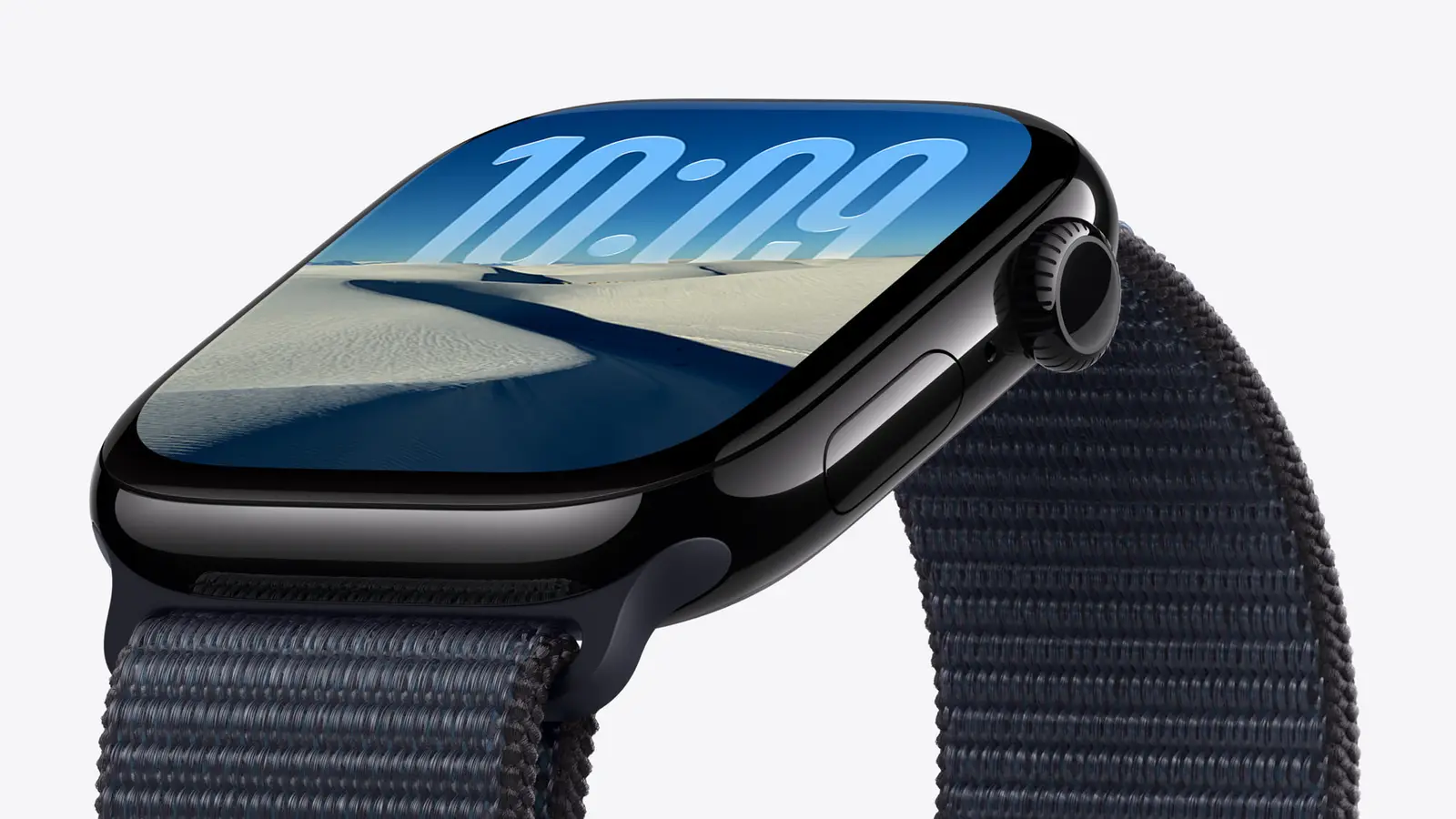
Apple published a support document on Oct. 30 about the daylight saving time change. US clocks went back on Nov. 1, so it applies now.
What Apple says
- After the change in your area, the watch might keep showing time off by one hour.
- It appears only on the Always On display, with your wrist down.
- Tapping the screen or raising your wrist shows the correct time.
- Alarms and other features are not affected.
- If you do nothing, it corrects itself at midnight following the time change.
What to do
- Switch to any other watch face, then switch back.
- Or restart the watch.
Apple also advises keeping the watch updated.
What we could not confirm
Apple's document does not say which Apple Watch models or watchOS versions are affected. It gives no cause and no date for a software fix. MacRumors also reported the document on Nov. 1.
What this means for you
If the Always On display looks an hour off, raise your wrist or tap the screen to check. You can wait for midnight or use either fix above.
Earlier Apple Watch coverage: the Series 12 price drop that has ended and an Apple Watch SE 3 deal from Oct. 12.