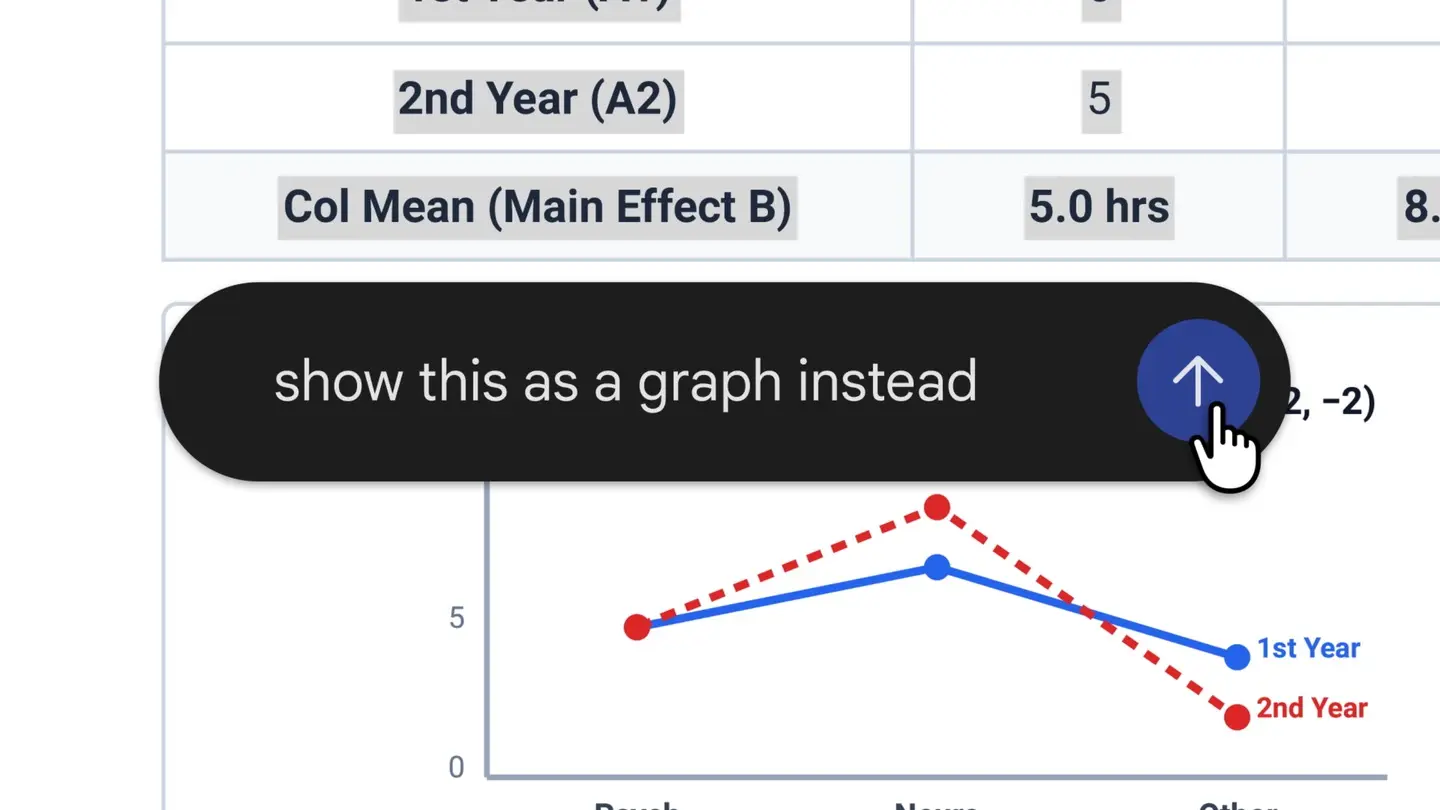
The Gemini app can now generate a file in the chat, show a preview, and let you edit it there. Google announced it in a blog post dated Oct. 29, and says it is available now.
What you can edit, and where
Google lists these formats. Only PDFs work on both web and mobile.
- PDF: preview and editing on web and mobile.
- Google Docs and Google Sheets files: web only.
- Slide decks: web only.
- Markdown and TXT files: web only.
- Code: web only.
How editing works
Expand a file to full screen and type your changes directly. You can also highlight text to ask Gemini a question about it, or ask Gemini to refine the file. Google's example is a PDF study guide made from photos of handwritten lecture notes, which you then edit by hand and have Gemini revise, text or visuals.
Who gets it
Google says it is available to all Gemini app users, in every language the app supports. The post does not mention a staged rollout, file-size limits or usage limits.
Versus ChatGPT canvas
OpenAI's October 2024 launch post describes canvas as a way to write and code with ChatGPT, with highlighting and direct edits.
Why it matters
The split is the catch. If you want to fix a document, sheet or deck in Gemini, you need a browser; on a phone the editing option is limited to PDFs. A workflow that starts on mobile will hit that wall.
What we checked
We read Google's announcement and OpenAI's canvas launch post. We did not test either feature.
For related coverage, see Gemini Notebook as a Connected App, Google's Gemini agent for enterprise work and more AI apps news.