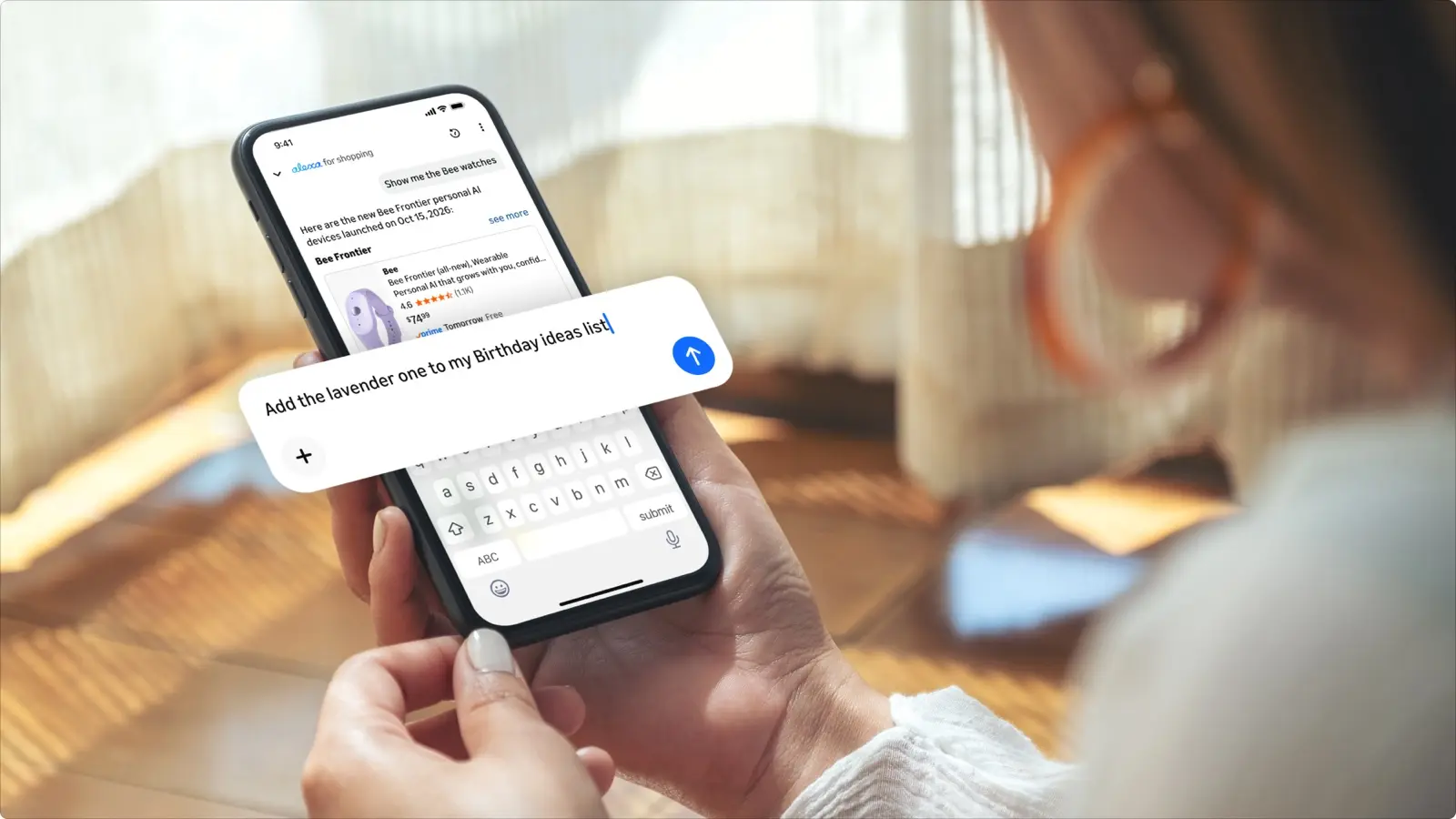
Amazon has added more than 100 things you can ask Alexa for Shopping to do, mostly account chores such as pausing a Subscribe & Save delivery or checking a refund. Amazon's announcement is dated Oct. 29 and says the update is available now.
What you can ask it to do
Amazon groups the new abilities into five areas:
- Lists and registries. Create and edit lists, move items between them, and build grocery, baby, wedding and holiday wish lists.
- Subscribe & Save. Skip or pause a delivery, or change how often it arrives.
- Prime and other subscriptions. Check your Prime benefits and yearly Prime savings, and see renewal dates for subscriptions such as Audible.
- Delivery instructions. Update them on your account or for one specific address.
- Payments and billing. Ask about a charge you do not recognize, view Amazon gift card balances and check the status of a refund.
Who gets it and where
Amazon says it is available to all US Amazon customers. In the Amazon Shopping app, tap the Alexa icon. On desktop, Alexa for Shopping sits at the top of the screen.
What is not new
Amazon's post also mentions features that existed before this update: "Update Me When" alerts, automated recurring shopping tasks, visual search, Amazon Lens, Lens Live and Shop Direct. Only the account and list tasks above are the new 100-plus.
What we checked
Amazon's Oct. 29 post does not say who needs what. Its earlier launch post does: US customers can use Alexa for Shopping for free when signed into their account, with no Echo device, Alexa app or Prime membership required. The Oct. 29 post is the source for the new actions and for "available now". It names no devices or mobile operating systems beyond the Amazon Shopping app and desktop.
Amazon says more than 400 million customers used Alexa for Shopping in the last 12 months. It does not say how many used these new tasks, which are brand new.
Why it matters
Our read: the useful part is the account chores. Skipping a delivery or finding a refund status normally means digging through menus. Asking in one sentence is faster, as long as Alexa gets it right.
The catch is that these are actions on your account and money. Check what Alexa says it did before you rely on it, for example that a delivery shows as paused, and confirm your gift card balance in the order page when it matters.
For other recent Alexa changes, see Amazon's new Echo lineup and the Alexa Tablet prices and ad terms.