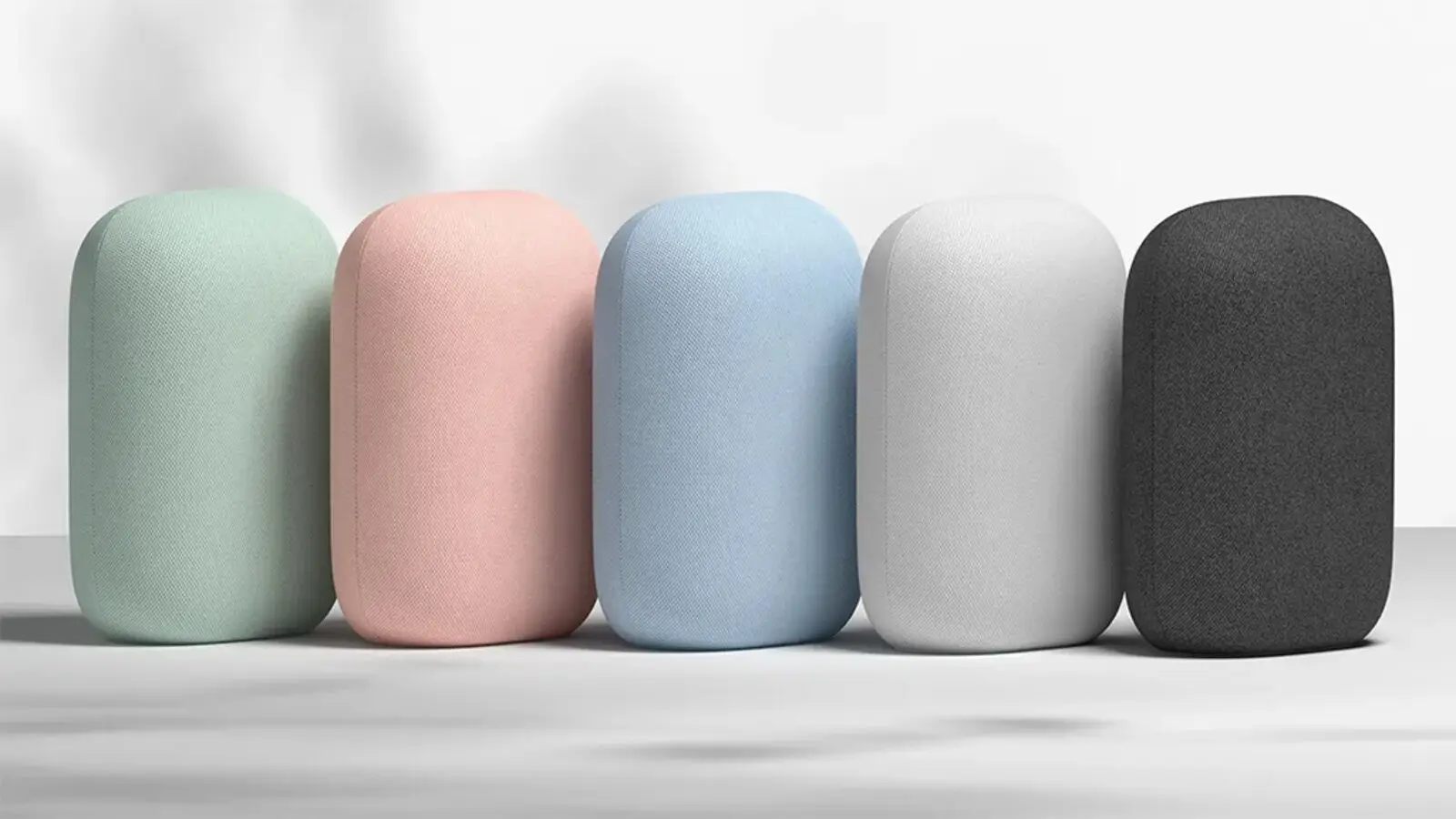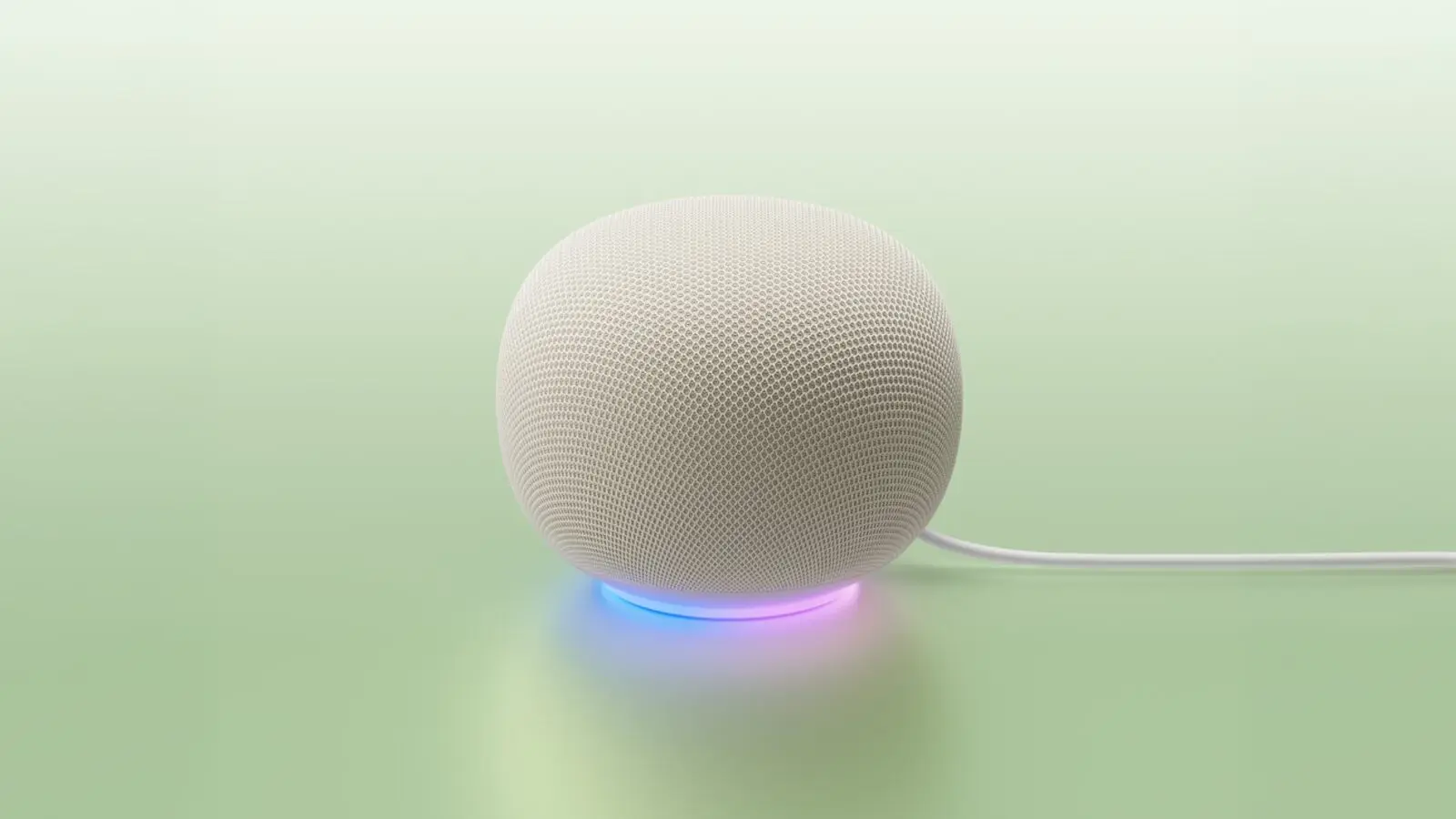
Some owners of the new Google Home Speaker are seeing it download data around the clock, even when nobody is using it. 9to5Google reports that the amounts can reach hundreds of gigabytes. Google told the site on Oct. 19 that "a fix is already rolling out that should address this for users."
What the numbers look like
The report measured one idle speaker and lists these figures:
- 17 GB in 24 hours with no voice commands or media streaming, including 9.99 GB at 3 a.m. PT
- 41 GB on Oct. 13
- 132 GB over 30 days
- 2 GB in a month on a lightly used speaker in a different household
The same report says it is not clear whether the problem is widespread, and that other Google Home and Nest devices in the affected home, including several Nest Hubs, did not show it.
Why it may be happening
The 3 a.m. timing led the reporter to suggest the cause could be failed attempts to download device firmware. That is a guess, not a confirmed cause. Google's statement did not name a cause.
How to check your speaker
Capped or metered plans are where this hurts. The report says owners with several speakers and a limited plan could easily hit a cap, and some already have.
- Open your router's app or admin page and find the per-device traffic or usage list.
- Find the speaker by name, then compare its downloaded data over a full 24 hours against the figures above.
- If you use Nest Wifi, the report says to open the Google Home app's Wifi tab, choose Devices, select the speaker and open the device usage graphs. They switch between 1-, 7- and 30-day views.
- If the speaker is still pulling far more than a lightly used one should, contact Google support and give them the numbers.
What to do now
Watch the speaker's usage over several days, not one, because the daily amount swings. If it stays high, contact Google support with your numbers. For the speaker's other recent news, see our look at the October Google Home update.