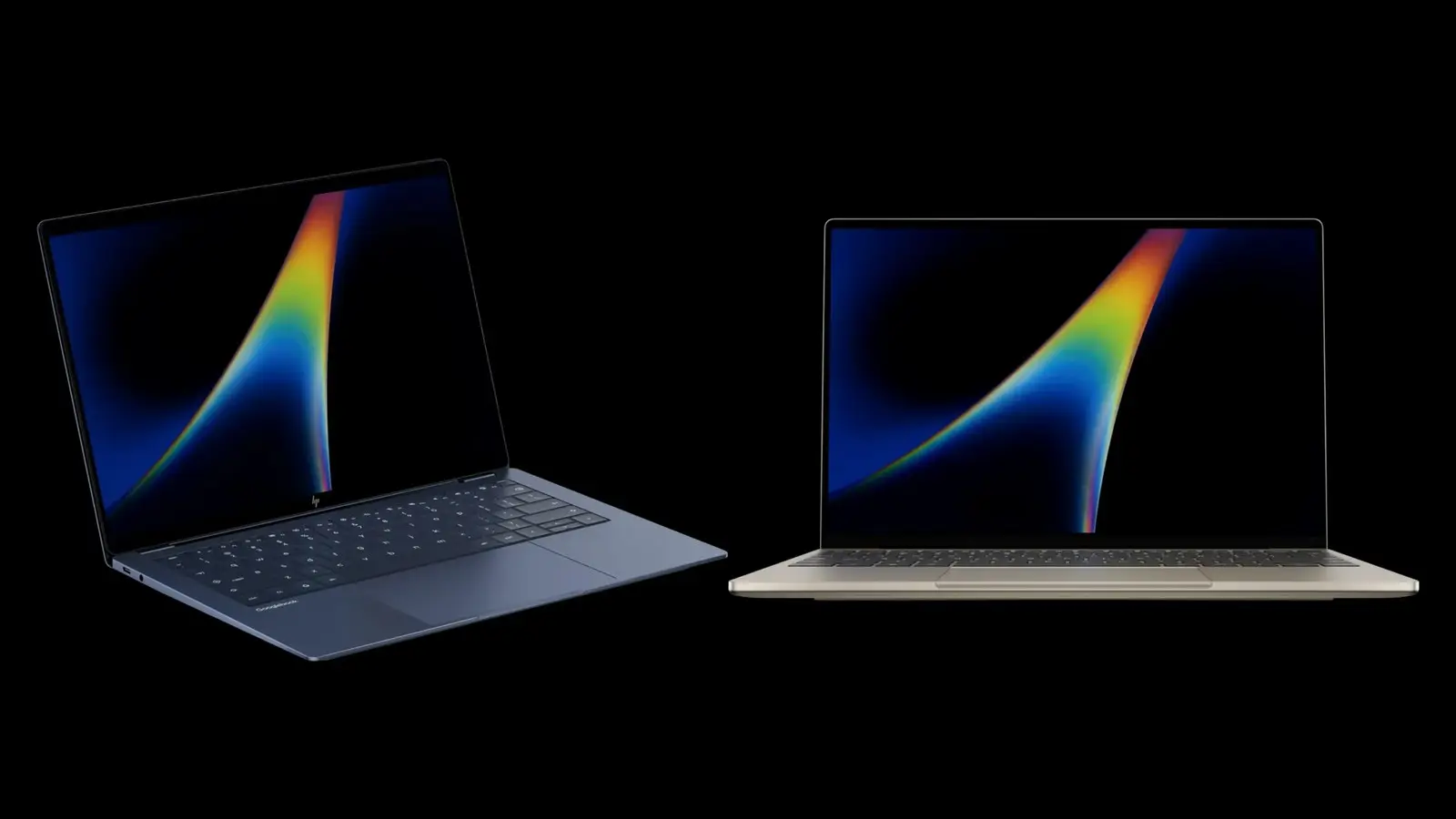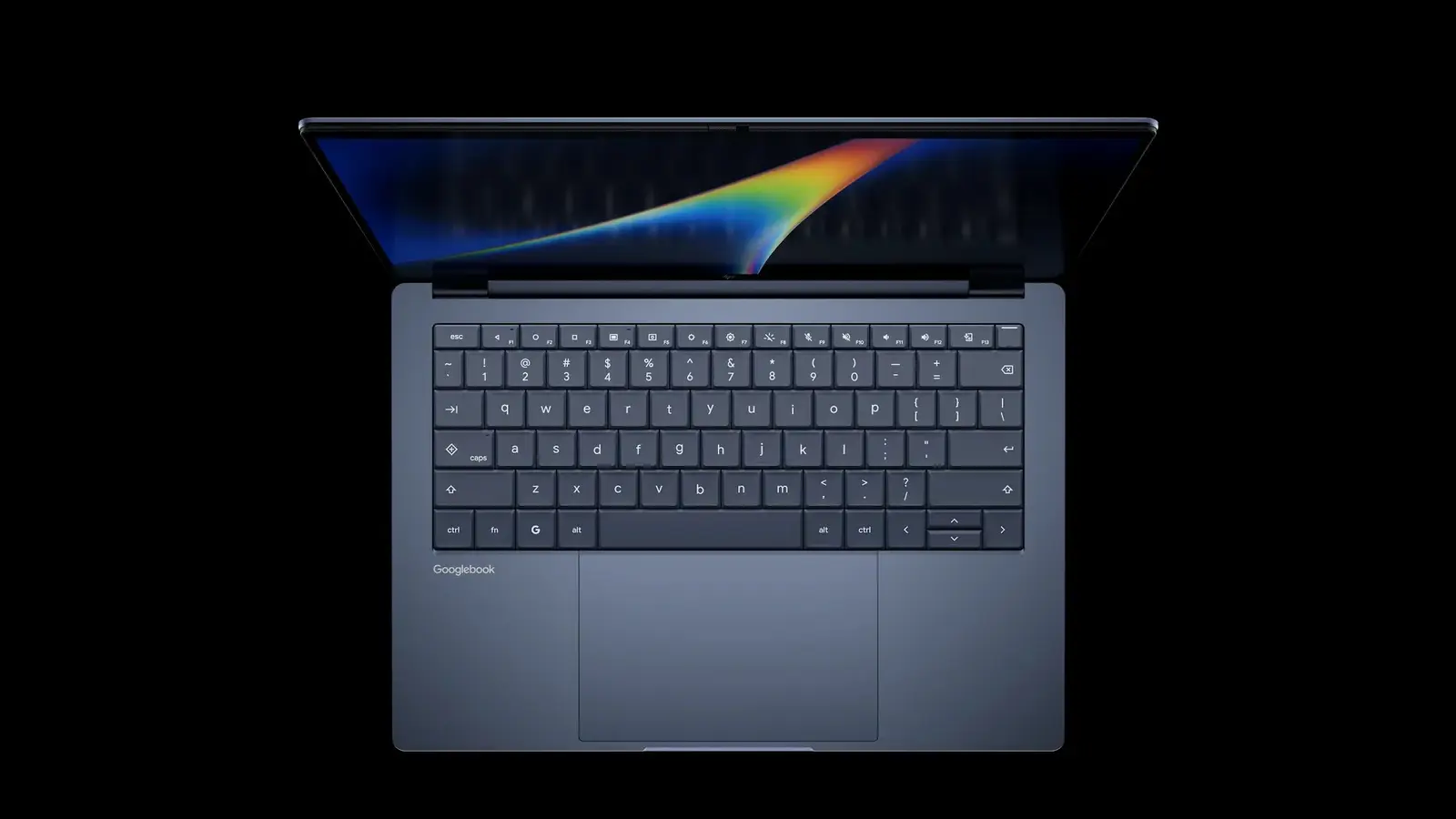
Starting Oct. 13, Chrome on a Googlebook can install any web page as an app, Google says in its support thread. Until now it only offered Install for sites set up as web apps. 9to5Google reported the update; the steps below come from Google's own post.
What changed
Google's support thread says:
- At launch, Chrome on Googlebook "only enabled the Install option for websites specifically configured as web apps."
- Pages without an installable web manifest opened as ordinary browser-tab shortcuts.
- Google calls that "a conscious design choice," but says it heard the feedback.
- With Chrome 155, you can manually install any page "so that it works as an app in its own window."
How to install a page
Google's steps:
- Open Chrome on your Googlebook and go to the site.
- At the top right, open the Chrome menu, then Save and share, then "Install and create shortcut...". On some sites you can instead select Install at the top right of the address bar.
- Select Install and follow the on-screen instructions.
If you made a browser-tab shortcut for a site before this update, Google says to remove the old shortcut first and reinstall the page with these steps.
Get the update
Per Google:
- Chrome 155 rolls out over the next few days through Google Play.
- To force it: open the Play Store on your Googlebook, search for Chrome and select Update.
- To check your version: Settings, then Apps, then "See all X apps" (X is your app count), search for and select Chrome, and scroll to the bottom to find the "version" number.
- The version should read 155.0.8059.79 or higher.
What an installed page shares with Chrome
Google says installed web apps can be pinned to the taskbar or homescreen and run in Chrome. They share:
- your Google Account sign-in
- cookies and site permissions
- installed browser extensions
Google's web apps help page adds two caveats:
- Clearing cookies in the browser logs you out of web apps.
- Web apps work offline, but some may not work completely without an internet connection.
The same Chrome update opens Settings in its own tab.
Which sites and what it will not do
Our read, untested: we have not tried this on a Googlebook. Google's post names no sites. The likely fit is web versions of desktop software the platform lacks. This also closes one gap from our launch-problems report, which said 9to5Google could not install the Slack web app. We have not checked whether Slack now installs.
Google does not say how an installed page differs from a native Android or desktop app. Its help page describes web apps as running in Chrome. Not stated:
- whether installed pages get notifications or file access
- how an arbitrary page behaves offline, if the site has no offline support of its own
Treat these as unknown until you test a page you depend on.
Why it matters
Chrome 155 changes what you can install: any page, in its own window, not only sites built as web apps. Underneath it is still Chrome, so it shares your sign-in and cookies, and clearing cookies logs you out. Our read, untested: that suits sites you already use in a browser more than software that needs more than a browser provides.